



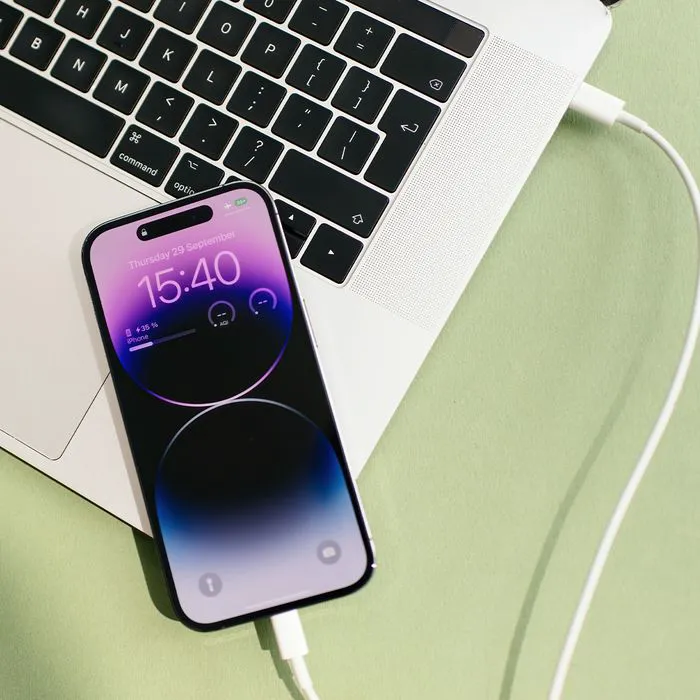
Have you ever dealt with an iPhone that doesn’t ever seem to hold a charge, no matter what, throughout the day?
This can genuinely be an issue for some people who actually don’t practice good charging habits. Charging an iPhone might seem simple, but in reality, there are good and bad ways to go about charging a smartphone, as certain methods make a phone’s battery last longer or shorter. Read more about one charging tip tech users recommend practicing for smoother iPhone use and a longer-running battery throughout the day below.

Women Are Swapping Their Boring Water For This Ice Pop Electrolyte Mix!
The One Charging Tip Tech Users Say Helps Your Phone Run Like Brand New
One of the biggest components to keeping an iPhone fresh and running quickly is its battery - when an iPhone battery is running low, it can lag and, of course, hinder a user's experience. Plus, having a battery that isn't properly charged throughout the day can be harmful to your safety, especially if your phone is your sole means of communicating with others.
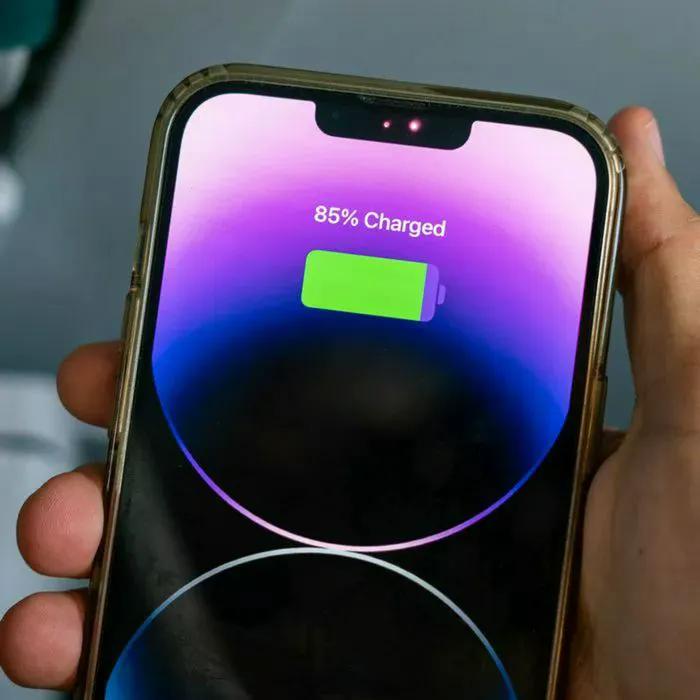
This is why practicing good charging habits is key. There are a lot of them to follow, but there's one that tech pros swear by, as it keeps your battery, and therefore your phone, healthier for longer. One of these habits is keeping an eye on your phone's battery percentage while charging and keeping it at the sweet spot tech pros recommend, which is no higher than 80% and no lower than 20%.
"Going all the way to 100% or letting your battery hit zero introduces additional stress," explains tech pro Mark Patrick. "Battery management systems inside your phone help protect the battery, but sticking to the charge 'sweet spot' between 20 and 80% keeps it happier for longer."
iPhone users can help ensure this happens in instances like charging overnight by turning on the Optimized Battery Charging, which will help make sure your iPhone isn't sitting at 100% too long, subsequently frying your battery. Happy charging!