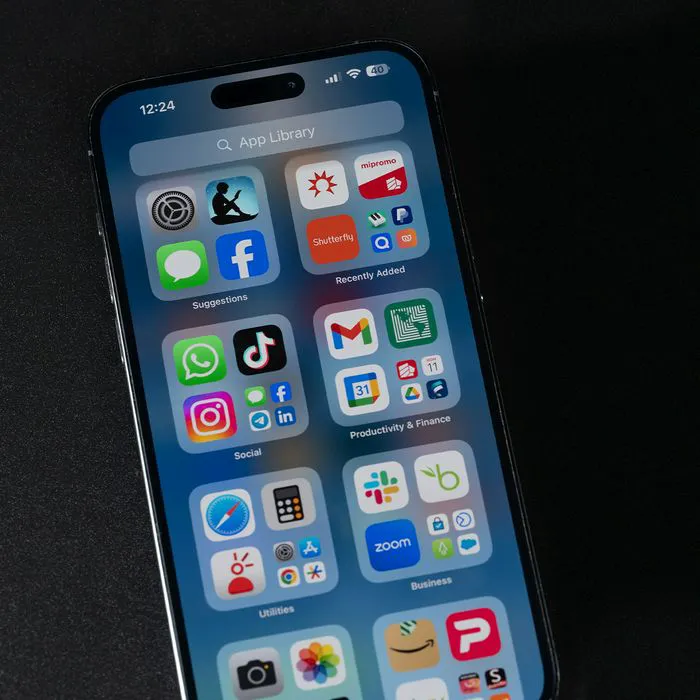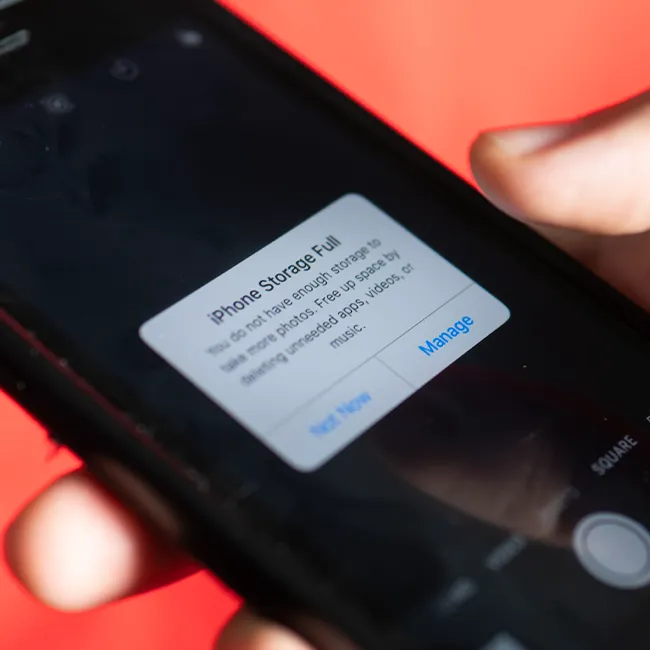




If you’re iPhone isn’t quite functioning like it did when you first took it out of the box, the culprit might be one of the data-consuming apps you’re using on a regular basis.
As we add more and more apps to our devices, and become more and more addicted to using them, we notice that our iOS devices start to slow down. So, what’s exactly to blame? We spoke to leading tech experts to get the low down:

Women Are Swapping Their Boring Water For This Ice Pop Electrolyte Mix!
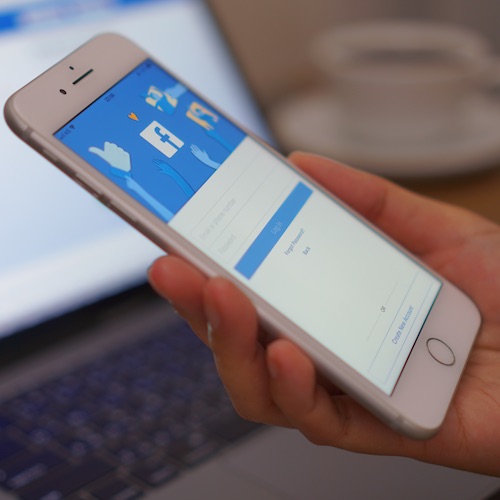
"Facebook is usually a big culprit, along with intense gaming apps," Matt Zieminski, Lead Tech Engineer at Puls explains. "It’s usually a good idea to use those types of apps in a limited capacity for the sake of our phone (and your sanity)."
So, what should you do? "Try deleting resource intensive apps that might drain a lot of battery juice," he advises.

"Across the board, the biggest offenders when it comes to battery-draining apps are those that stream content," Michael Bancroft, Globalive Media series “Beyond Innovation” airing weekly on Bloomberg Television tells us.
Which apps are streaming? "For a young adult it may be Instagram/Snapchat, for a teen it could be YouTube or Twitch, and for many adults it's Facebook," he says.
"It’s really about where you spend the most time streaming, so your favorites are, unfortunately, the ones most likely killing your battery." Say it ain't so!
"Many people also don’t realize how many apps they have running in the background or unnecessary notifications eking away at battery life," Michael continues.
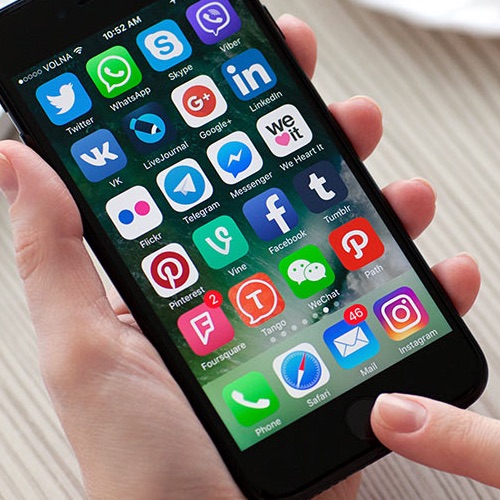
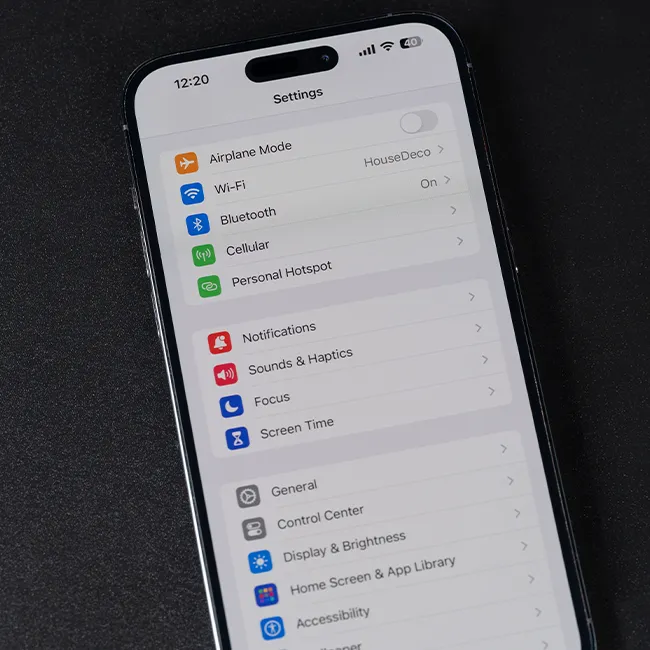
"To prevent needless battery drain, get into the habit of closing apps not in use, and go into your settings to turn off notifications you don’t really need. This may prevent you from needing to delete the battery-draining apps you love the most."
So, there you have it--change these few iPhone habits and you could end your frustration for good. Happy scrolling, people!
READ MORE: The One Thing You Should Never Do When Syncing Your iPhone