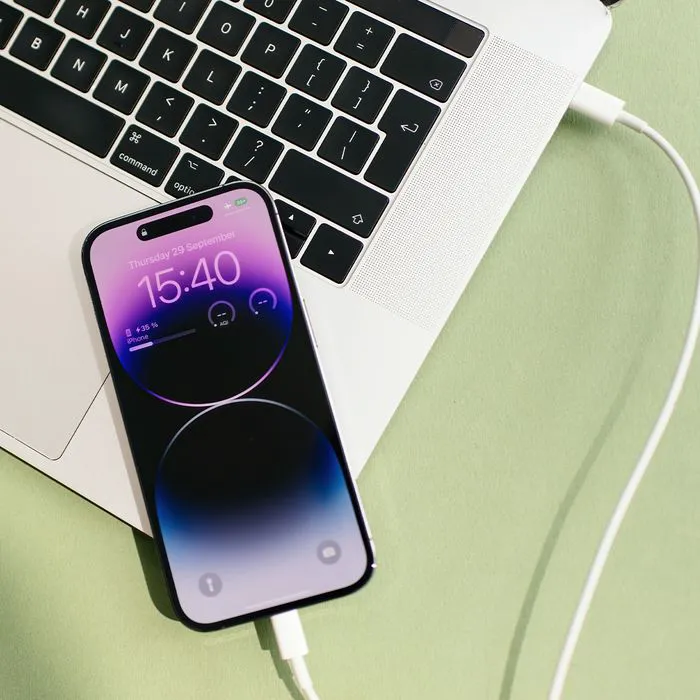


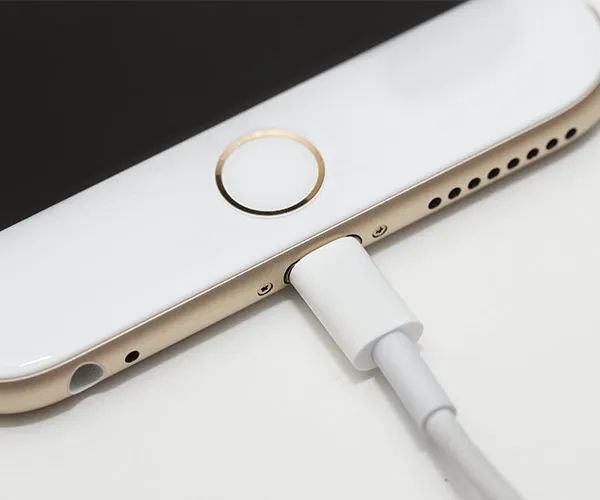
"Zendaya and Hailey Bieber's engagement rings"
"Pistachio crusted salmon with arugula, berries, and raisin salad"
"Miley Cyrus shirtless in magazine shoot"

Tech

The One Thing You Should Never Do When Syncing Your iPhone

November 23, 2018 by Justine Schwartz
shefinds | Tech
Featured image

Syncing your iOS device (iPhone, iPod touch or iPad) to your computer is necessary so that you can access any songs that you’ve recently downloaded. Syncing means that the files will be updated both places, which means a more seamless experience for you wherever and whenever you hit “Play.” Whether you’re sitting at your desk, riding on the train or in the comfort of your own home, you can have all your music and other files at your finger tips. That’s modern technology, baby!

So, how can you sync your device? And are there any caveats for doing so?

house unit img
Women Are Swapping Their Boring Water For This Ice Pop Electrolyte Mix!
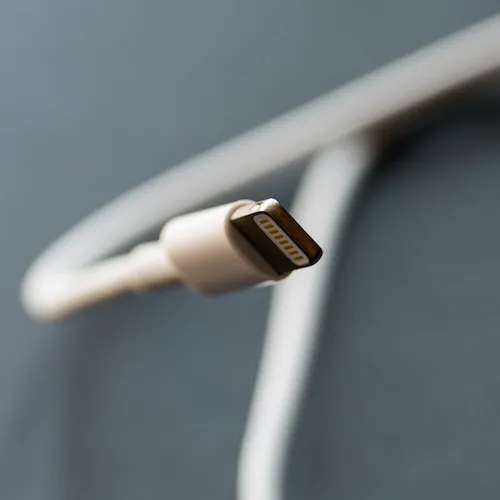
"Phone connector for iPhone"

How To Sync Your iPhone

Whether you choose to use a USB cable or WiFi to sync your device to iTunes, or if you choose another cloud-based option like iCloud or Apple Music to back-up is entirely up to you. Backing up to iTunes is much faster than backing up to the iCloud, but backing up to the cloud is a good idea because then you can access your files (music, etc.) whether you're near a computer or not. It's a toss up.
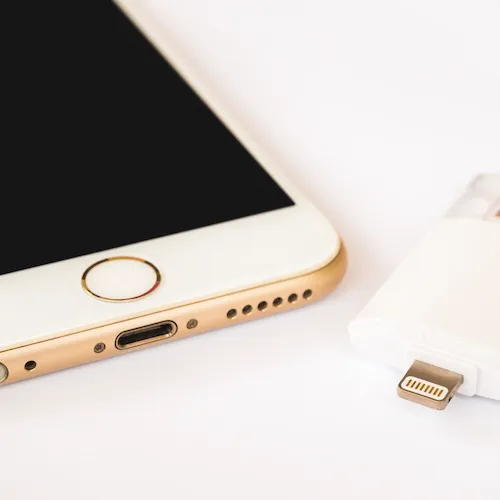
"USB connection with iPhone"

The One Thing You Should NEVER Do

There is one thing you need to consider when doing either: never interrupt either!


"Once you start a process of backing up and restoring the phone’s information the iOS software opens up certain doors and gates that normally would protect your data from the potential mishap." Matt Zieminski, Lead Tech Engineer at Puls tells us.
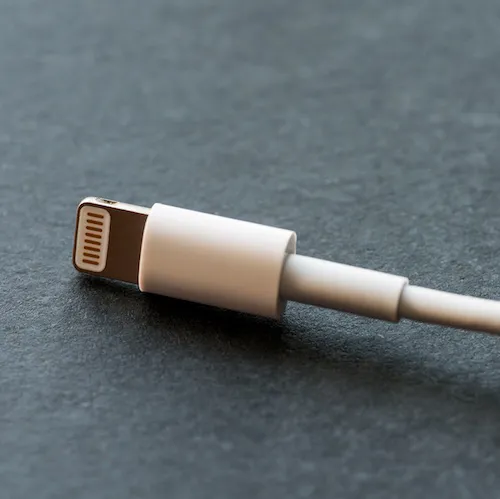
"iPhone connected via USB"

"If you unplug your device at that point you may corrupt the data beyond the point of no return and lose it entirely. Make sure when you start a sync with iTunes you have slotted the necessary time to complete the activity."


You got that, folks? Don't rush things!
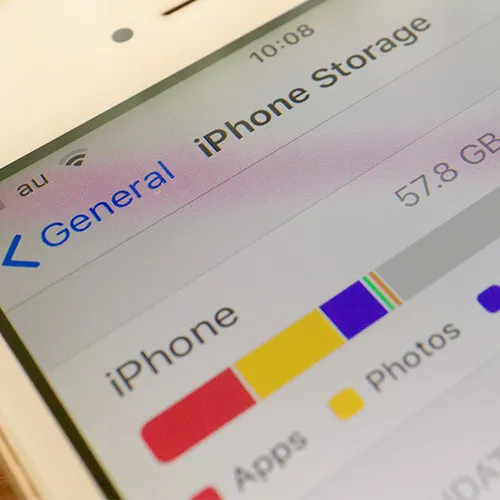
"iPhone storage hack illustration"

READ MORE: The One App You Should Delete ASAP If You’re Always Running Out Of Storage
"iPhone battery problem warning"

READ MORE: The One App You Should Never Use If Your iPhone Battery Is Always Dying
Author:

Editorial Director

Justine Schwartz is a veteran women's lifestyle editor; she's written extensively about style & beauty tips, health advice and wedding planning. Her work has appeared in New York Magazine, Huffington Post and New York Weddings. Justine has been with SheFinds since 2010; you can reach her via email at Justine@shefinds.com.

"iPhone 15 on a table"
"Close-up of male hands holding an iPhone 17 Pro Max"
"Galaxy Note Android phone"
"Holding a Galaxy S24"
"Samsung Galaxy S22 smartphone"
"Holding an iPhone 17"
"Galaxy Note Android phone"
"Close-up of hands using an iPhone 17 Pro Max"
"Man holding an iPhone"
"Google Pixel 8 apps on display"
"iPhone settings showing low battery"
"Holding an iPhone 17"
"Hands using a smartphone to check notifications"
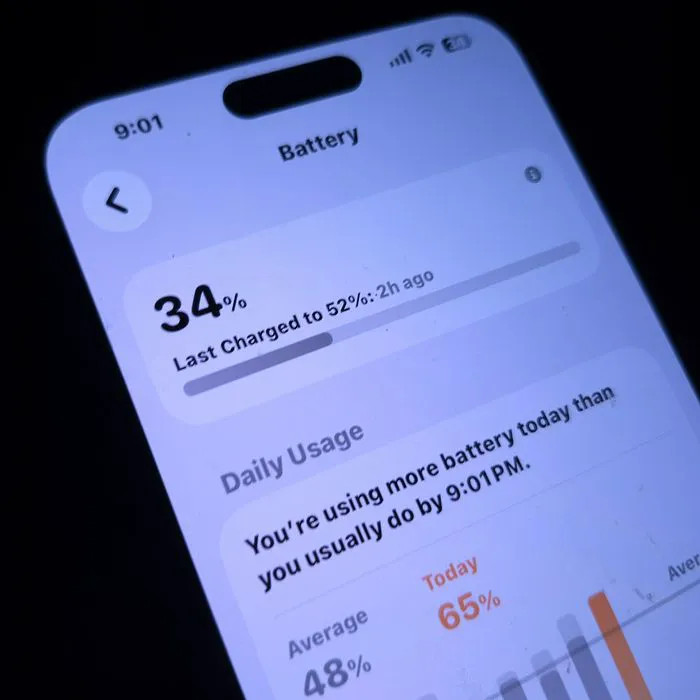
"Close-up of iPhone screen displaying battery statistics"
"Holding an iPhone"
"iPhone plugged in for charging"
"Man holding an iPhone"
"Woman using a laptop"
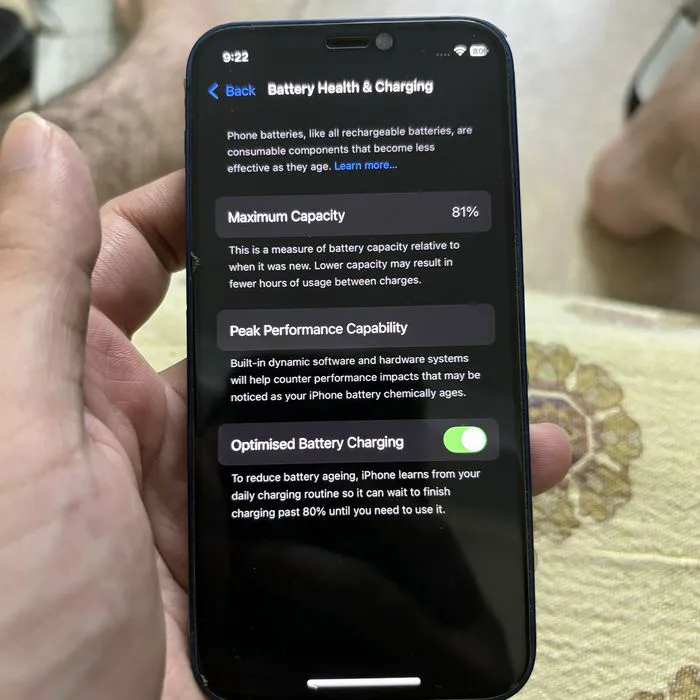
"iPhone battery health display on screen"
"iPhone 17 charging"
iPhone 15 displayed on a table with a minimalist aesthetic.
Close-up of male hands holding an Apple iPhone 17 Pro Max.
Samsung Galaxy Note Android phone on a flat surface.
Person holding a Samsung Galaxy S24 smartphone.
Samsung Galaxy S22 in a casual setting.
Individual holding an iPhone 17 with a neutral background.
Close-up of a Galaxy Note Android phone in hand.
Hands using an iPhone 17 Pro Max for browsing.
Man holding an iPhone with a relaxed expression.
Google Pixel 8 showcasing various apps on screen.
iPhone settings screen displaying low battery warning.
Person holding an iPhone 17 at a coffee shop.
Hands checking notifications on a smartphone.
iPhone screen displaying battery statistics in detail.
Individual holding an iPhone with a scenic backdrop.
iPhone plugged in, charging on a desk.
Man holding an iPhone while sitting casually.
Woman using a laptop with a focused expression.
iPhone screen showing battery health information clearly.
iPhone 17 charging with a cable connected.