

"Russell Crowe at the Nuremberg Film Premiere"
"Miranda Kerr at the 12th Breakthrough Prize"
"Woman pinching excess skin on tummy"

Tech

The One Mistake You’re Making That’s KILLING Your iPhone Battery

November 26, 2018 by Justine Schwartz
shefinds | Tech
Featured image

We all know that the more streaming and social apps we load on your phones and the more we use them on a daily basis, the faster our battery dies. Especially as the lithium battery starts to age. But did you know that there’s one simple mistake we’re making every night that certainly isn’t helping much either? What is it?

READ MORE: The Unexpected Reason Your iPhone Keeps Dying, According To An Expert

house unit img
Women Are Swapping Their Boring Water For This Ice Pop Electrolyte Mix!
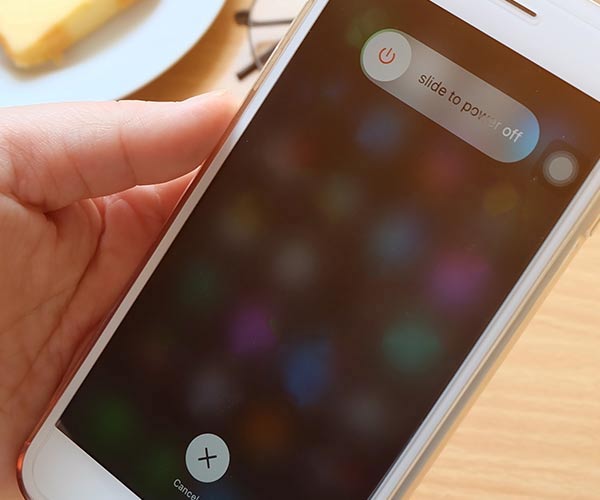
"iPhone power off screen"

Not Turning Your Phone Off

Nothing can kill an iPhone then never turning it off and giving it a chance to rest," Keri LeBlanc, marketing director of CyberDefenses, tells us. Yikes! We had no idea. Raise your hand if you can't remember the last time you turned your iPhone off. (Raises hand.)

So, how often do you need to turn your iPhone off, according to experts? “[Your] phone needs to be turned off at least once a week or your battery will lose its life,” she warns.

But I use my phone as my alarm, you say. Well, don't sleep on the old-fashioned solution for that, Keri advises.
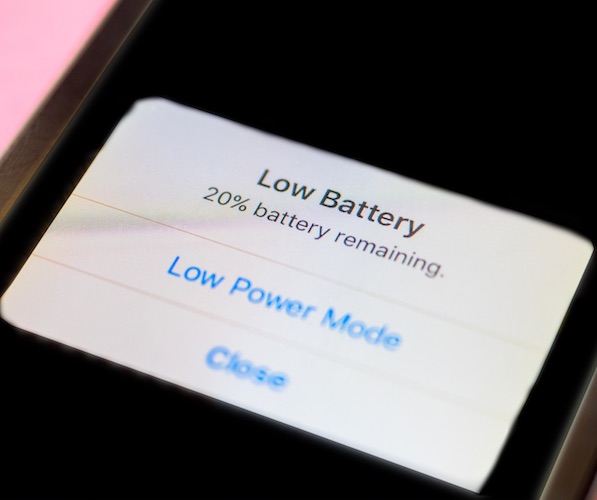
"Dying battery on iPhone"

“Many people use their phones as an alarm clock, but experts suggest getting a cheap alarm instead and saving your iPhone's life span,” she says. Fascinating!


TLDR: you need to pick one day a week to turn off your iPhone at night, because it's killing your battery not to.
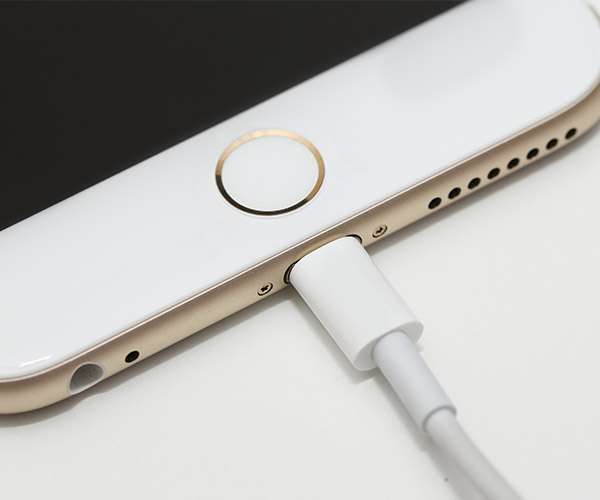
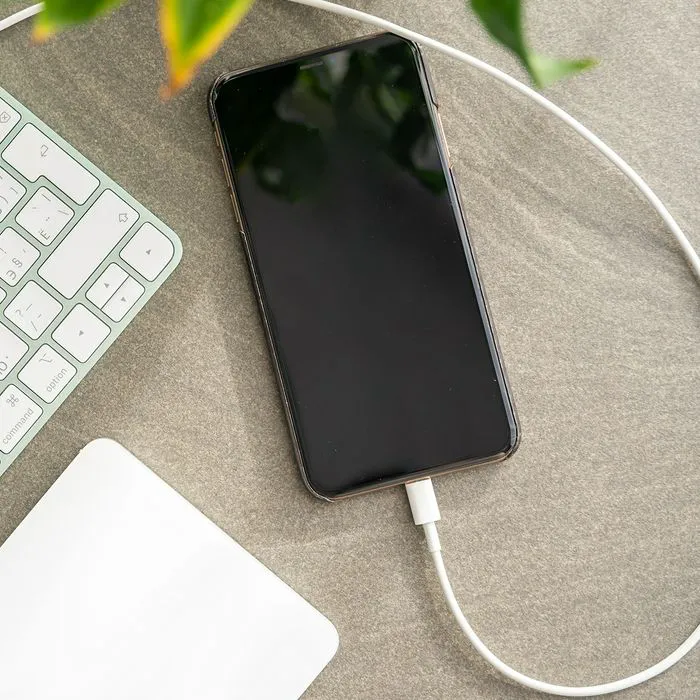
"iPhone charging"

More iPhone Battery Mistakes

What are other surprising mistakes you’re making that are killing the battery?

Letting your battery die (it’s better to keep it charged), charging a battery to 100% (a battery functions best at 40-80% charge), charging it overnight (again, too much charge is not a good thing) and overheating your phone (heavy cases can do this!). All of these tips are courtesy of Stylight.com.
"iPhone storage screen"

READ MORE: The One Thing You Should Never Do When Cellular Data Is Enabled On Your iPhone
"iPhone voice control screen"

READ MORE: The Scary Reason You Shouldn't Use Siri or Google Assistant
Author:

Editorial Director

Justine Schwartz is a veteran women's lifestyle editor; she's written extensively about style & beauty tips, health advice and wedding planning. Her work has appeared in New York Magazine, Huffington Post and New York Weddings. Justine has been with SheFinds since 2010; you can reach her via email at Justine@shefinds.com.

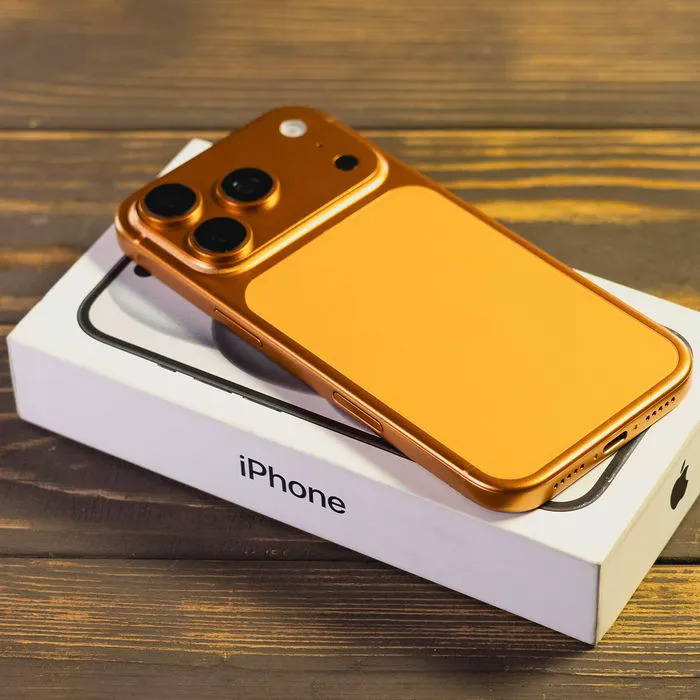
"iPhone 17 and its box"
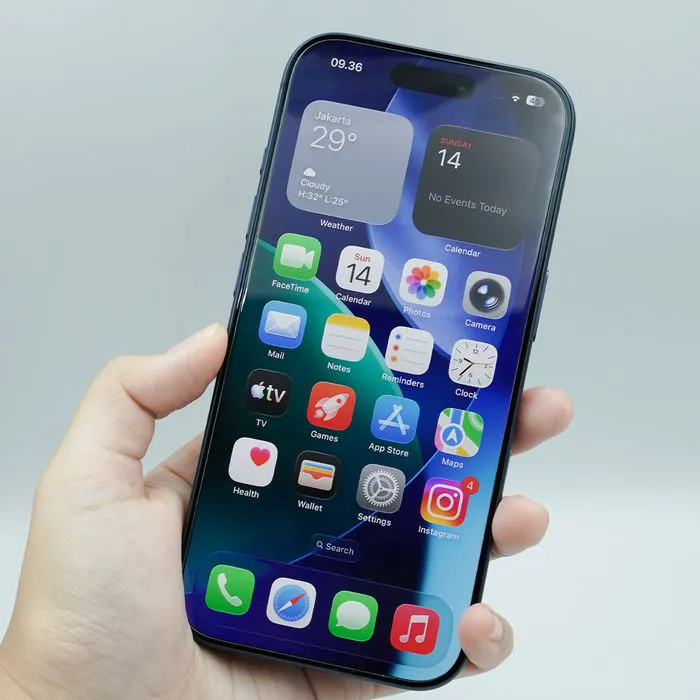
"Hand holding iPhone 17 Pro"
"Using iPhone outside"
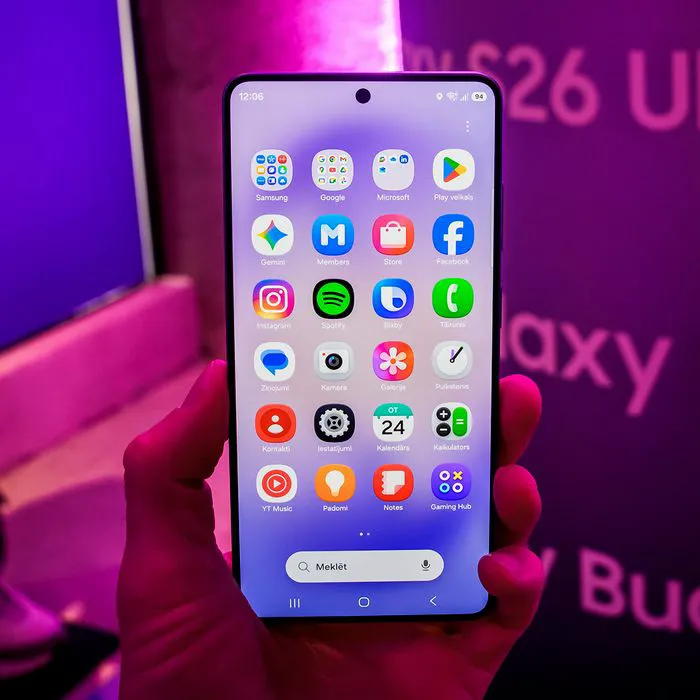
"Samsung Galaxy S26"
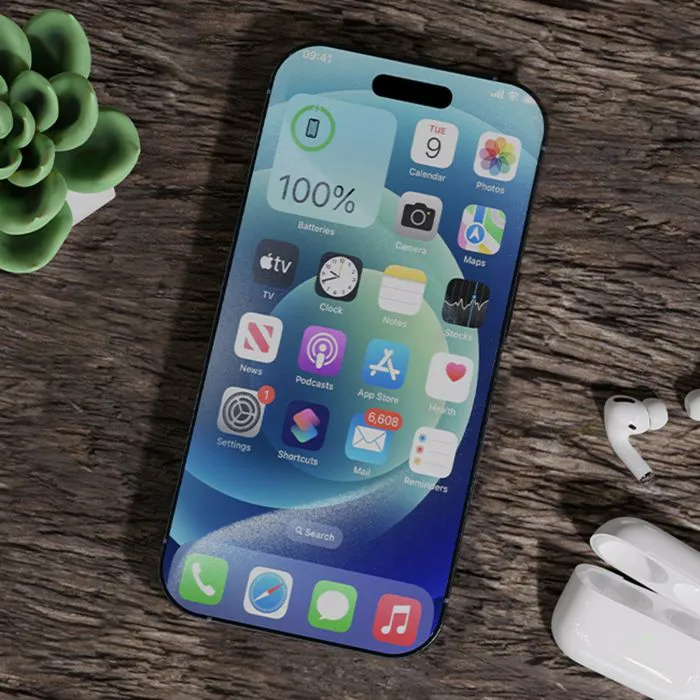
"iPhone 15 on table"
"Close-up of hands holding Apple iPhone 17 Pro Max"
"Galaxy Note Android phone"
"Holding a Galaxy S24"
"Galaxy Samsung Galaxy S22"
"Holding iPhone 17"
"Galaxy Note Android phone"
"Close-up of hands using iPhone 17 Pro Max"
"Man holding iPhone"
"Google Pixel 8 apps"
"iPhone settings showing low battery"
"Holding an iPhone 17"
"Hands using a smartphone to check notifications"
"Close-up of iPhone screen with battery statistics"
"Holding an iPhone"
"iPhone plugged in for charging"
iPhone 17 in its sleek packaging on a table
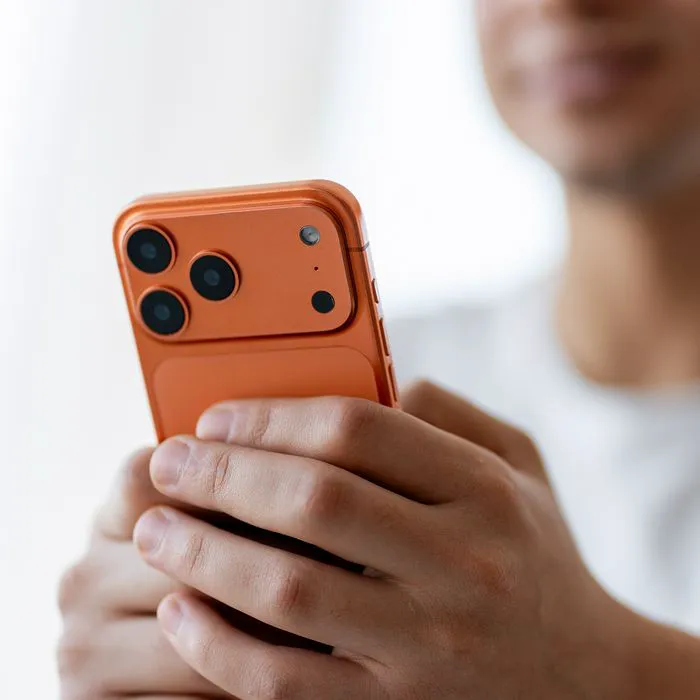
Close-up of a person holding an iPhone 17 Pro.
Person using iPhone outdoors in natural sunlight
Samsung Galaxy S26 displayed on a stylish surface
iPhone 15 displayed on a stylish table setting.
Close-up of male hands holding an Apple iPhone 17 Pro Max
Close-up of Samsung Galaxy Note highlighting its advanced technology and functionality.
Person holding a Galaxy S24 smartphone outdoors.
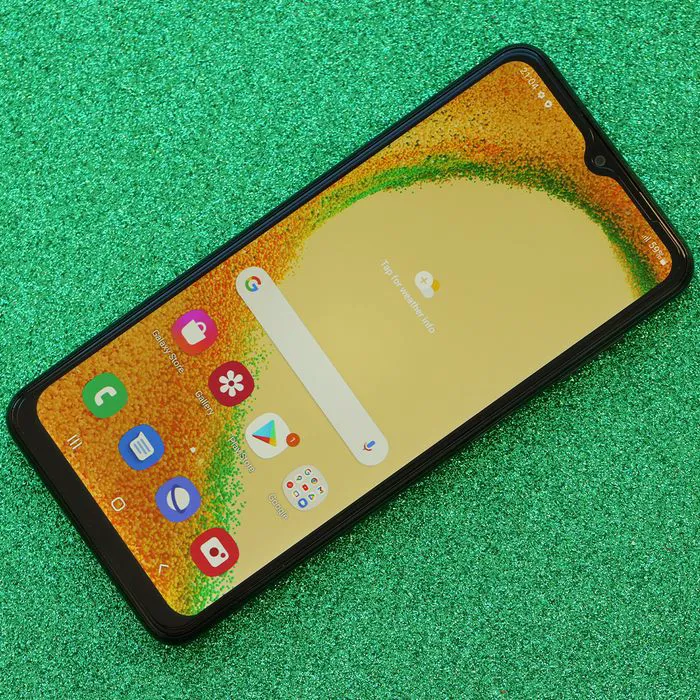
Samsung Galaxy S22 smartphone showcasing sleek design and features
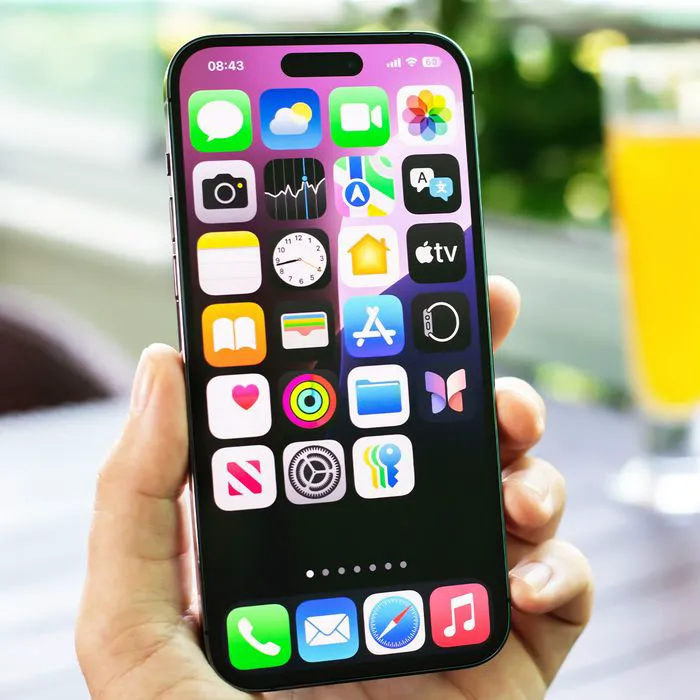
Person holding iPhone 17 showcasing its sleek design.
Galaxy Note Android phone with a sleek design.
Close-up of hands interacting with iPhone 17 Pro Max.
Man proudly holding an iPhone in a casual pose.
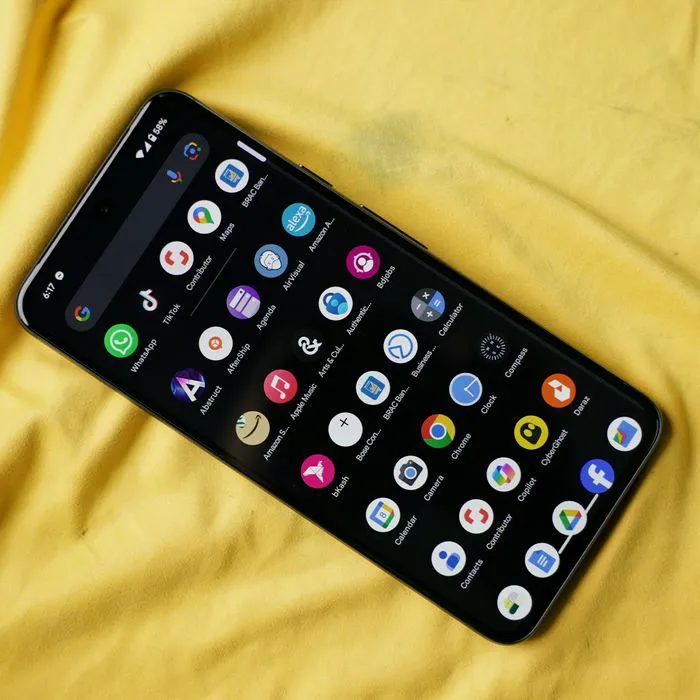
Google Pixel 8 showcasing various apps on its screen.
iPhone settings showing low battery warning screen
Close-up of a person holding an iPhone 17.
Hands checking notifications on a smartphone.
Close-up of iPhone screen displaying battery statistics.
Individual holding an iPhone outdoors.
iPhone connected to a charger on a table.