






This post has been updated since it was published on January 2, 2021.
Your WiFi connection may not be something that you pay any attention to on an ordinary day. It allows you to connect to the Internet and, even when you’re out and about, you may be grateful for the opportunity to connect to public WiFi without having to think about it. But tech security experts spoke with SHEFinds.com about the WiFi settings you need to turn off right now to keep your network secure. If you’re concerned about hackers or simply want to learn a few good ways to save battery power and keep your phone in peak working condition, read on for solid tips from those in-the-know.
Only Connect To Networks You Trust
It’s tempting to be out and about and in need of Wifi and to connect to any open network you can find. But you should think about networks the way you do people’s homes. Would you enter a stranger’s home? Probably not. The same rule applies to Wifi networks.
The basic tenant of WiFi security is making sure that you only connect to trusted networks, says Online Privacy and Security Expert Caleb Chen from Private Internet Access. “Make sure that your phone’s auto-join open WiFi networks or open hotspots setting is turned off,” Chen says.
Just because a network doesn’t have a password on it doesn’t mean that you should join it – especially not automatically, Chen reminds us. “Connecting to a WiFi network, even if you later discover there is no internet access available, leaves a log of your device’s identifying information on the WiFi router and opens your device up to local network based attacks such as ARP poisoning.
Forget Networks
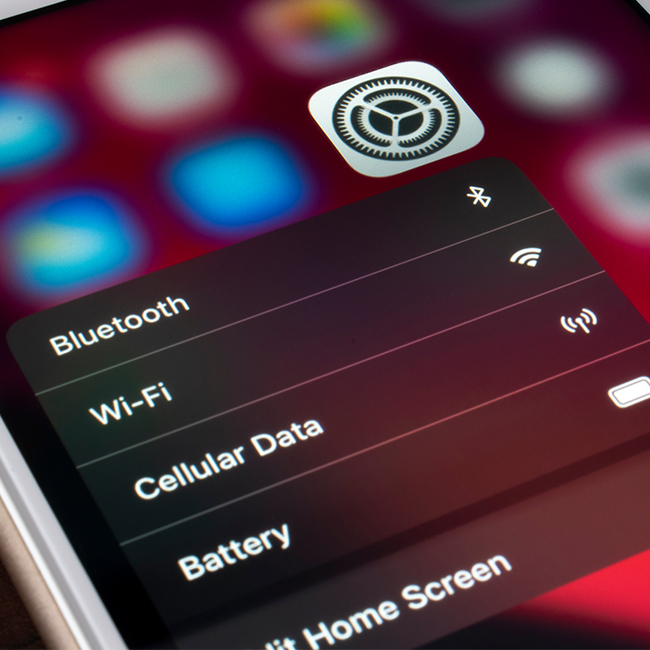
Another step you can take to secure your network is to ask your phone to forget a network if you will never use it again, according to Laura Fuentes, operator of Infinity Dish. To do this on an iPhone go to Settings > WiFi > then tap on the network name you’d like your device to forget. Tap Forget This Network and then tap Forget to confirm.
To forget a network on Android go to Settings > WiFi > and then press and hold the WiFi network to be removed and choose Forget.

Women Are Swapping Their Boring Water For This Ice Pop Electrolyte Mix!

Turn WiFi And Bluetooth Off When You’re Not Using Them
This tip has more to do with conserving battery power, which dwindles fast when you’re using Wifi and Bluetooth. “I advise you should turn off your phone's Bluetooth connection if you aren't using a Bluetooth device like a smartwatch or a pair of Bluetooth headphones,” says Martin Lassen, founder & CEO of GrammarHow. “Battery life will be significantly improved as a result. Switch off your device's WiFi unless you need to connect to a WiFi hotspot. These wireless technologies consume your energy, so turning them off will extend your phone's battery life for many more hours.”
Bottom line: Your Wifi settings actually do require a little more thought and consideration than you might have previously thought. Following these tips can help keep your data private and boost your battery power.



















