



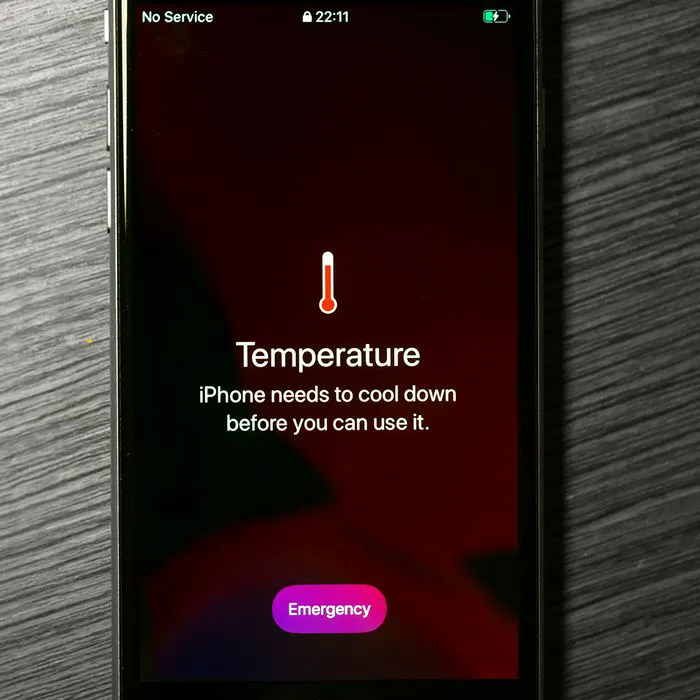
If your iPhone feels like it’s getting too hot too quickly this summer, don’t panic and don’t rush to replace it just yet.
An overheating iPhone can be frustrating, especially when you’re trying to get through the day without spending hundreds of dollars on a new device. While some heat can be normal during heavy use, there are a few simple changes you can make to help your phone stay cooler and potentially prevent the problem from getting worse. Before you start shopping for an upgrade, try these three easy tips tech experts suggest could help your iPhone cool down. Read more about them below.

Women Are Swapping Their Boring Water For This Ice Pop Electrolyte Mix!
1. Limit Your Use Of Heavy Apps
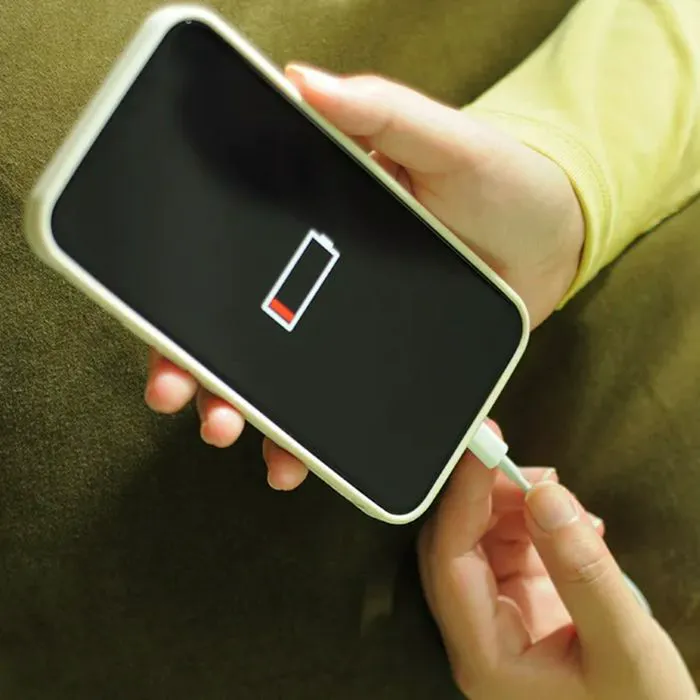
Some apps can make your iPhone work overtime, like games, video-editing apps, streaming services, and other processor-heavy programs. If your phone is getting noticeably hot, try closing apps you aren't using and taking a break from the most demanding ones. It may be a simple way to give your device a chance to cool down.
"[Heavy apps] are one of the main culprits that make your phone get hot, as the internal software system battles to keep them running by draining your battery," explains tech pro Michael Frohlich. "When you open heavy apps like ChatGPT or high-end games, they consume much of the iPhone's CPU or GPU capacity, making it overwork and use up more power from the battery. Within a short while of this happening, the phone gets hot and slows down. The best you can do is uninstall some of these apps or limit their background running by removing or closing them in the settings to further solve this problem."
2. Disable Auto-Rotate On Home Screen Widget Stacks
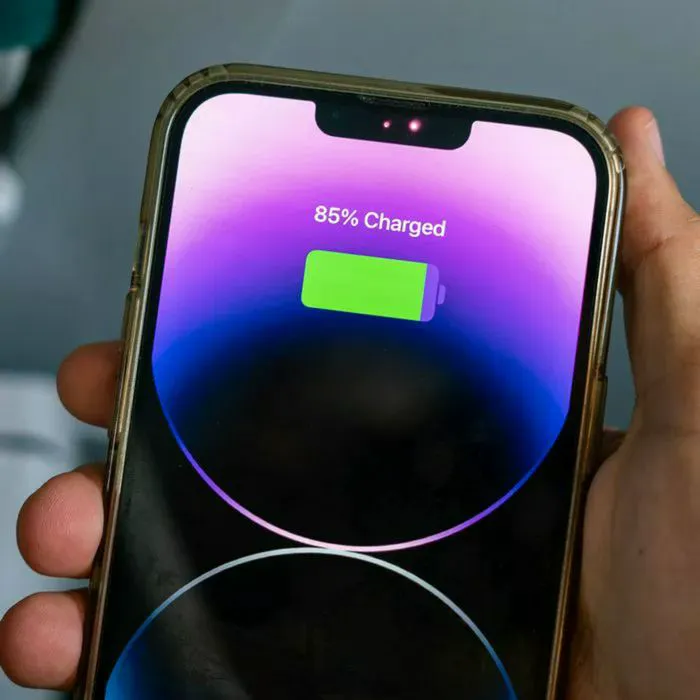
Your iPhone's Home Screen widgets can contribute to battery-draining, heat-generating background activity. If you use widget stacks that automatically rotate, consider turning off the feature to reduce some unnecessary activity. It's a small adjustment, but every little bit can help if your phone is already running hot.
"Smart stacks are constantly running ML models in the background to determine which widgets to display based on your location/time," notes software developer Chongwei Chen. "This means that your Neural Engine is always awake, starving your chassis of the ability to shed heat. Turning off Smart Rotate and Widget Suggestions will instantly kill these background processes."
3. Keep Your iPhone In A Cool Place
This one might sound obvious, but where you keep your iPhone can make a big difference, and if your iPhone more recently began overheating, the summer heat could have something to do with it. Avoid leaving it in direct sunlight, a hot car, or under blankets where heat can get trapped. Instead, keep it somewhere cool and shaded so the device has a better chance of maintaining a normal temperature.
"iPhone users who are struggling with an overheating problem should take care with when and where they use their phone," adds tech and marketing pro Arqam Zafar. "Avoid using it in direct sunlight on a hot day, and avoid streaming heavy media content or playing a game on it. Additionally, try to avoid using your phone while it is charging."