



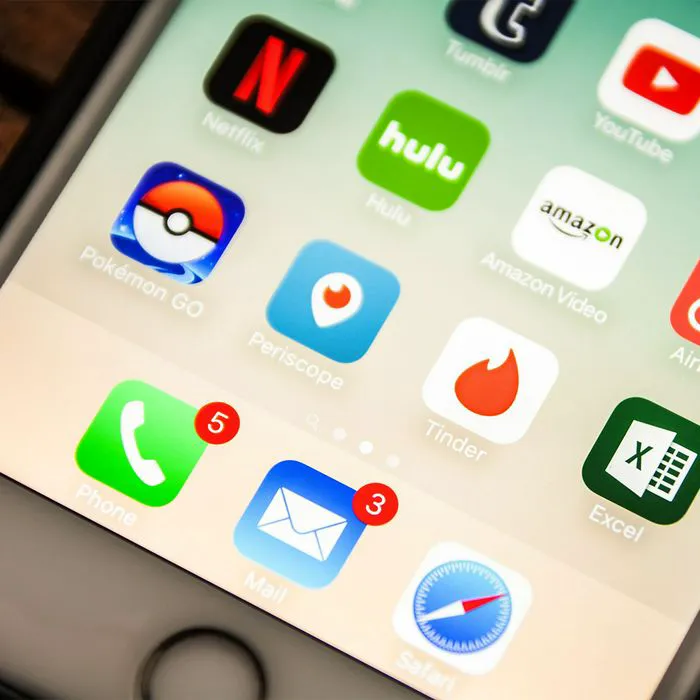
Similar to how we develop any habit, it isn’t uncommon to create tech habits with your iPhone that can either be positive or lead to negative consequences over time. Maybe you’ve gotten really committed to charging your phone every few hours and then unplugging your charger when it reaches 80 percent — that’s one example of a good habit that can ensure your phone’s battery stays strong for as long as possible. But you could also be making mistakes — including these three mistakes tech experts say are ruining your phone battery. Vaishnavi Davande, a tech expert with Devsjournal, warns against making these common errors.
Your Battery Gets Too Hot
The biggest cause of ruining your battery is heat, something that can happen for a variety of reasons that include using heavy apps and games or exposing your phone to sunlight for too long, Davande says. “Sometimes, as you put your device on a charge, slowly it starts getting warmer,” Davande says. “Overcharging can also cause overheating of the phone, which may cause some serious internal damage or make it extremely sluggish. To prevent this, try to not use too many heavy apps and games. Try to avoid overcharging the phone — it is recommended to keep your iPhone charged from 30% to 80%. This will increase the battery lifespan as well as also leave a positive impact on the performance.”
Another tip Davande recommends: remove the phone case while charging your iPhone, as the phone case grabs all the heat the iPhone emits while on a charge, which might lead to unnecessary overheating.
Closing Apps
“You might have at least one app that you use often, reloading such apps frequently might consume more battery life than keeping it on standby,” Davande says. “It’s best to quit the habit of swiping up the apps. It might be a small change but it will save quite a bit of battery life.”
Enabling Settlings That Ruin Battery
Beware of settings like automated background app refresh or auto screen brightness, which Davande says might be a cause of dramatic battery loss. Turning off such settings may save you a little more of your iPhone battery life — and it can be easily done. “You can turn off the auto screen brightness by visiting your Settings > Accessibility > Display & Text Size > Auto Screen Brightness, and toggling it to switch Off,” Davande says. “For turning off the background app refresh, go to Settings > General > Background App Refresh, and toggle the switch Off.”
Additional tip: “The best option to restrict all the automated updates and downloads, which may consume a lot of your iPhone battery can be aided by turning on Low Data Mode, as this feature restricts background network usage,” Davande says. “Go to Settings > Cellular > Cellular Data Options and toggle the Low Data Mode switch to On.”
If you’re experiencing a slower-than-usual battery, learn to break these habits — you might be shocked at how much faster and more reliable your phone becomes with a few changes.