
Jennifer Aniston gives Benny Blanco a stylish hair makeover.
2026's best summer scents as recommended by beauty editors.
Julia Roberts in fashionable Bermuda shorts at the awards.

Homepage

4 Default iPhone Settings To Change If You Want To Speed Up Your Device, According To Experts

May 12, 2024 by Lisa Cupido
shefinds | Homepage
Featured image

Your iPhone has default settings that, when enabled without your knowing, could be contributing to your phone’s sudden slow down. If your device isn’t as speedy as you want it to be, don’t run out and drop money on a new battery you may not even need. First, turn to your phone’s own settings and see if simple changes could make the biggest difference.

Start with these four default settings, that may be turned on right. By turning these ff you can make the biggest difference yet when it comes to your phone’s speed.

Significant Locations

When Significant Locations is turned on, your phone has insight into where you are and where you’re going. By turning off this setting, you not only help retain your own privacy, but you can save your battery from wearing down fast. Go to Settings > Privacy & Security > Locations Services > System Services. Tap on Significant Locations and hit the Clear History button.

house unit img
Women Are Swapping Their Boring Water For This Ice Pop Electrolyte Mix!
holding-pink-iphone-up

Fetch New Data


Do you really need your phone to consistently fetch new data? Probably not — but if this setting is turned on, it’s taxing your phone and could be slowing it down. Fix this by going to Settings > Mail > Accounts > select Fetch New Data > toggle off Push.


Background App Refresh


When you have Background App Refresh enabled, your apps are constantly refreshing in the background— meaning, even when you aren’t using them. The purpose is to provide you the convenience of not having to wait a second when you access an app to view new, fresh content. But the cons are obvious: this setting really slows down your device, and it’s not a necessity.


Change this by going to Settings > General > Background App Refresh and disable it.
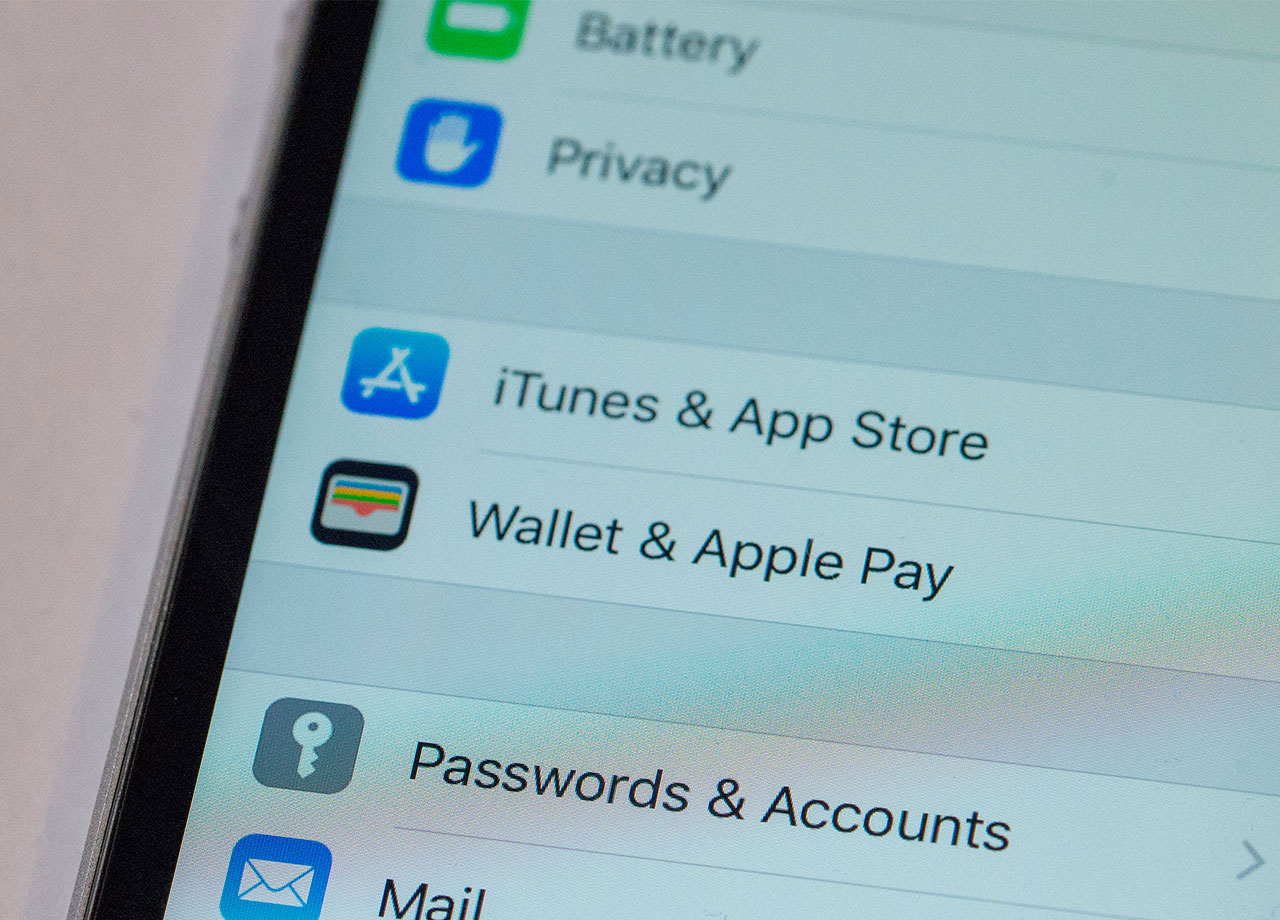
iphone-settings-screen

Auto-Brightness


One of the biggest battery-hogging culprits on your iPhone is the brightness settings — a too-bright phone is a no-no for your battery’s health. If your brightness setting has been set way up high, it’s actually a smart idea to enable iPhone’s Auto-Brightness setting instead, as this will automatically lower the brightness on your phone when it’s light in the room and darken your screen when you’re in a brighter room.


These three settings should be considered when you’re figuring out ways to prolong your phone battery and get it up to speed.


Author:

Lisa Fogarty is a lifestyle writer and reporter based in New York who covers health, wellness, relationships, sex, beauty, and parenting.

Sofia Vergara at the Oscars red carpet
Kate Middleton with Prince George at an event
Woman adding sugar to aromatic coffee
Gwyneth Paltrow dazzles in a stunning gown at the Golden Globes.
Donald and Melania Trump at a public event together.
Angelina Jolie attending the AFI Fest red carpet.
Taylor Swift and Travis Kelce at a celebrity event.
Nikol Johnson sharing makeup tips on YouTube
Ivanka Trump at the Fontainebleau Las Vegas grand opening.
Cold brew maker and drinking glasses from Aldi.
Barron Trump at Donald Trump's inauguration ceremony.
Ariana Grande at the Oscars red carpet event.
Delicious bagels, blueberries, and butter on a wooden board
Close-up of hands holding an Apple iPhone 17 Pro Max
Common skincare mistakes for women over 40.
Hairstyles that subtly lift the face and distract from jowls
Meghan Markle at the Invictus Games Day 4.
Gigi Hadid arriving at Le Grand Diner du Louvre.
Jennifer Aniston using iPhone for beauty transformation post
Close-up of iPhone displaying popular beauty apps
Sofia Vergara at the Oscars red carpet
Kate Middleton with Prince George at an event
Woman adding sugar to aromatic coffee
Gwyneth Paltrow dazzles in a stunning gown at the Golden Globes.
Donald and Melania Trump at a public event together.
Angelina Jolie attending the AFI Fest red carpet.
Taylor Swift and Travis Kelce at a celebrity event.
Nikol Johnson sharing makeup tips on YouTube
Ivanka Trump at the Fontainebleau Las Vegas grand opening.
Cold brew maker and drinking glasses from Aldi.
Barron Trump at Donald Trump's inauguration ceremony.
Ariana Grande at the Oscars red carpet event.
Delicious bagels, blueberries, and butter on a wooden board
Close-up of hands holding an Apple iPhone 17 Pro Max
Common skincare mistakes for women over 40.
Hairstyles that subtly lift the face and distract from jowls
Meghan Markle at the Invictus Games Day 4.
Gigi Hadid arriving at Le Grand Diner du Louvre.
Jennifer Aniston using iPhone for beauty transformation post
Close-up of iPhone displaying popular beauty apps