



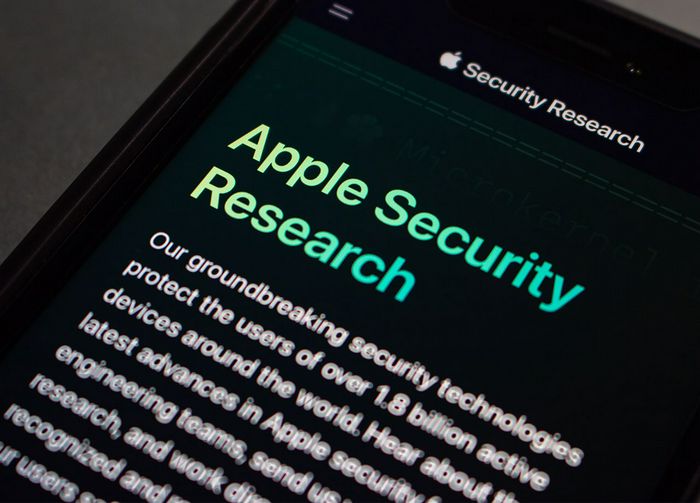
Sometimes bad things happen to good people — a.k.a. your iPhone gets hacked and now you’re stuck trying to pick up the pieces from that nightmare scenario. Despite your best efforts to protect your phone, keep passwords strong and the like, this can happen. But you can also take more steps to safeguard your device, and it doesn’t take a significant time commitment or tech knowhow to beef up your phone’s security measures.
Avoid these seven common iPhone mistakes that could lead to your device being hacked.
Using Location Services All the Time
Location Services is necessary for certain apps, including those with GPS. But having it on all of the time isn’t necessary, plus it gives your phone 24/7 access to your whereabouts. Control when your phone can detect your location by going to Settings > Privacy & Security > Location Services and making sure it is only available for those apps that require it.
Allowing Websites to Track You
Some of the websites and apps you frequent could be tracking your every move as you navigate among other website pages. Their purpose might be to deliver you targeted ad content, but you don’t have to allow this to happen. Go to Settings > Safari > Privacy & Security > Prevent Cross-Site Tracking and enable this setting.

Women Are Swapping Their Boring Water For This Ice Pop Electrolyte Mix!

You Use Google
Google isn’t the most secure browser, and many are making the switch to other browsers — most notably, DuckDuckGo. To change your browser, go to Settings > Safari > Search > tap Search Engine > choose DuckDuckGo.
Your Browser Security Warnings Aren’t Enabled
A lot can happen while you’re innocently scrolling websites. Make sure your browser security features are enabled by going to Safari > Settings > Security and turning this setting on. This will allow Apple to detect whether a website is suspicious and alert you to this before you click on it.
Your IP Address is Exposed
An exposed IP address is like broadcasting your home address and phone number to the world. Keep yours secure by going to Settings > Safari > Privacy & Security > Hide IP Address (From Trackers).

Never Updating Your Software
Your iPhone provides regular iOS updates to help address any bugs and issues with old software. It’s very important to keep up on these updates and download new software as soon as it becomes available. We understand how difficult it is to remember to check for updates, but you can have your phone do this for you by going to Settings > General > Software Update > Automatic Updates.
Not Using Two-Factor Authentication
You should always turn on two-factor authentication for every website and app that offers this security measure. This setting will require you (or anyone trying to access the website with your credentials) to input a password and an additional code sent to your email or phone as an extra security step.