


Keeping your iPhone’s battery functioning well and ensuring it lasts as long as possible throughout the day is a bit more complex than many users may think.
iPhones have batteries that, over time, can easily begin draining faster due to certain habits users are responsible for. Keeping your iPhone’s battery healthy goes way beyond how and when you charge it or what chargers you use. Tech experts encourage users to turn on and off certain settings that can change the game when it comes to a healthy smartphone battery. Read more about the two settings they say can help improve your battery’s performance below.

Women Are Swapping Their Boring Water For This Ice Pop Electrolyte Mix!
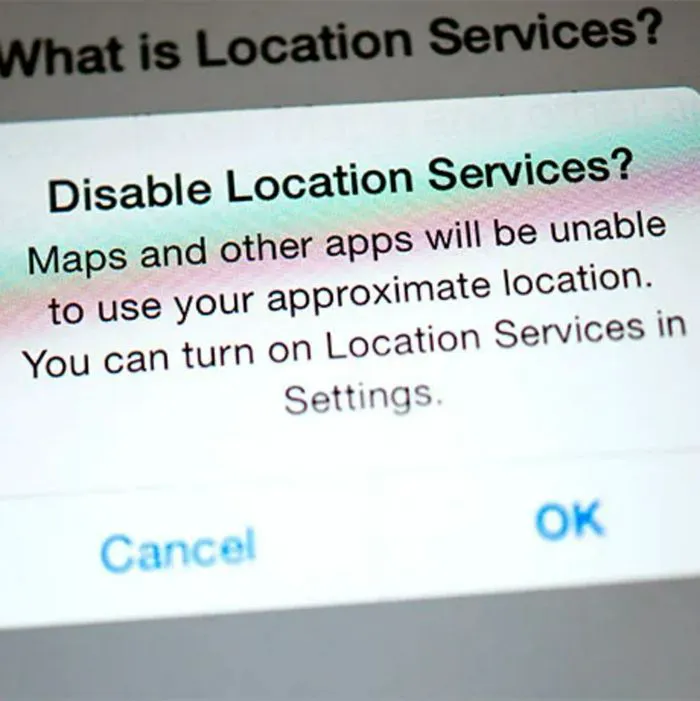
1. Location Tracking
These days, numerous apps and iPhone features require our location to function properly. While some apps certainly need your location, not all of them do, and when they're constantly tracking you, they're draining your battery.
"Location tracking can consume a surprising amount of power because it relies on GPS, Wi-Fi, and mobile network signals to constantly pinpoint your position," says tech expert Steven Athwal. "Apps will often ask to use this even if it's unnecessary, usually for targeted ads. Switching apps to 'While Using the App' instead of 'Always' limits this feature and reduces battery drain."
2. Low Power Mode
Using Low Power Mode for preserving your iPhone battery life might sound obvious, but a lot of users tend to only turn it on when their battery hits 20% or lower. However, tech pros suggest leaving it on all day to optimize your experience, as it's an easy way to prevent your phone from working too hard.
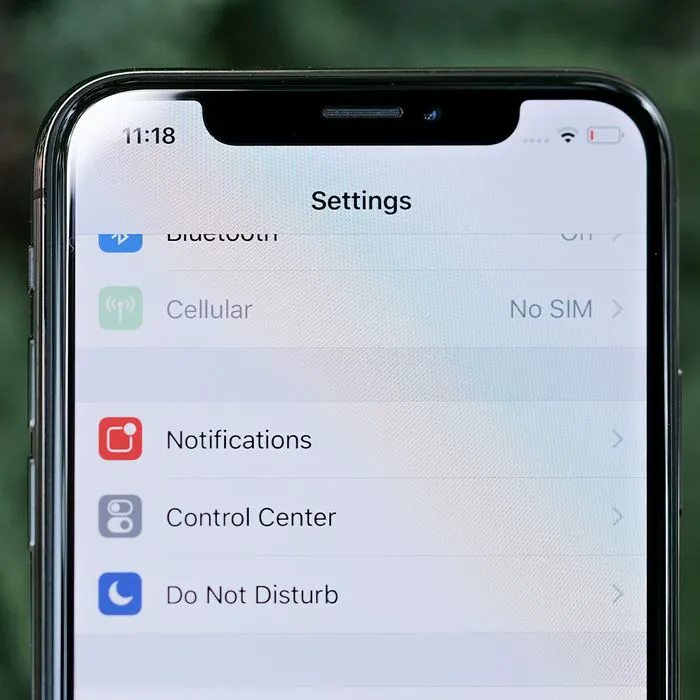
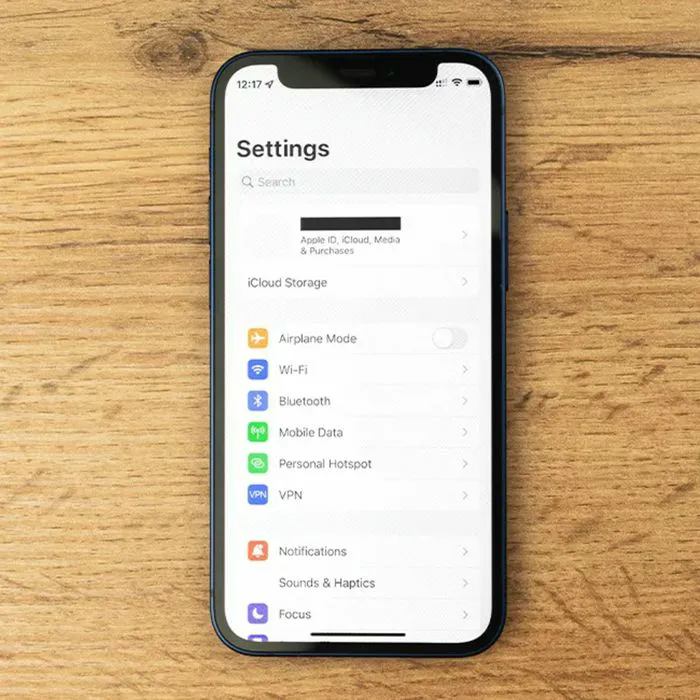
"Go to settings > Battery > Power Mode, turn on 'Low Power Mode,'" instructs tech pro and teacher Laura Moynihan. "[This is] especially good for older phones or teenagers who forget to charge their phones. This will limit some background activities [like] automatic mail fetching and downloads, for instance, and a whole host of other tweaks, such as lowering the display brightness. Most users will not notice much difference in the performance of their device, and they can always push through notifications by opening the apps."