




If you’ve gotten a notification that your iPhone is running out of storage, it’s time to reflect on some of the things that could be hogging your device’s valuable space.
Running out of storage on your iPhone can be a major headache, especially when you’re trying to download a new app, take a photo, install a software update, etc. While it may seem like deleting a few photos from your camera roll is the easiest solution, many users aren’t aware of which files and apps are taking up the most space. Tech experts say there are a few things worth clearing out if your iPhone storage is constantly full. Read more about three of them to make some room below.

Women Are Swapping Their Boring Water For This Ice Pop Electrolyte Mix!
1. Unused Apps
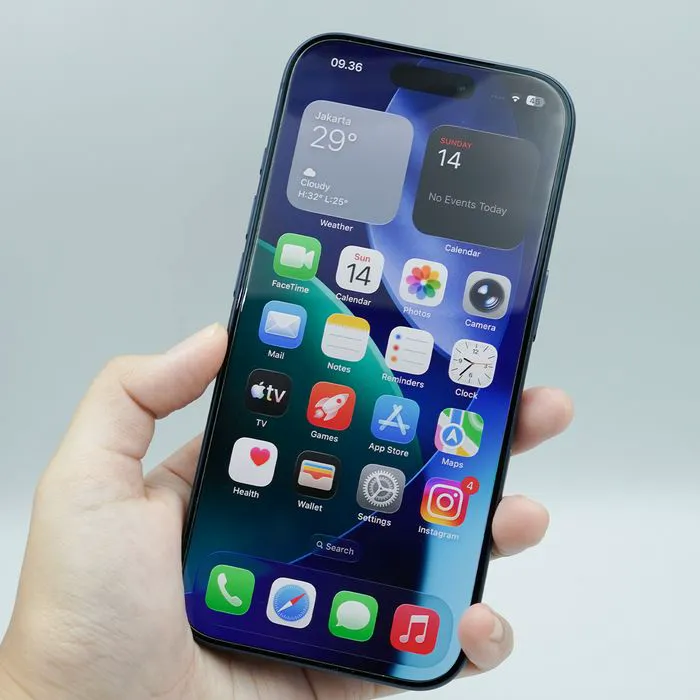
If you have apps sitting on your iPhone that you rarely or never use, offloading them can be an easy way to gain some storage without permanently losing their data. The Offload Unused Apps feature removes the app but holds onto its documents and data, meaning you can reinstall it down the road if you decide you need it again, making it a great choice for those who have anxiety about deleting certain apps.
"Apps are often one of the biggest storage drains we see, particularly games, social media and video apps," says tech pro and smartphone repair specialist James Waterston. "I'd start in Settings > General > iPhone Storage, because Apple shows exactly how much space each app is consuming. If there's an app you rarely use, offloading it is a good first option because it removes the app itself while retaining its documents and data, so you can reinstall it later without necessarily starting from scratch."
2. Old & Large Text Attachments
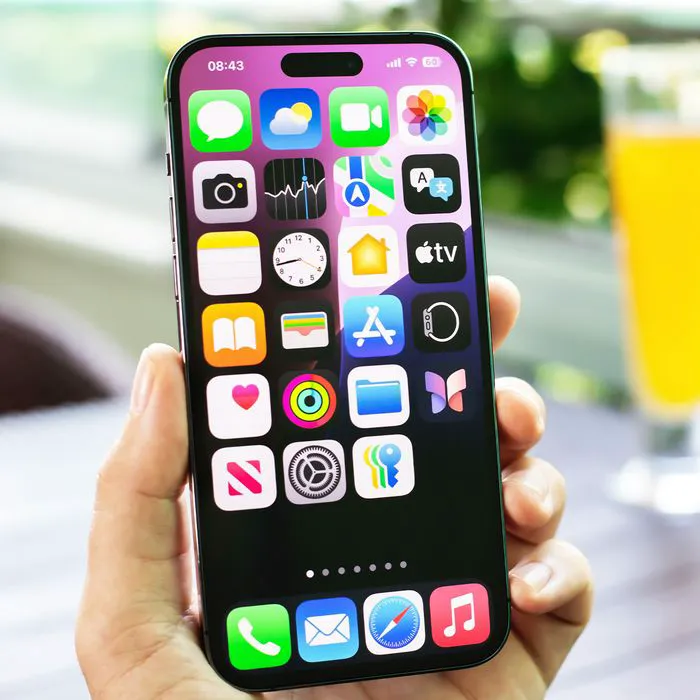
If you're a person who loves sending photos, videos, PDFs, etc., then you know how fun it can be, but maybe not how much of an impact all of those things can take on your storage. Going through your Messages app and deleting old, bulky attachments can free up space without requiring you to part with the photos and videos you actually want to keep elsewhere.
"Years of photos, videos, GIFs and other attachments sent through Messages can quietly build up into a significant amount of storage," adds Waterson. "Rather than deleting important conversations wholesale, go to Settings > General > iPhone Storage > Messages and review the largest attachments first. It's usually possible to recover a useful amount of space by removing a handful of old videos without losing years of messages you may want to keep."

3. Duplicate Photos, Long Videos & Screenshots
Though it's not always fun, going through your camera roll to make some room really is an effective process. However, instead of scrolling through the entire thing, it's best to pay attention specifically to screenshots that you can get rid of, as well as long videos and duplicate photos. Getting rid of these things can make a noticeable difference in your available iPhone storage.
"Old videos and duplicate photos are a good place to start, and they can be taking up several gigabytes without the user realizing it," explains tech expert and analyst Mark Vena. "I'd look for, in particular, 4K video, screenshots, and screen recordings that you probably don't need anymore. Photos and especially video are often the low-hanging fruit since the modern iPhone camera creates very large files. Sometimes it's deleting a handful of useless 4K videos that frees up more storage than dozens of smaller apps."