






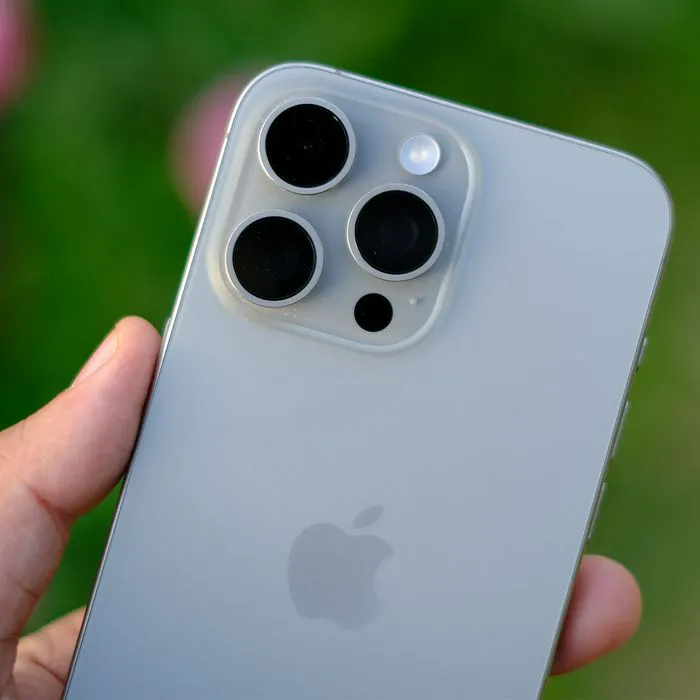
Let’s be honest: your phone was expensive and it runs like a snail. Something happened from the time that you purchased your device, when it sped along like a dream and downloaded apps and files with precision, to now — as you sit there waiting for pages to load and wondering what to do about its slowness. It’s possible you have too many resource-intensive apps downloaded — these can certainly slow down your device. Never deleting anything and having storage space that’s at capacity is also another reason your phone could be frustratingly slow.
But there are solutions to dealing with a slow phone, and they don’t require spending more money. They also needn’t take up all of your time. Toggling off a setting takes seconds and can make a world of difference. The question is: which settings should you focus your attention on when taking steps to speed up your phone? Let’s start with something simple: change these two settings to help make your iPhone run much faster.

Women Are Swapping Their Boring Water For This Ice Pop Electrolyte Mix!

1. Always on Display
The Always on Display setting on your iPhone keeps all the information that appears on your screen when it’s locked visible when it’s in standby mode. So, even if your phone is on pause because you aren’t using it, the date, time, notifications, and widgets that appear on your Home Screen will remain visible.
You can guess what happens from here: more rapid battery drainage. While it is nice to see notifications appear on your phone when you’re waiting for a specific text or email, it’s less important at other times and may not be worth the battery drain. To change this setting, go to Settings > Display & Brightness > Always On Display. Toggle this from “always on” to “off.”
2. Notifications
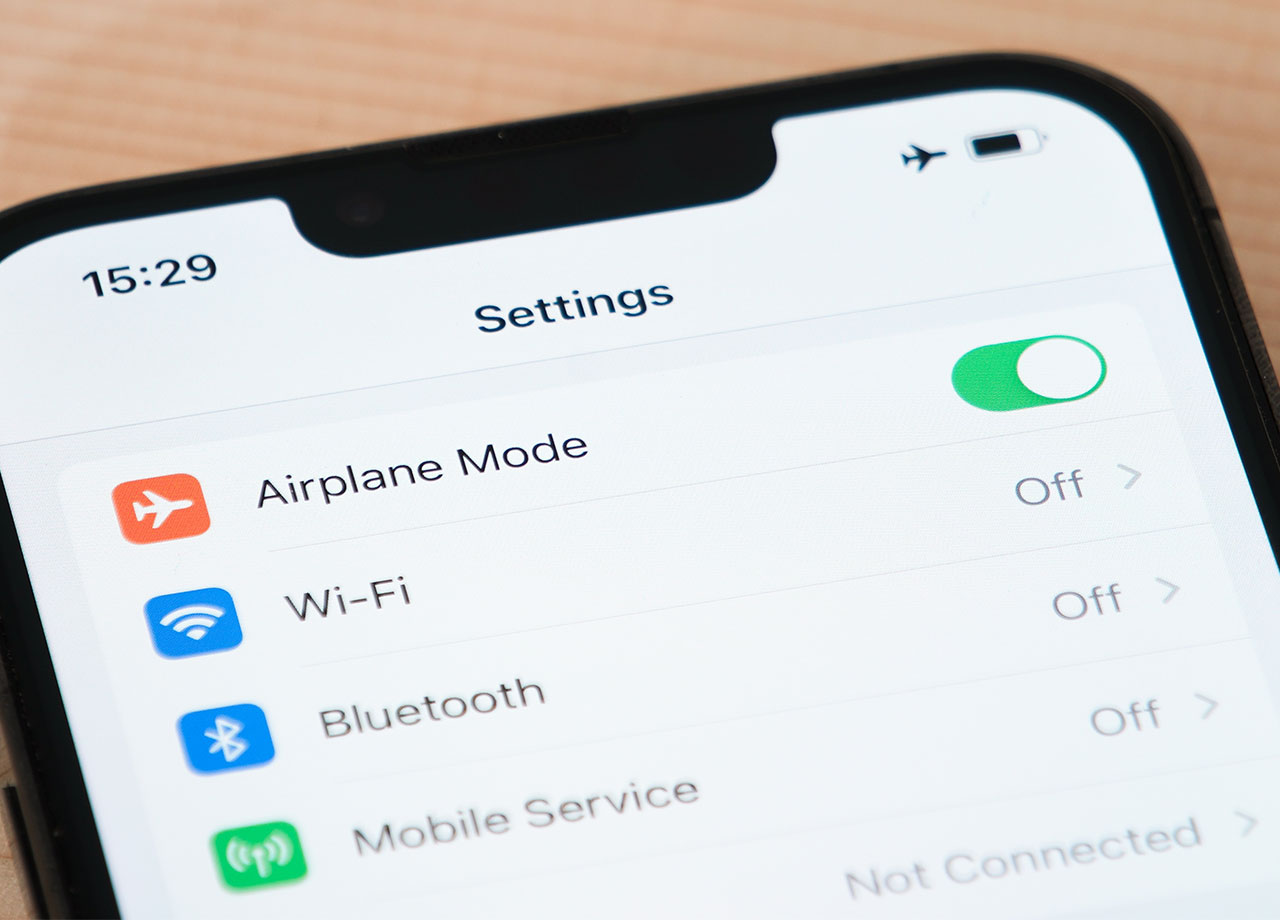
The Notifications setting makes it possible to receive alerts and information about what apps are up to, including updates, sent to your phone’s screen. These alerts can arrive at your phone in the form of simple messages or more sophisticated graphics and alert sounds. The problem with Notifications, aside from how distracting they can be, is that if an app has a bug or hasn’t been optimized well, it can cause your phone to slow down.
Keep Notifications from overrunning your device by managing it for each app. Go to Settings > Notifications. If you’d rather not be bothered at all by notifications, turn off the setting completely. You can also scroll down and decide for each app which you’d like to send you notifications and which to turn off.



















