

Bianca Censori posing in Paris, showcasing modern fashion.
Elon Musk and MacKenzie Scott at a public event.
Applying sunscreen on a woman's cheek for sun protection.

Homepage

A Tech Pro Reveals The Settings He Changed To ‘Double’ His iPhone Battery Life

December 8, 2023 by Lisa Cupido
shefinds | Homepage
Featured image

There are a number of iPhone settings that can seem fairly harmless, but are actually guilty of dragging your phone’s battery way down low. You may not even be aware of it, but these settings consume battery power — and sometimes even storage space — and can lead to an overall compromised experience with your device. This one iPhone setting can even cost you money in the long run, something you likely didn’t plan for when you purchased your iPhone and plan. 

A tech pro from Payette Forward reveals the one setting he changed to boost his iPhone battery life. 

Cellular Data 

Here’s a setting you’ve probably rarely thought about — you may not even know that it exists. 

Go to Settings > Photos > Cellular Data. If Cellular Data is enabled on your phone, disable it. Turning this feature off restricts updates to Wi-Fi, including Shared Albums and iCloud Photos. The reason why this setting is so important is because turning it off prevents your phone from using your entire cellular plan to update photos to iCloud. This uses up your cellular data, which of course winds up costing you money. 

house unit img
Women Are Swapping Their Boring Water For This Ice Pop Electrolyte Mix!
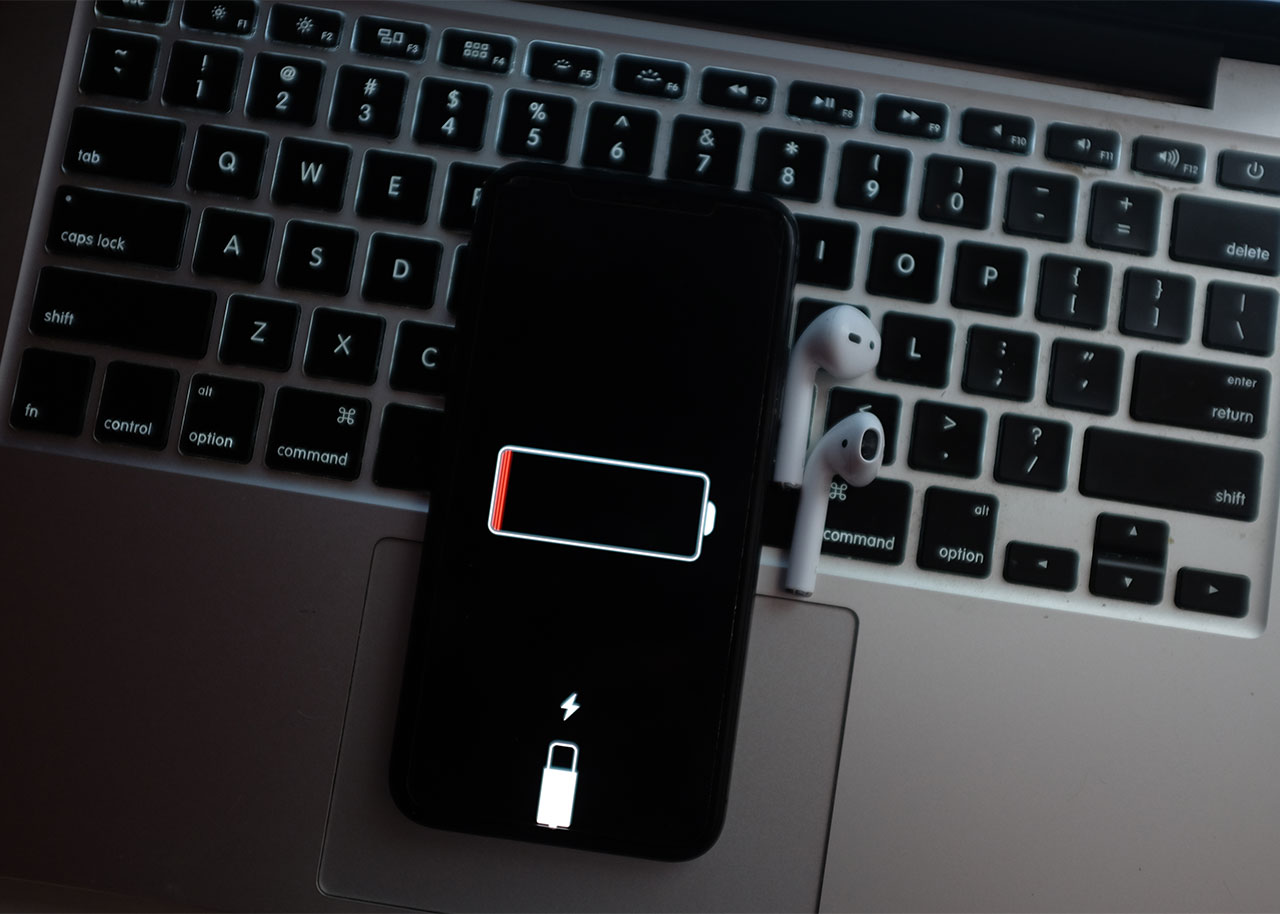
iphone-charging

Other Battery-Draining Settings


Cellular data is just one of a few iPhone settings that can drain your battery fast. To ensure your device’s battery stays in tip-top shape, it’s also a smart idea to keep your brightness settings low by going to Settings > Display & Brightness > lowering the brightness setting on your device. Turning off Background App Refresh can result in your apps not refreshing new content constantly, which may be slightly inconvenient, but it will save you a ton of battery power. Go to Settings > General > Background App Refresh > Wi-Fi > Wi-Fi & Cellular Data > turn off Background App Refresh.


Keeping tabs on iPhone settings that are notorious battery suckers is one smart way to ensure your battery lives on for a long time. Adjust these settings to really start seeing a difference in the amount of time you can go between phone charges. 

Author:

Lisa Fogarty is a lifestyle writer and reporter based in New York who covers health, wellness, relationships, sex, beauty, and parenting.

Older woman stretching at home before workout session.
Donald Trump addressing media during Oval Office press conference.
Anne Hathaway at the Cannes Film Festival premiere.
Chic summer finds for festive Fourth of July celebrations.
White House Press Secretary Karoline Leavitt discussing Iran conflict.
Jaden Smith at the BoF 500 gala event.
Man holding an iPhone in a casual setting.
Christina Aguilera at the 11th Annual Breakthrough Prize Ceremony.
Kate Middleton and Prince George attending a royal event.
Apple Martin at the Marty Supreme premiere event.
Paris Hilton at Los Angeles Magazine event, stunning appearance.
Rob Kardashian celebrating at the Chymoji launch party.
Donald Trump and the White House backdrop during event.
Carrie Underwood performing at CMT Giants event.
Janet Jackson performing at the music awards.
Concerned woman examining her skin for signs of aging
Ines de Ramon attending the F1 premiere.
J.K. Rowling alongside Queen Camilla at a function.
Stylish woman using a laptop for work or leisure.
Makeup habits that can age your appearance after 40.
Older woman stretching at home before workout session.
Donald Trump addressing media during Oval Office press conference.
Anne Hathaway at the Cannes Film Festival premiere.
Chic summer finds for festive Fourth of July celebrations.

Fashion

What are your July 4th plans? Mine involve chasing around ...

White House Press Secretary Karoline Leavitt discussing Iran conflict.
Jaden Smith at the BoF 500 gala event.
Man holding an iPhone in a casual setting.
Christina Aguilera at the 11th Annual Breakthrough Prize Ceremony.
Kate Middleton and Prince George attending a royal event.
Apple Martin at the Marty Supreme premiere event.
Paris Hilton at Los Angeles Magazine event, stunning appearance.
Rob Kardashian celebrating at the Chymoji launch party.
Donald Trump and the White House backdrop during event.
Carrie Underwood performing at CMT Giants event.
Janet Jackson performing at the music awards.
Concerned woman examining her skin for signs of aging
Ines de Ramon attending the F1 premiere.
J.K. Rowling alongside Queen Camilla at a function.
Stylish woman using a laptop for work or leisure.
Makeup habits that can age your appearance after 40.