



Modern workspace with a person typing on a laptop.
Chic haircuts for women over 50 trending in 2026.
Donald Trump discussing maternal healthcare at a public event.

Tech

The One App You Should Delete ASAP If Your iPhone Battery Dies SO Fast

December 1, 2018 by Justine Schwartz
shefinds | Tech
Featured image

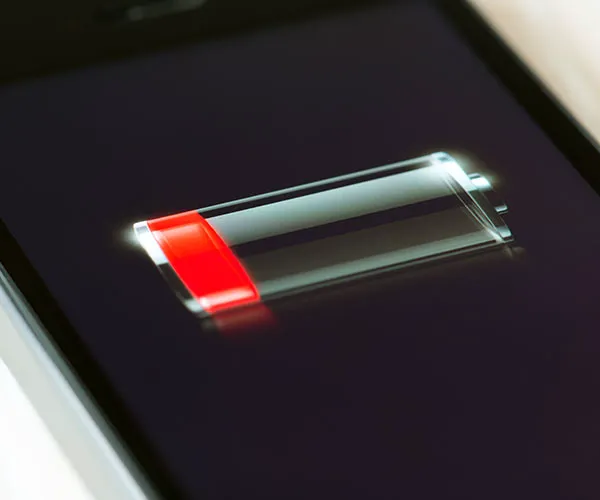
If it feels like your battery is always dipping under 20%, you’re not alone. For starters, Apple has admitted to slowing down older phones when they revealed that lithium-ion batteries age. Yikes! Additionally, with all of the streaming and social apps we have running constantly on our phones, it’s no wonder we’re draining our batteries like it’s going out of style. But there are a few things you can do to end our battery woes once and for all. What are they?

house unit img
Women Are Swapping Their Boring Water For This Ice Pop Electrolyte Mix!

Facebook app logo on mobile device screen

Facebook

"Remove Facebook if you want to save battery life," Samuel Zhou cofounder of dustoglory.com, tells us.


Can't live without the app completely? "If you're not willing to delete the Facebook app yet, you can turn off the background data for it."

iPhone charging with power adapter connected

Replace The Battery (Or Phone)

"Most lithium-ion batteries are designed to complete about 500 cycles of loading and unloading at full performance, which normally corresponds to the two years of life of a phone today," Sophie Miles co-founder of elMejorTrato.com explains to us.


"As the months and years pass, due to the technology behind lithium-ion batteries, it is normal that there is degradation in their materials and that telephones have a lower autonomy."
This means that after about two years, your phone battery performance might start to go down to no fault of your own. If deleting apps isn't the solution you were hoping for, consider taking your iPhone in to Apple or a reputable repair shop to have the battery replaced.
Mistaken photo taken with iPhone camera

READ MORE: The One App You Should Never Use When Switching Your iPhone To Airplane Mode
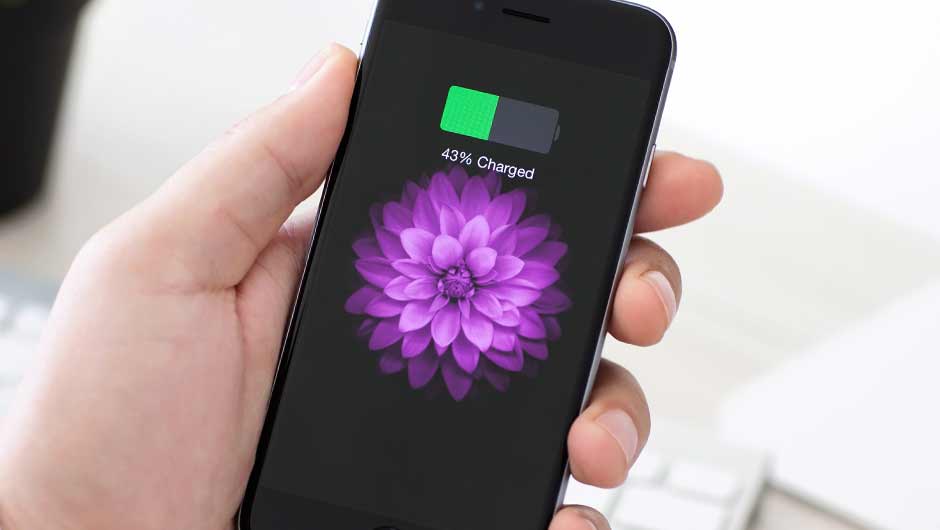
iPhone showing battery problem warning screen

READ MORE: The One Thing You Should NEVER Do When You Lose Your iPhone

Author:

Editorial Director

Justine Schwartz is a veteran women's lifestyle editor; she's written extensively about style & beauty tips, health advice and wedding planning. Her work has appeared in New York Magazine, Huffington Post and New York Weddings. Justine has been with SheFinds since 2010; you can reach her via email at Justine@shefinds.com.

Close-up of Android phone showcasing app interface.
New iPhone 17 showcasing sleek design and features.
Woman working on laptop in a modern workspace.
Smartphone charging with a power adapter connected.
Display of popular apps on an iPhone screen.
Close-up of hands holding an iPhone 17 Pro Max.
Individual using an iPhone for various tasks.
Person holding iPhone displaying multiple apps.
Woman texting on her smartphone with focus.
Android phone showcasing diverse applications.
Samsung Galaxy Z Flip 7 smartphone in use.
Woman enjoying a fresh summer salad outdoors.
Holding an Android phone with app interface visible.
iPhone 14 displaying a variety of installed apps.
iPhone indicating low battery and charging settings.
Sony headphones and iPad being used with laptop.
Individual engaging with an iPhone for communication.
iPhone screen filled with various app icons.
Alert showing iPhone storage is full.
Person holding an iPhone in a casual setting.
Close-up of Android phone showcasing app interface.
New iPhone 17 showcasing sleek design and features.
Woman working on laptop in a modern workspace.
Smartphone charging with a power adapter connected.
Display of popular apps on an iPhone screen.
Close-up of hands holding an iPhone 17 Pro Max.
Individual using an iPhone for various tasks.
Person holding iPhone displaying multiple apps.
Woman texting on her smartphone with focus.
Android phone showcasing diverse applications.
Samsung Galaxy Z Flip 7 smartphone in use.
Woman enjoying a fresh summer salad outdoors.
Holding an Android phone with app interface visible.
iPhone 14 displaying a variety of installed apps.
iPhone indicating low battery and charging settings.
Sony headphones and iPad being used with laptop.
Individual engaging with an iPhone for communication.
iPhone screen filled with various app icons.
Alert showing iPhone storage is full.
Person holding an iPhone in a casual setting.


















