



Tired woman showing effects of lack of sleep.
Delicious banana nice cream dessert for healthy eating.
Jennifer Lopez stunning in Defaience at AMAs 2025.

Tech

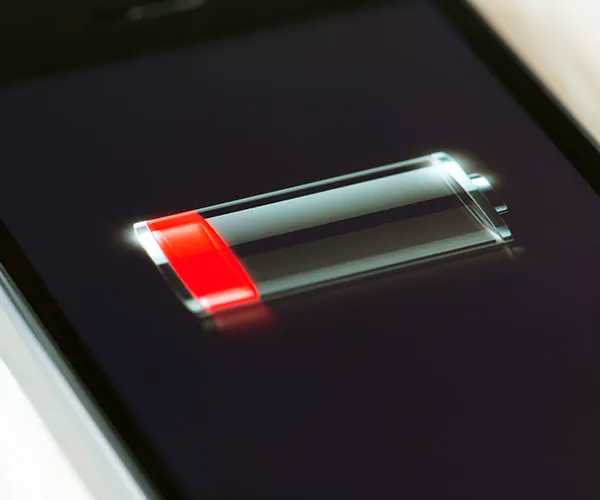
The One Thing You Should Never Do When Your iPhone Battery Is Dying

December 26, 2018 by Justine Schwartz
shefinds | Tech
Featured image

If you’re staying with family or are on holiday this week (lucky you!) you might have forgotten to bring your charger, or just don’t have your regular charging routine in place since you’re away from home. Additionally, most of us will spend our downtime this week perusing the internet or seeing what friends are up to on social–all of which drains our batteries like nothing else.

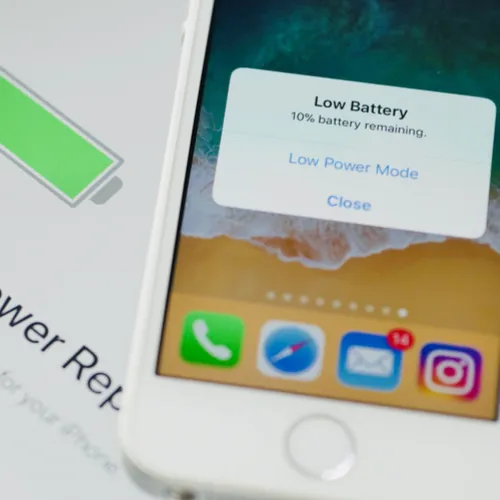
Bottom line: your phone is probably reaching critically low battery levels while you read this. What’s the last thing you should be doing in this state? We caught up with some leading tech experts to discover what you should never be doing when you’re phone is on low battery mode:

house unit img
Women Are Swapping Their Boring Water For This Ice Pop Electrolyte Mix!
Elegant wedding dress displayed on a mannequin in a boutique.

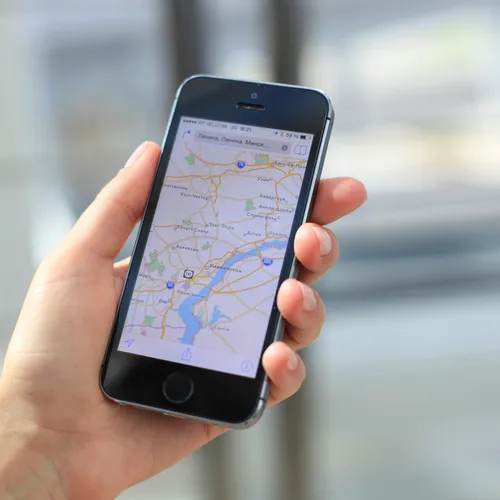
"When your battery is dying, you should stay off Maps for driving directions," Marc Enzor owner of Geeks 2 You tells us.

"That single-handedly burns battery the fastest." Yikes!
Celebrity-inspired makeup look featuring bold colors and trendy styles.

So, what should you do instead? "If you absolutely need driving directions with low battery life, keep turning the screen off for long periods of the drive," he says. "Turn it on when you think you are getting close to a turn, and the GPS will then update and get you back on track."

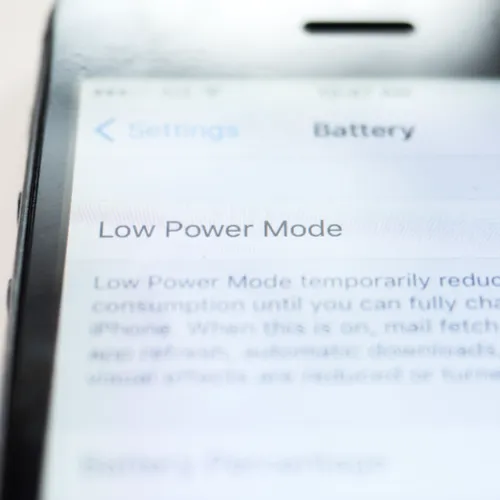
What do other experts say on the matter? "You should never not be in low-power mode," Noah Dentzel, CEO of Nomad, advises.
Adorable kids' fashion showcasing playful outfits and accessories.

"You should also never have Bluetooth or Cellular Data on, never have brightness higher than minimal needed. And should never have that many apps open." Wow--we're guilty of doing all three!

So, there you have it--what you should never do when your iPhone battery is dying. Good luck, people!


Author:

Editorial Director

Justine Schwartz is a veteran women's lifestyle editor; she's written extensively about style & beauty tips, health advice and wedding planning. Her work has appeared in New York Magazine, Huffington Post and New York Weddings. Justine has been with SheFinds since 2010; you can reach her via email at Justine@shefinds.com.

New iPhone 17 showcasing sleek design and features.
Woman working on laptop in a modern workspace.
Smartphone charging with a power adapter connected.
Display of popular apps on an iPhone screen.
Close-up of hands holding an iPhone 17 Pro Max.
Individual using an iPhone for various tasks.
Person holding iPhone displaying multiple apps.
Woman texting on her smartphone with focus.
Android phone showcasing diverse applications.
Samsung Galaxy Z Flip 7 smartphone in use.
Woman enjoying a fresh summer salad outdoors.
Holding an Android phone with app interface visible.
iPhone 14 displaying a variety of installed apps.
iPhone indicating low battery and charging settings.
Sony headphones and iPad being used with laptop.
Individual engaging with an iPhone for communication.
iPhone screen filled with various app icons.
Alert showing iPhone storage is full.
Person holding an iPhone in a casual setting.
iPhone screen featuring a grid of applications.
New iPhone 17 showcasing sleek design and features.
Woman working on laptop in a modern workspace.
Smartphone charging with a power adapter connected.
Display of popular apps on an iPhone screen.
Close-up of hands holding an iPhone 17 Pro Max.
Individual using an iPhone for various tasks.
Person holding iPhone displaying multiple apps.
Woman texting on her smartphone with focus.
Android phone showcasing diverse applications.
Samsung Galaxy Z Flip 7 smartphone in use.
Woman enjoying a fresh summer salad outdoors.
Holding an Android phone with app interface visible.
iPhone 14 displaying a variety of installed apps.
iPhone indicating low battery and charging settings.
Sony headphones and iPad being used with laptop.
Individual engaging with an iPhone for communication.
iPhone screen filled with various app icons.
Alert showing iPhone storage is full.
Person holding an iPhone in a casual setting.
iPhone screen featuring a grid of applications.

















