


Jennifer Aniston at the Annual Screen Actors Guild Awards.
Cher celebrating at NBC's Carol Burnett special event.
Jennifer Garner with John Miller and Ben Affleck at a gathering.

Tech

The One Thing You Should Never Do When Using Streaming Netflix On Your iPhone

December 14, 2018 by Justine Schwartz
shefinds | Tech
Featured image

The beauty of apps like Netflix and Hulu is that you can watch TV or movies from literally anywhere. You can keep up with your shows while commuting, at the airport, while “studying” at the library–wherever. If you have your iPhone or iPad on you, you have endless hours of entertainment at your fingertips. It’s a beautiful thing!

And if you’re watching on a mobile device, you’re probably streaming. Streaming refers to watching video in real time, rather than downloading it to your device and watching later (which is always a good idea when you travel). Streaming doesn’t require the foresight of knowing what you’ll want to watch ahead of time–but it does require a good internet connection.

How do you know if you’re doing it right? We consulted with tech experts to discover the mistakes you’re likely making when you stream on your iPhone or iPad. Here they are:

house unit img
Women Are Swapping Their Boring Water For This Ice Pop Electrolyte Mix!
Netflix streaming service displayed on an iPad screen.

Use Cellular

"Something you shouldn't do while streaming Netflix on your phone is use data," Victoria Merinda, technology expert with HighSpeedInternet.com tells us.

"Depending on your cell plan, you could quickly run out of data since streaming videos use so much," she continues.

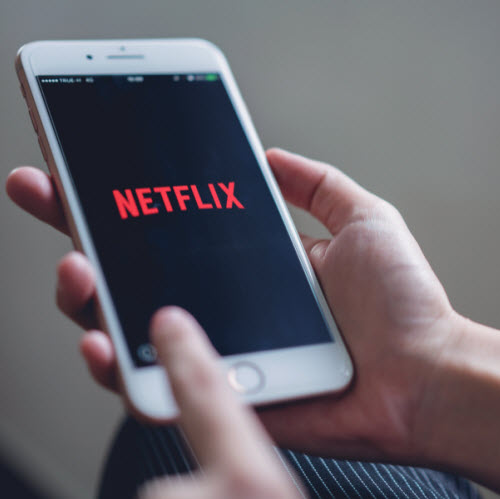
Netflix app interface on an iPhone device.

"Remember to try and always use a secure, strong Wi-Fi connection with enough internet speed. Easy internet speed test tools can be found online to check that your Wi-Fi connection is strong and fast enough to stream Netflix on your phone."

But data usage isn't the only reason for streaming on Wi-Fi over cellular. It also wreaks havoc on your battery. too. "The battery life will decrease noticeably vs streaming over a Wi-Fi connection," Shuaib Shakoor of Nerd Rangers says.
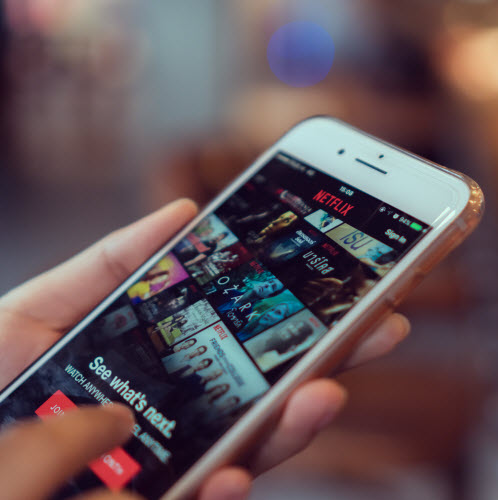
Various devices showcasing Netflix content.

Screen On Full Brightness

One more thing you should never do when streaming on your iPhone or iPad is to have the brightness turned all the way up, because it's another battery killer.


"You should never keep your screen on full brightness as it will dramatically reduce battery life and overheat your phone," Shuaib  advises.


So, there you have it--what experts say you should NEVER do while streaming Netflix and other similar apps on your iPhone. Now you can go back to life's more important questions, like what to watch. Happy bingeing!
iPhone storage management screen for photos and apps.

READ MORE: The One Thing You Should Never Do When Cellular Data Is Enabled On Your iPhone
 

Tags:

apple, iphone, tech

Author:

Editorial Director

Justine Schwartz is a veteran women's lifestyle editor; she's written extensively about style & beauty tips, health advice and wedding planning. Her work has appeared in New York Magazine, Huffington Post and New York Weddings. Justine has been with SheFinds since 2010; you can reach her via email at Justine@shefinds.com.

Close-up of iPhone screen showing battery health information.
iPhone 17 charging with a modern design on display.
Woman focused on her laptop in a cozy workspace.
Android phone placed on a sleek table surface.
Modern workspace with a person typing on a laptop.
iPhone charging while connected to a laptop
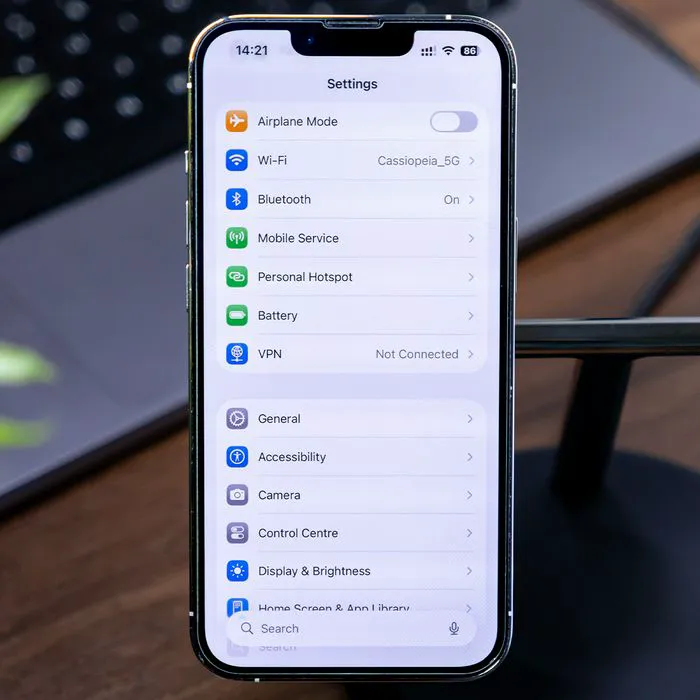
iPhone charging settings displayed on screen
iPhone 16 showcasing apps on a contemporary table.
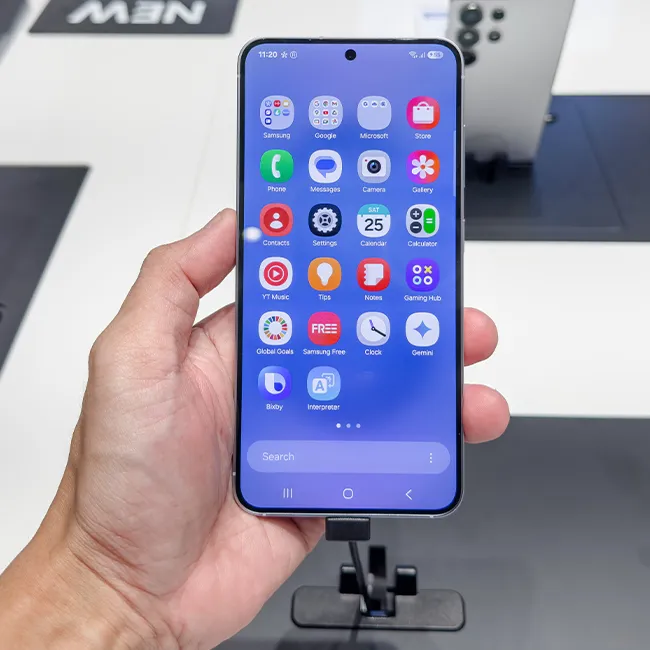
Close-up of Android phone showcasing app interface.
New iPhone 17 showcasing sleek design and features.
Woman working on laptop in a modern workspace.
Smartphone charging with a power adapter connected.
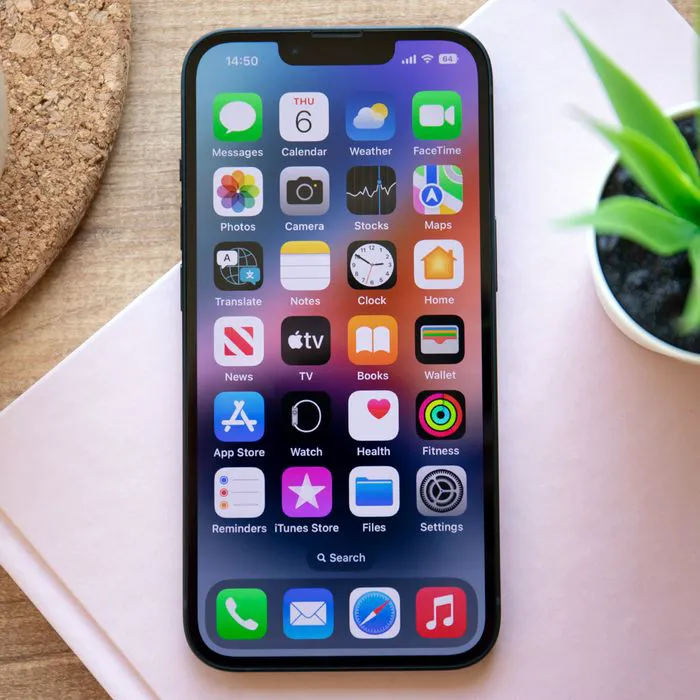
Display of popular apps on an iPhone screen.
Close-up of hands holding an iPhone 17 Pro Max.
Individual using an iPhone for various tasks.
Person holding iPhone displaying multiple apps.
Woman texting on her smartphone with focus.
Android phone showcasing diverse applications.
Samsung Galaxy Z Flip 7 smartphone in use.
Woman enjoying a fresh summer salad outdoors.