



Finding better ways to protect yourself from data thieves is always a priority. It seems easier than ever to get hacked, and while you can’t always prevent data breaches from happening, you CAN take as many preventative measures as possible to try and build the strongest gate possible around your personal data. Tech experts agree: you should start in your settings. These are the settings they say you should turn off ASAP to stop computer programs from spying on you.
First: A Reality Check
Let’s be realistic: how much can you (realistically) protect your data and is there one magical setting that will keep you secure? The answer, of course, is NO. “Almost every application can somehow spy on us,” confirmed Phil Vam, a tech expert at Playnoevil.com.
Even though it’s not considered spying, if you’re worried about your privacy, Vam advises paying attention to these things:
** Turn off location tracking
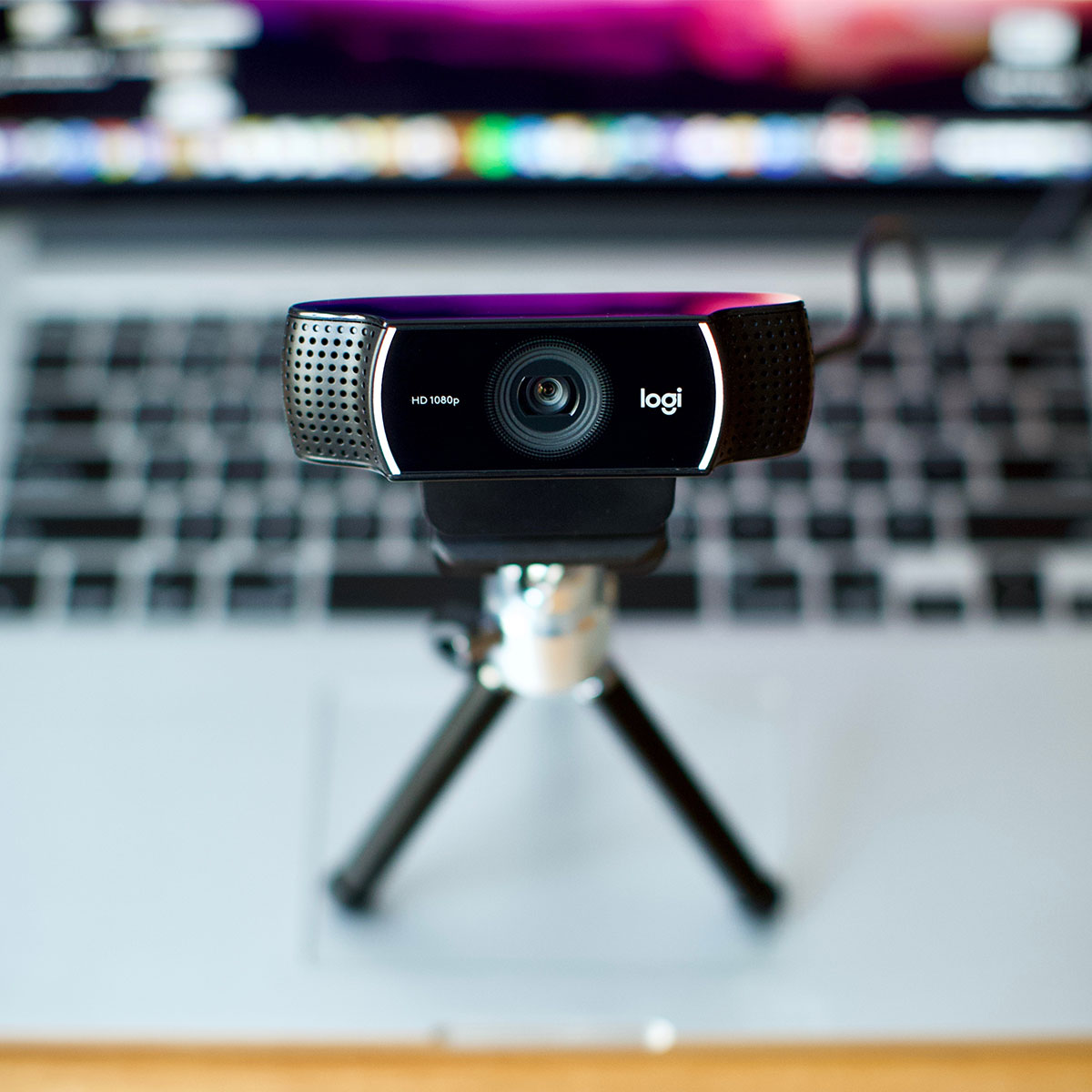
** Turn off camera and microphone access to specific applications
** Disable Advertising ID (ideally you should disable it when installing Windows on your PC).
“Those are the most important settings you should do if you’re worried about privacy and someone spying on you,” Vam said. “Furthermore, when you visit some pages, don’t allow them to use your mic, location, camera, or even show you notifications. Very often there are some weird websites that want to access these things even though they don’t need it actually.”
Programs & Settings
With that said, there are several programs and settings that you can use to help protect your privacy and prevent programs from spying on you, according to Tech Expert Shahnawaz Sadique From CommonStupidMan.Com.
Some of the programs and settings that you may want to consider turning off or disabling include:
- Windows 10 telemetry: “Windows 10 has a number of features that can collect data about your usage of the operating system and send it back to Microsoft,” Sadique said. “To turn off these features, you can go to the ‘Privacy’ settings in the Windows 10 Control Panel and disable the various telemetry options.”
- Antivirus software: “Some antivirus programs can collect data about your browsing habits and send it back to the software manufacturer,” Sadique said. “To help prevent this, you can disable the ‘data collection’ or ‘telemetry’ options in your antivirus software.”
- Web browsers: Many web browsers, such as Google Chrome and Firefox, have options that allow you to block third-party cookies and prevent websites from tracking your online activity, according to Sadique: “You can access these options through the privacy or security settings in your web browser.”
- Social media: Social media platforms, such as Facebook and Twitter, can collect data about your online activity and use it to serve you targeted ads. “To help prevent this, you can adjust your privacy settings on these platforms to limit the data that is collected about you,” Sadique said.
“It is important to note that there is no foolproof way to completely prevent programs from spying on you,” Sadique said. “However, taking steps such as those listed above can help to reduce the amount of data that is collected about you and protect your privacy to some extent.”