



Modern workspace with a person typing on a laptop.
Chic haircuts for women over 50 trending in 2026.
Donald Trump speaking at a maternal healthcare event.

Tech

This Is The Worst Mistake You Can Make When Saving Photos To iCloud

December 21, 2018 by Justine Schwartz
shefinds | Tech
Featured image

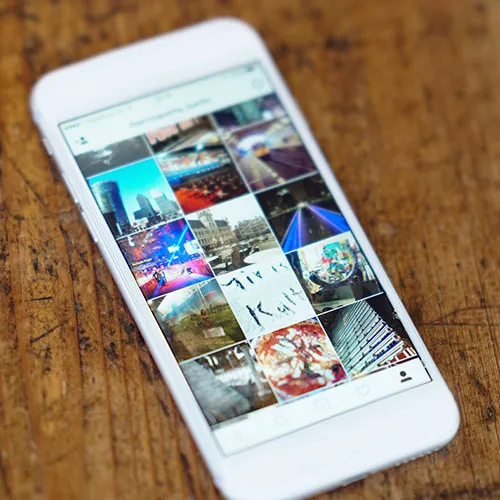
It’s that time of year when you’re likely taking a lot of photos of friends and family. The holidays means your Photos app will be busting at the seams (just like your waistline after grandma’s Christmas cookies). The natural urge is to back your photos to the cloud, and you might even have your Settings configured to backup automatically–but not so fast. We consulted with leading tech experts to discover the one mistake you’re probably making when doing so:

house unit img
Women Are Swapping Their Boring Water For This Ice Pop Electrolyte Mix!
Mistakenly using iPhone with incorrect settings displayed on screen.

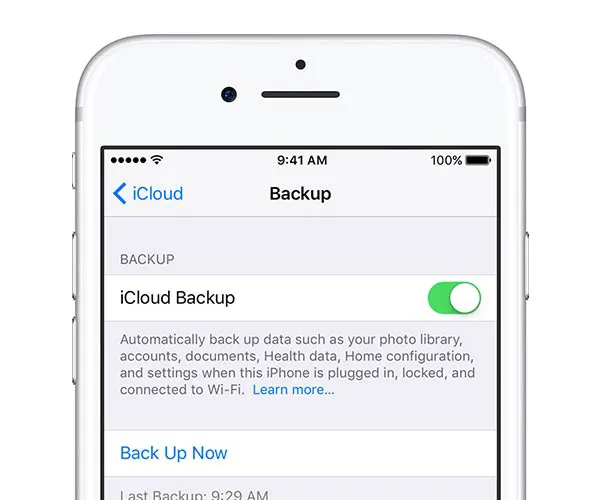
Syncing Vs. Backing Up

“Make sure you are actually backing up to your iCloud versus just syncing through your iCloud,” Shuaib Shakoor of Nerd Rangers tells us.
iPhone reset error message indicating a problem during the process.

“Many people confuse the two features,” he warns. “Syncing keeps your content in sync across multiple iOS devices and does not actually backup your photos, videos, etc.”

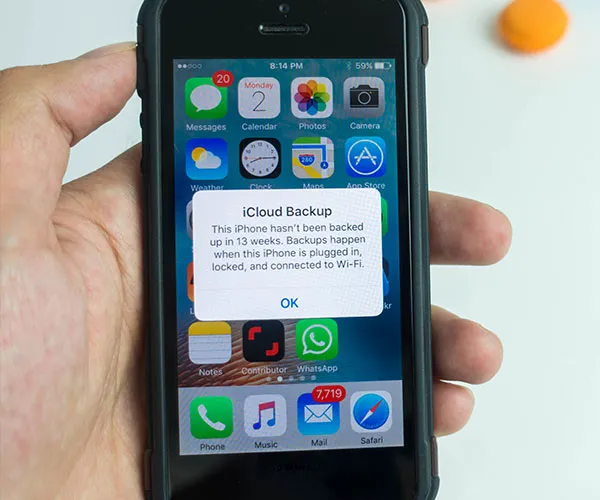
So, how do you do it correctly? “You physically need to ensure data is being backed up to your iCloud drive by logging into iCloud.com and checking periodically.”
Warning message about not updating the phone software correctly.

Not Storing Them Securely

“One of the biggest mistake people make when they save photos on iCloud is to confuse it for a private or secure storage for your sensitive data,” Omer Yarkowich of My Permissions warns.

“iCloud is a great solution for those who wish to extend their device's storage. But iCloud wasn't designed with privacy and security consideration in mind.”
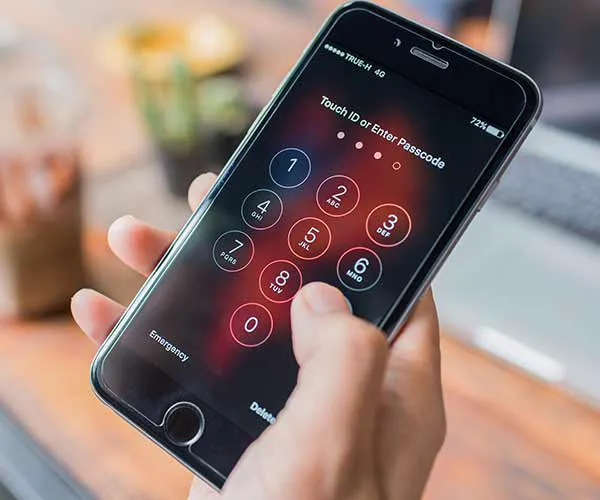
Locked iPhone screen showing security restrictions and access issues.

When you share your device with another person—say with your spouse, children or even a work colleague or the guy at the AT&T store—your sensitive/private photos are right there available for browsing, Omer warns.

The best way to protect them is to use another security tool, such as MyPrivacy which allows you to hide sensitive photos by encrypting them, rather than just sending them up to a cloud.


Author:

Editorial Director

Justine Schwartz is a veteran women's lifestyle editor; she's written extensively about style & beauty tips, health advice and wedding planning. Her work has appeared in New York Magazine, Huffington Post and New York Weddings. Justine has been with SheFinds since 2010; you can reach her via email at Justine@shefinds.com.

Person holding Android phone demonstrating apps.
iPhone 17 on table with modern aesthetics.
Woman using laptop while relaxing at home.
Smartphone connected to charger on a desk.
Various iPhone apps displayed on a smartphone screen.
Close-up of male hands holding an Apple iPhone 17 Pro Max.
User interacting with an iPhone in a casual setting.
Close-up of a hand holding an iPhone with visible apps.
Woman texting on a smartphone outdoors.
Android phone displaying various applications on screen.
Samsung Galaxy Z Flip 7 smartphone in a stylish setting.
Woman in jeans enjoying a fresh summer watermelon salad.
Person holding Android phone displaying various apps.
iPhone 14 showcasing multiple applications on screen.
iPhone screen showing charging settings menu.
Sony WH-CH720N headphones with iPad and laptop.
User interacting with an iPhone device.
iPhone displaying a selection of apps.
Notification of iPhone storage being full.
Individual holding an iPhone in hand.
Person holding Android phone demonstrating apps.
iPhone 17 on table with modern aesthetics.
Woman using laptop while relaxing at home.
Smartphone connected to charger on a desk.
Various iPhone apps displayed on a smartphone screen.
Close-up of male hands holding an Apple iPhone 17 Pro Max.
User interacting with an iPhone in a casual setting.
Close-up of a hand holding an iPhone with visible apps.
Woman texting on a smartphone outdoors.
Android phone displaying various applications on screen.
Samsung Galaxy Z Flip 7 smartphone in a stylish setting.
Woman in jeans enjoying a fresh summer watermelon salad.
Person holding Android phone displaying various apps.
iPhone 14 showcasing multiple applications on screen.
iPhone screen showing charging settings menu.
Sony WH-CH720N headphones with iPad and laptop.
User interacting with an iPhone device.
iPhone displaying a selection of apps.
Notification of iPhone storage being full.
Individual holding an iPhone in hand.

















