Kim Kardashian at Kering's Caring for Women Dinner.
Madonna in blue mini dress and metallic boots at Paris event.
Taylor Swift boarding private jet in 2024.

Homepage

Turn This iPhone Camera Setting Off To Keep Your Photos From Being Tracked

July 7, 2025 by Lisa Cupido
shefinds | Homepage
Featured image

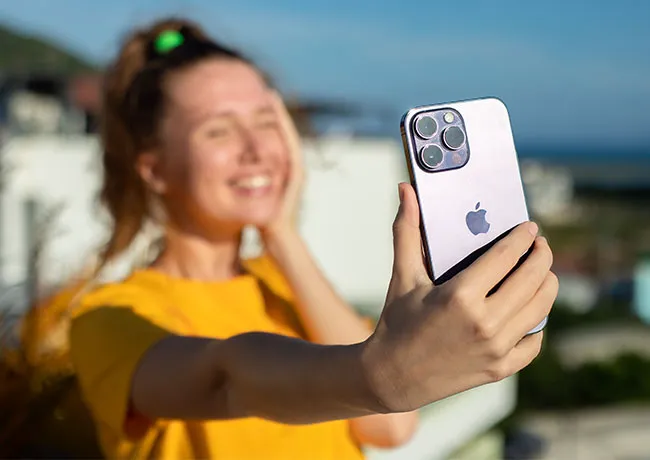
You might not realize it, but every time you snap a photo with your iPhone, it doesn’t just capture the image — it also quietly stores detailed location data about where the picture was taken. This feature, known as geotagging, can be incredibly useful for organizing memories, but it also comes with a hidden risk: if you share those photos online or through certain apps, that embedded location information can go with them, potentially exposing your home address, the places you frequently hang out, or travel patterns to strangers. It’s an easy detail to overlook, but if privacy matters to you, it’s well worth taking a few minutes to adjust a simple setting on your iPhone. Turning off location services for your camera helps you keep your private life more private, and gives you more control over what you share with the world. Here’s how to do it.

house unit img
Women Are Swapping Their Boring Water For This Ice Pop Electrolyte Mix!
iphone-location-services

What is Location Settings?


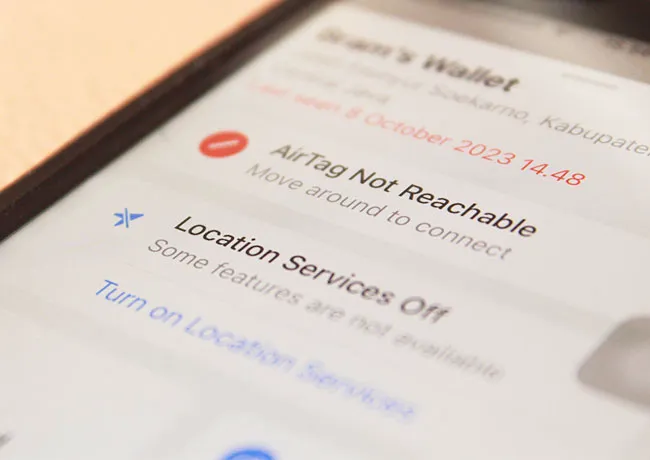
Location settings on your iPhone control how and when your device and apps can access your geographic location using GPS, Wi-Fi, Bluetooth, and cellular networks. These settings are useful for features like maps, weather updates, and finding lost devices. Apps such as Photos, Camera, or social media platforms may use your location to tag where a picture was taken or to provide location-based content and services.
person-taking-photo-iphone

How Can You Turn Off Location Settings for Photos?


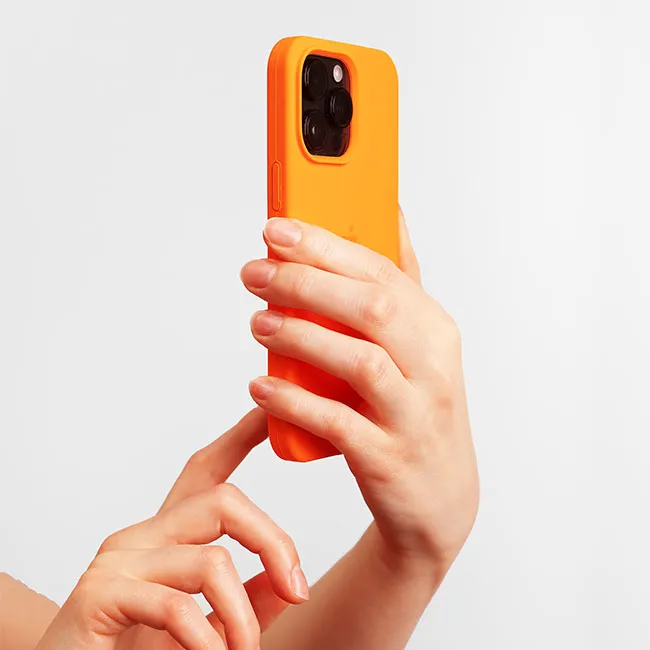
To turn off location access for Photos, go to Settings on your iPhone, then scroll down and tap Privacy & Security > Location Services. Make sure Location Services is turned on so you can manage individual app settings. Find and tap Camera, and then choose Never under the location access options. This will prevent your iPhone from tagging the location of new photos you take. You can also remove location data from photos you've already taken by opening the Photos app, selecting a photo, swiping up to view its info, tap pingAdjust or Map, and then choosing Remove Location.


 

Tags:

Author:

Lisa Fogarty is a lifestyle writer and reporter based in New York who covers health, wellness, relationships, sex, beauty, and parenting.

Image from SHEfinds
Image from SHEfinds
Vittoria Ceretti and Leonardo DiCaprio together at an event.
Emma Stone attending the Annual Actor Awards.
Salma Hayek at the 12th Annual Breakthrough Prize Ceremony.
Colorful superfoods for glowing skin this summer.
Kate Middleton on a state visit in formal attire.
Image from SHEfinds
Best Prime Day beauty deals on Amazon.
Ariana Grande at the Golden Globes red carpet.
Kylie Jenner showcasing style at the Met Gala 2025.
Image from SHEfinds
Taylor Swift and Travis Kelce at a public appearance.
Kim Kardashian's controversial Capri leggings and oversized shirt outfit.
Ivanka Trump and Jared Kushner at a social event.
Brad Pitt and Ines de Ramon at the F1 premiere.
Bad Bunny performing or attending the Grammys.
Madonna's blue mini dress and metallic boots criticized by fans.
Image from SHEfinds
Trendy Italian bob hairstyle perfect for summer looks.
Image from SHEfinds
Image from SHEfinds
Vittoria Ceretti and Leonardo DiCaprio together at an event.
Emma Stone attending the Annual Actor Awards.
Salma Hayek at the 12th Annual Breakthrough Prize Ceremony.
Colorful superfoods for glowing skin this summer.
Kate Middleton on a state visit in formal attire.
Image from SHEfinds
Best Prime Day beauty deals on Amazon.

Beauty

Prime Day is basically a holiday for anyone who's ...

Ariana Grande at the Golden Globes red carpet.
Kylie Jenner showcasing style at the Met Gala 2025.
Image from SHEfinds
Taylor Swift and Travis Kelce at a public appearance.
Kim Kardashian's controversial Capri leggings and oversized shirt outfit.
Ivanka Trump and Jared Kushner at a social event.
Brad Pitt and Ines de Ramon at the F1 premiere.
Bad Bunny performing or attending the Grammys.
Madonna's blue mini dress and metallic boots criticized by fans.
Image from SHEfinds
Trendy Italian bob hairstyle perfect for summer looks.