Emma Stone at the Annual Actor Awards event.
Salma Hayek in a lavender gown at the Breakthrough Prize Ceremony.
Collagen-boosting superfoods for glowing summer skin.

Homepage

Apple Experts Agree: You Should Turn This Setting Off ASAP For A Faster Phone

September 25, 2022 by Lisa Cupido
shefinds | Homepage
Featured image

When it comes to getting a faster iPhone, how much is actually within your control? That all depends. The truth is: there’s only so much you can control if you have an old phone or your battery is getting up there in years. There may come a time when it’s in your best interest to replace your device or, at the very least, look into whether you could use a new battery. But for now, if you suspect something else is going on that is stalling your phone and making your user experience less than stellar, it’s time to consider your settings. Tech Expert Jimmy Huh, CEO and founder of JH SEO, offers suggestions for settings you can turn off that can help you get a faster phone. 

Turn off iCloud Drive: 

“This feature syncs all of the data on your phone to a cloud server,” Huh says. “Turning it off will improve performance and battery life as well as free up storage space on the device.”

Turn off Background App Refresh: 

Turning this feature off means that apps won’t update in the background which can improve performance and battery life, according to Huh. “You may notice that apps are slower but you won’t see any app crashes or freezes because of this setting being turned on,” Huh says.

Turn off Cellular Data: 

“When cellular data is turned on, your phone will use your data plan (if you have one) to connect to the internet,” Huh says. “Sometimes this isn’t necessary and can use up your data limit in a short amount of time. Turning off cellular data will disable this option.”

Location Services: 

In addition to helping to protect your privacy, turning this off will help save battery life and will also help your phone run faster, Huh says. 

Apps: 

“Uninstall apps that you do not use on a regular basis,” Huh says. “This will free up space and memory on your phone and will also make it run faster.”

Restrict Background Location Access: 

Lastly, turning off Restrict Background Location Access can help improve the performance of your device by limiting location services use while you’re not actively using an app,” Huh says.

Turning off some of these features — or all of them if you really want to maximize the speed of your phone — can make your user experience so much more satisfying.


Author:

Lisa Fogarty is a lifestyle writer and reporter based in New York who covers health, wellness, relationships, sex, beauty, and parenting.

Best beauty deals on Amazon for Prime Day shoppers.
Ariana Grande at the Golden Globes, stunning red carpet look.
Kylie Jenner's Met Gala 2025 outfit featuring sophisticated black tailoring.
Woman applying sunscreen for sun protection and skincare.
Taylor Swift and Travis Kelce together at an event.
Healthy seeds, not pastries, promoting nutritious snacking choices.
Ivanka Trump and Jared Kushner at a public appearance.
Bad Bunny at the Grammy Awards red carpet.
iPhone charging plugged into a laptop for convenience.
iPhone settings screen showing charging options and battery status.
Trendy Italian bob hairstyle that’s popular this summer.
Angelina Jolie receiving the Trophee Chopard award.
Selena Gomez at the Rare Impact Fund Benefit gala.
Pool lounger with cocktail and trail mix for relaxation.
Brad Pitt and Ines de Ramon at the F1 premiere.
Queen Camilla with Prince Harry and Meghan Markle.
Travis Kelce and Taylor Swift at an event.
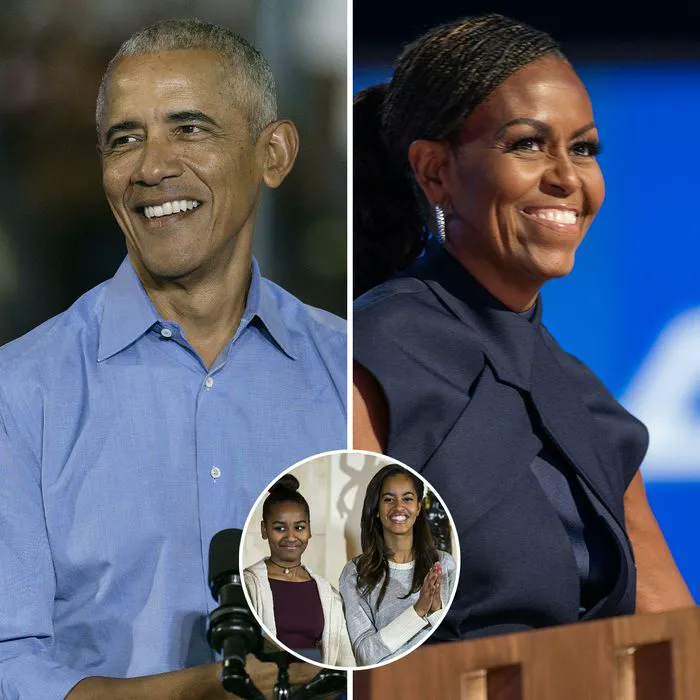
Barack Obama with Michelle, Malia, and Sasha Obama.
Amazon Prime Day week logo on smartphone and laptop screens.
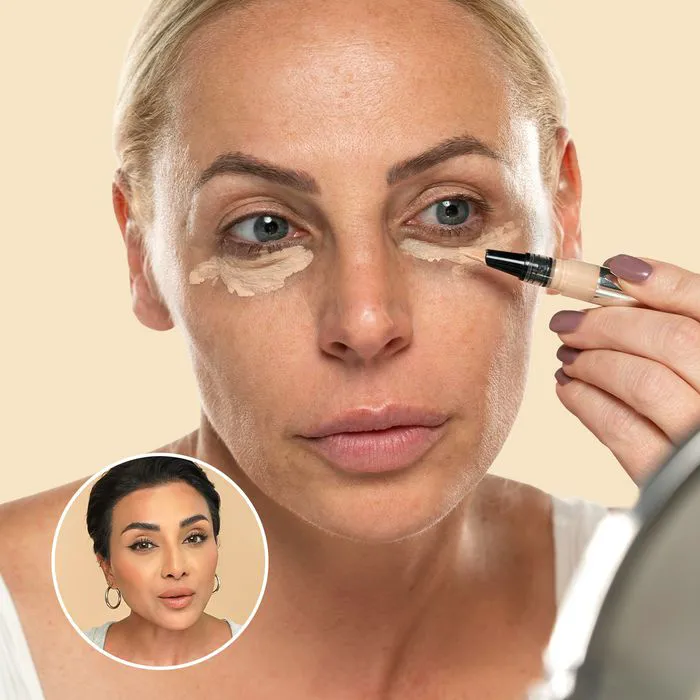
Woman applying concealer for a flawless makeup finish.
Best beauty deals on Amazon for Prime Day shoppers.

Beauty

Prime Day is basically a holiday for anyone who's ...

Ariana Grande at the Golden Globes, stunning red carpet look.
Kylie Jenner's Met Gala 2025 outfit featuring sophisticated black tailoring.
Woman applying sunscreen for sun protection and skincare.
Taylor Swift and Travis Kelce together at an event.
Healthy seeds, not pastries, promoting nutritious snacking choices.
Ivanka Trump and Jared Kushner at a public appearance.
Bad Bunny at the Grammy Awards red carpet.
iPhone charging plugged into a laptop for convenience.
iPhone settings screen showing charging options and battery status.
Trendy Italian bob hairstyle that’s popular this summer.
Angelina Jolie receiving the Trophee Chopard award.
Selena Gomez at the Rare Impact Fund Benefit gala.
Pool lounger with cocktail and trail mix for relaxation.
Brad Pitt and Ines de Ramon at the F1 premiere.
Queen Camilla with Prince Harry and Meghan Markle.
Travis Kelce and Taylor Swift at an event.
Barack Obama with Michelle, Malia, and Sasha Obama.
Amazon Prime Day week logo on smartphone and laptop screens.

Fashion

This summer, I might be shopping for more clothes and ...

Woman applying concealer for a flawless makeup finish.