Gigi Hadid at Le Grand Diner du Louvre photocall event.
iPhone apps exposing personal data risks
Jelly Roll and Bunnie Xo at Pre-Grammy Gala

Tech

The One App You Should Delete ASAP If Your Android Battery Dies SO Fast

December 11, 2018 by Justine Schwartz
shefinds | Tech
Featured image

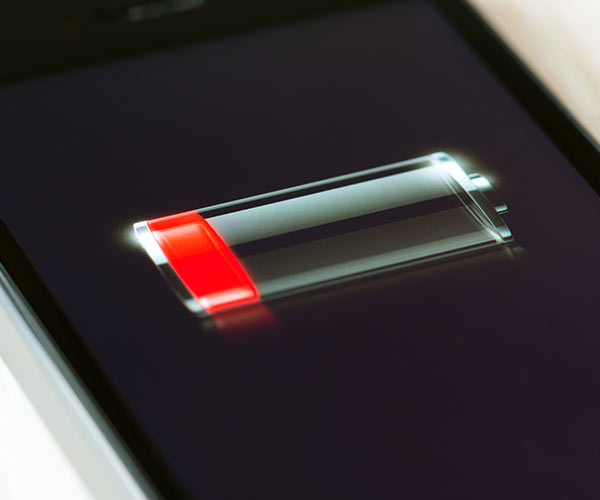
Being in a perpetual state of your battery dipping below 20% is the worst. That’s something that Apple and Android users have in common. There is no smart phone on the market that is immune to battery problems. But there are things that any of us can do to make ours perform better. Mainly, to delete the Facebook app. Sorry–it’s what all the tech experts agree:

house unit img
Women Are Swapping Their Boring Water For This Ice Pop Electrolyte Mix!
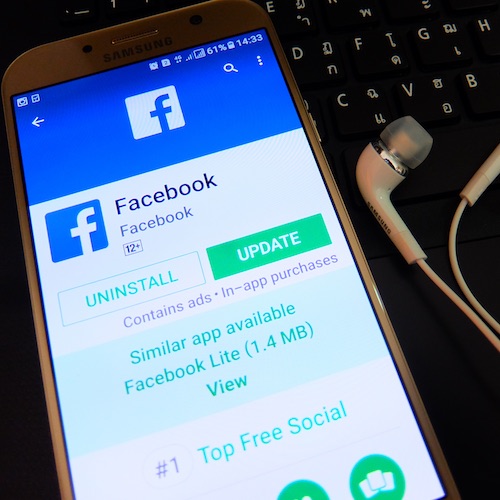
Image from SHEfinds

"The Facebook app," Derek Meister, Geek Squad Agent at Best Buy tells us. "On a tablet, you can still check Facebook via the browser. Some users report the app chews through your charge as well as space on your device. Getting rid of the app may also help you break an obsessive need to constantly check your page for updates. It’s possible to create a bookmark icon on your desktop for the Facebook page for ease of use."
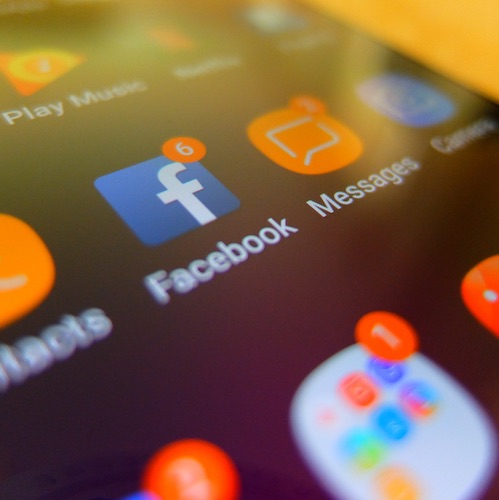
Image from SHEfinds

Matthew Zieminski, Head of Mobile Device Repair at Puls agrees that Facebook is the culprit. "The app uses so much of your data and your battery power it’s a wonder that consumers haven’t caught on. The nomads who forego the Facebook social media habits have a one-up on all of us in the form of battery life. Then again, we know more about our high school sweethearts so who’s the real winner? Seriously, Facebook is a threat to your battery and should be treated as such."
Author:

Editorial Director

Justine Schwartz is a veteran women's lifestyle editor; she's written extensively about style & beauty tips, health advice and wedding planning. Her work has appeared in New York Magazine, Huffington Post and New York Weddings. Justine has been with SheFinds since 2010; you can reach her via email at Justine@shefinds.com.

Woman enjoying a fresh summer watermelon salad.
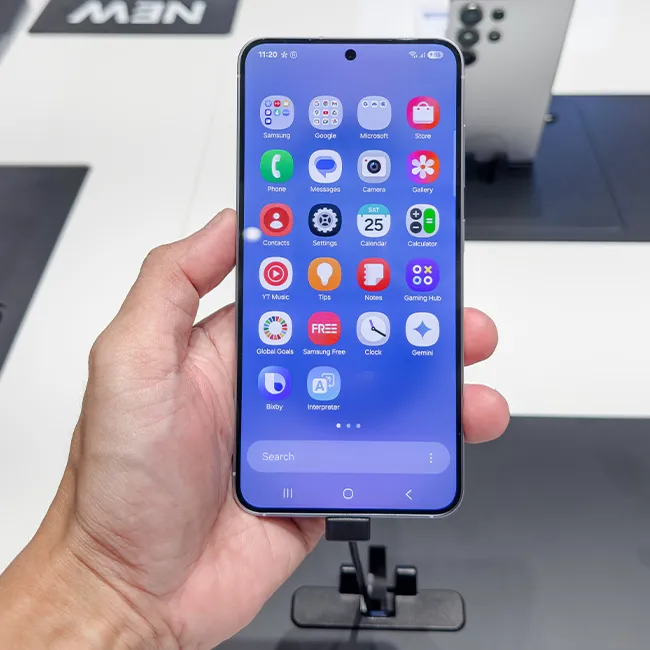
Individual holding Android phone showing various apps.
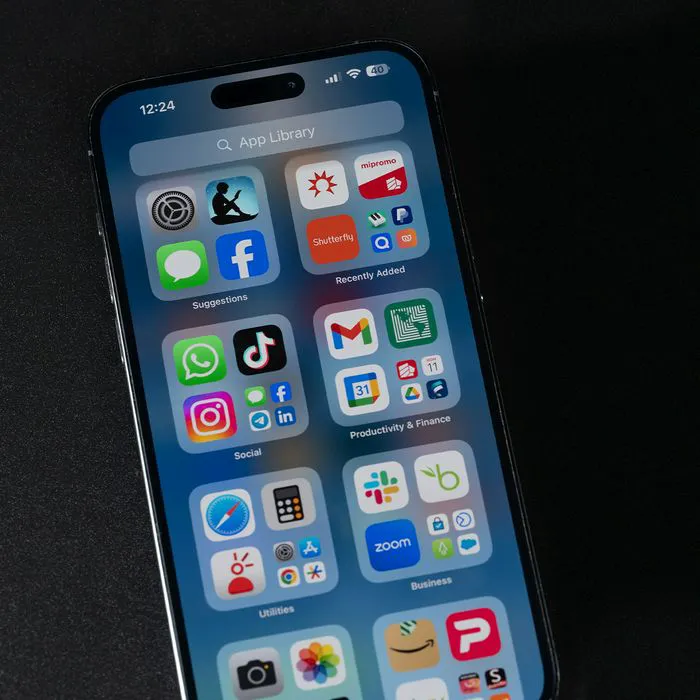
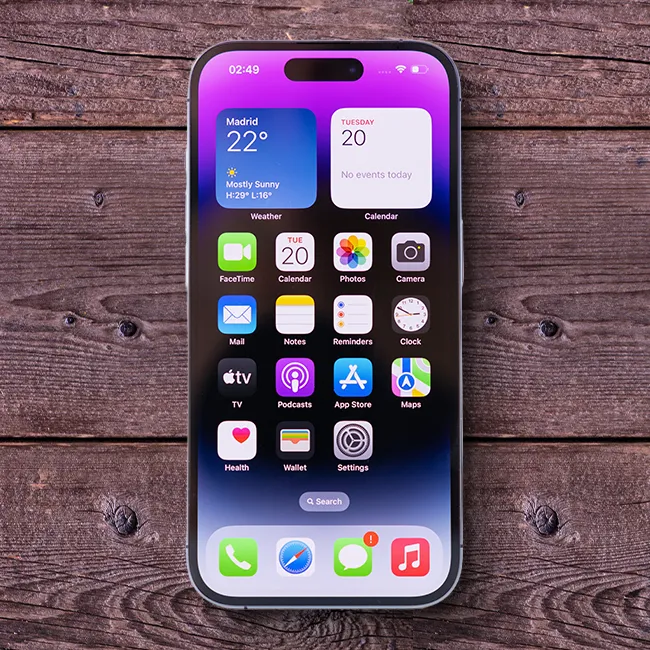
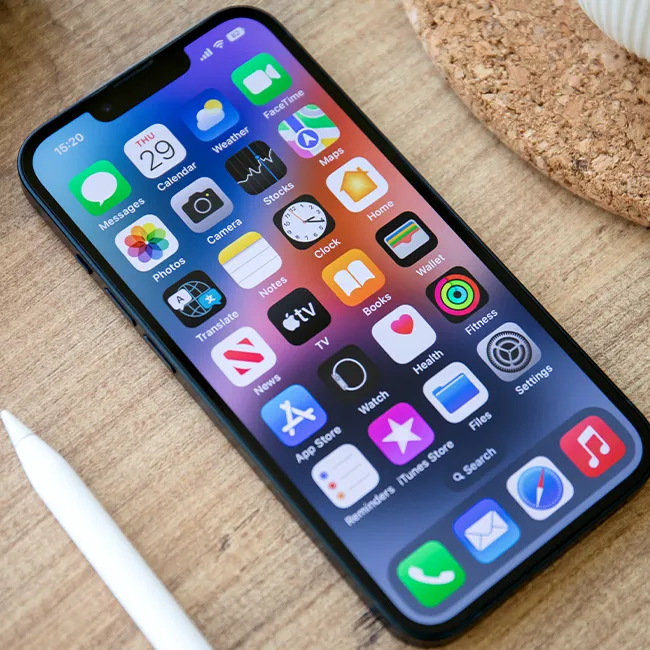
iPhone 14 displaying multiple applications on screen.
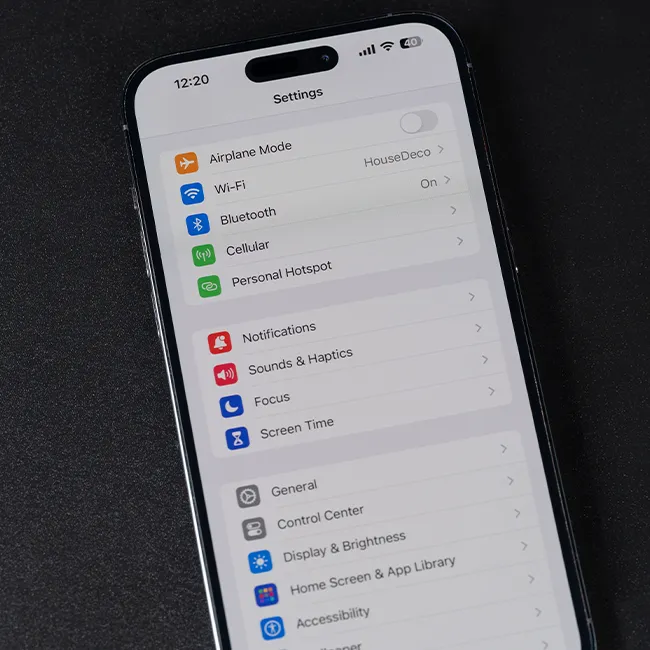
iPhone settings screen indicating charging needs.
Sony headphones, iPad, and laptop on Amazon site.
User interacting with an iPhone, exploring features.
iPhone apps displayed on the home screen.
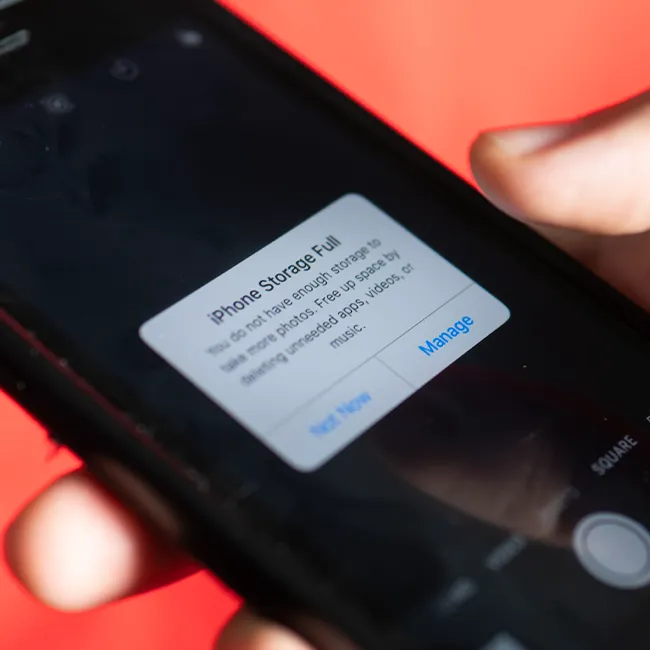
iPhone displaying full storage notification.
Hand holding an iPhone in a casual setting.
iPhone screen showcasing various applications available.
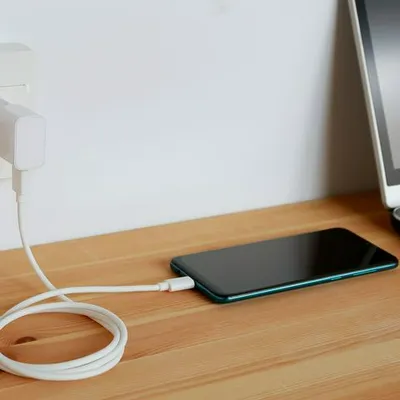
Android phone charging with power connection.
iPhone apps organized on the home screen.
Individual holding an iPhone, ready to use.
Woman confidently holding her iPhone.
iPhone 16 charging, illustrating power management.
John Travolta at the Academy Museum Gala event.
Android phone charging, emphasizing battery life.
Woman holding iPhone 17 Pro, capturing a moment.
Netflix login screen on a mobile device.
Person holding an iPhone, showcasing its features.
Woman enjoying a fresh summer watermelon salad.
Individual holding Android phone showing various apps.
iPhone 14 displaying multiple applications on screen.
iPhone settings screen indicating charging needs.
Sony headphones, iPad, and laptop on Amazon site.
User interacting with an iPhone, exploring features.
iPhone apps displayed on the home screen.
iPhone displaying full storage notification.
Hand holding an iPhone in a casual setting.
iPhone screen showcasing various applications available.
Android phone charging with power connection.
iPhone apps organized on the home screen.
Individual holding an iPhone, ready to use.
Woman confidently holding her iPhone.
iPhone 16 charging, illustrating power management.
John Travolta at the Academy Museum Gala event.
Android phone charging, emphasizing battery life.
Woman holding iPhone 17 Pro, capturing a moment.
Netflix login screen on a mobile device.
Person holding an iPhone, showcasing its features.