


Ariana Grande emotional on stage after split and health issues
Tasty bagels with blueberries and butter on a wooden board.
Close-up of male hands holding an Apple iPhone 17 Pro Max.

Tech

Apple Store Employees Hate This App Because It Destroys Your iPhone's Battery

March 15, 2020 by Lisa Cupido
shefinds | Tech
Featured image
house unit img
Women Are Swapping Their Boring Water For This Ice Pop Electrolyte Mix!
iphone

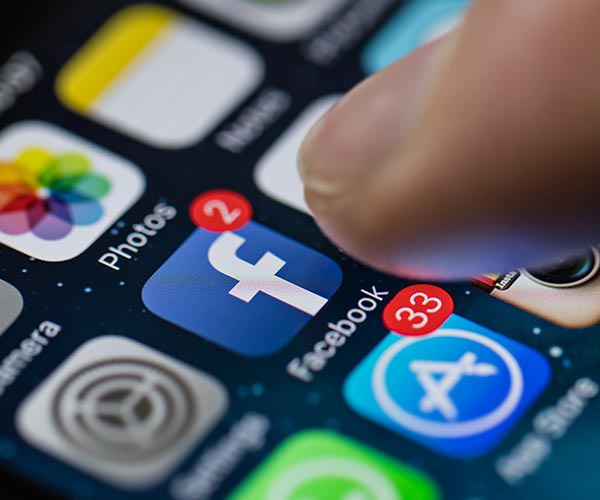
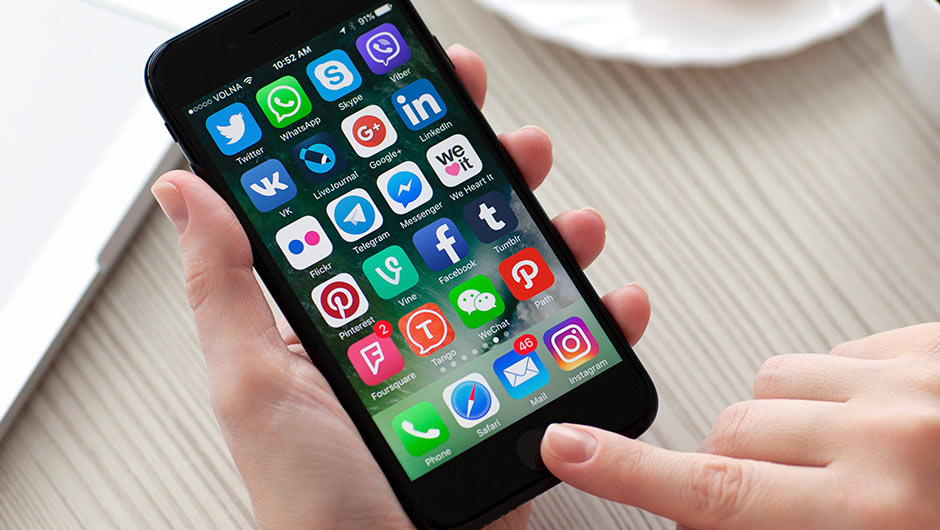
The Facebook App


There are a lot of reasons to love Facebook — how else can you keep up on everything your BFF is doing when she’s overseas?


But there are just as many reasons to consider deleting your Facebook app and simply accessing the social media site via your browser (because we know it’s a difficult one to give up).


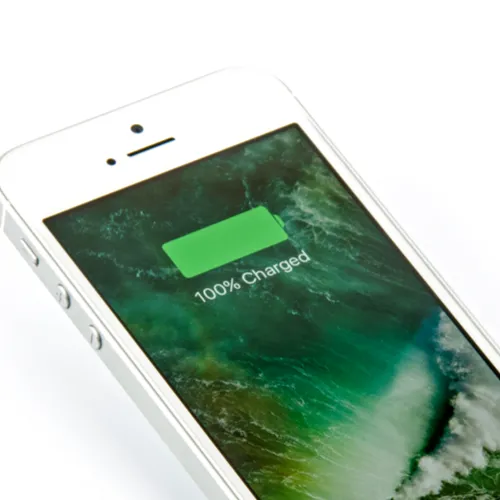
Let’s start with the obvious one: it’s a complete battery drainer.
iphone

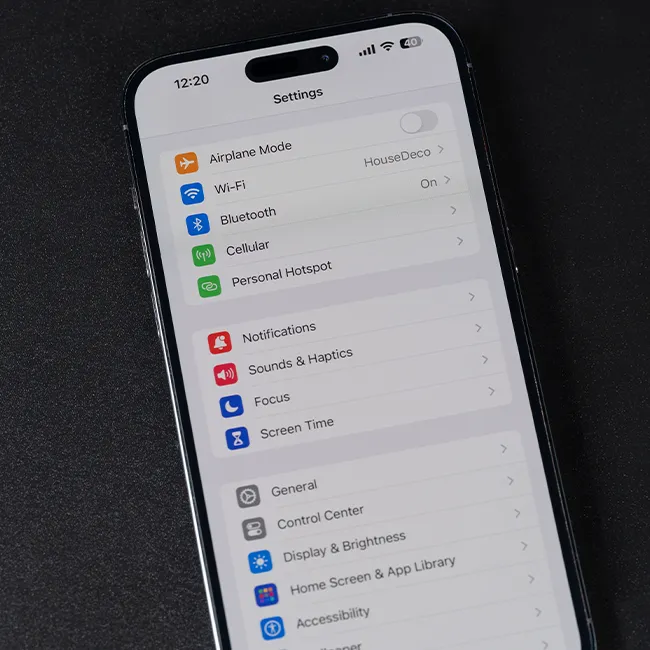
If you use the Facebook app, try this little experiment: open Settings  and swipe down to Battery. View your battery stats from the last 10 days and/or the last 24 hours. Chances are you will the Facebook app is way up there and could be consuming as much as 40 percent of your battery.
iphone

And that’s not the only way Facebook does a number on your phone.


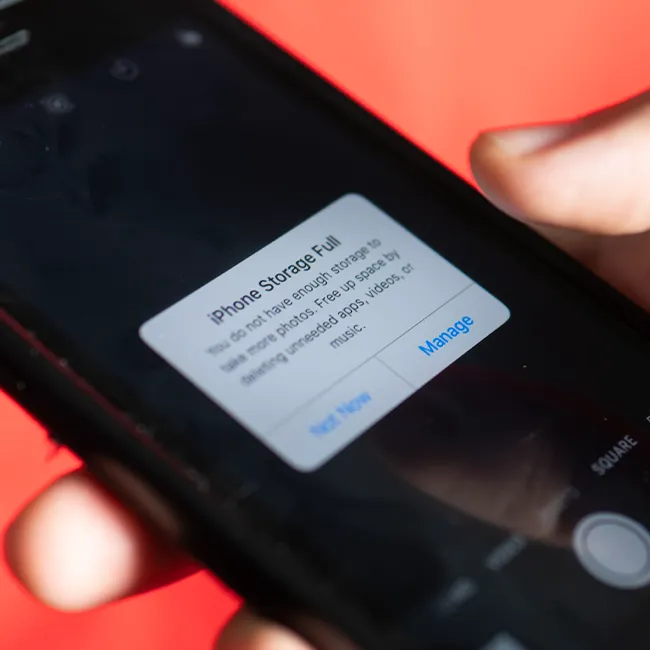
According to iMore: “From freezing issues to "out of storage" messages to constant battery drain, Facebook almost always seems to be the culprit.

The problem is that Facebook constantly caches information, and its data stores can grow on your iPhone, taking up precious space and background CPU.”
iphone

To check how much storage space Facebook is taking up on your phone, do the following:


Launch the Settings app on your iPhone.
Tap on General.
Tap Storage & iCloud Usage
Tap Manage Storage under the Storage section of the screen.
Tap on Facebook.

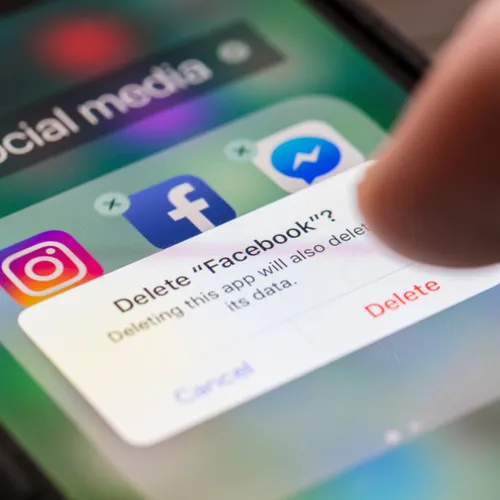
If Facebook is making a serious dent in your storage, all you have to do is click delete. Your phone will thank you.
Read More

Author:

Lisa Fogarty is a lifestyle writer and reporter based in New York who covers health, wellness, relationships, sex, beauty, and parenting.

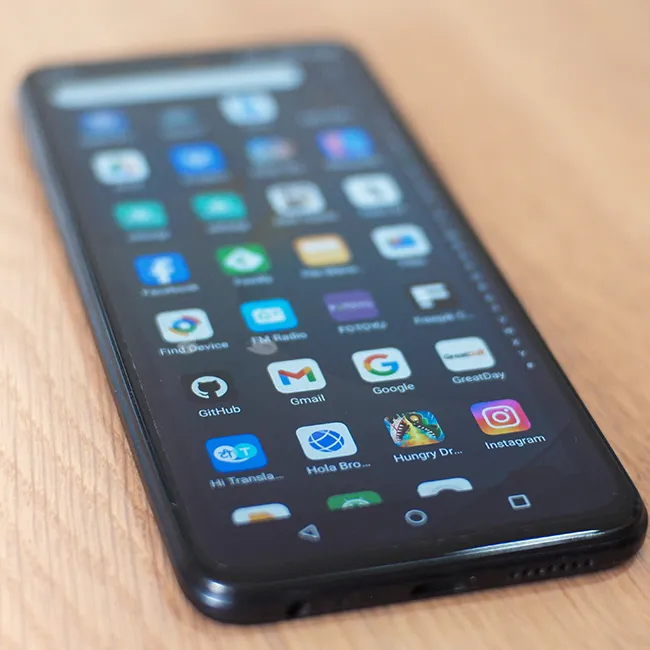
Android phone displaying various apps on the screen.
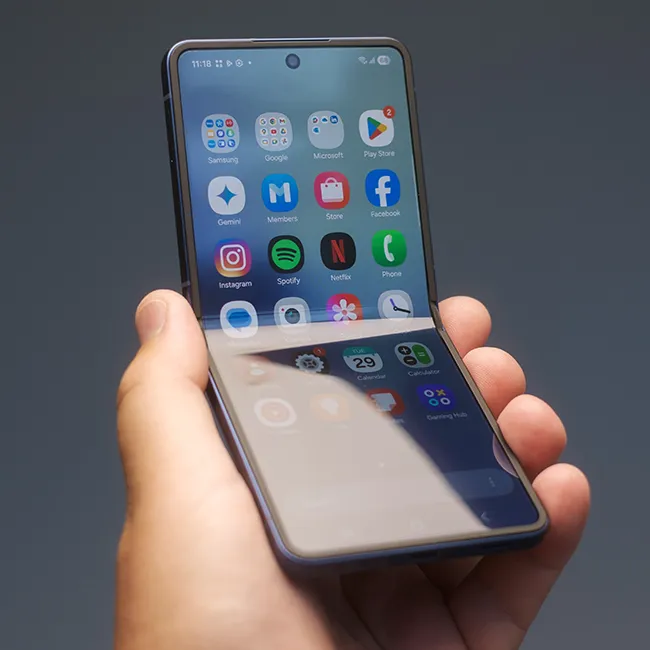
Samsung Galaxy Z Flip 7 smartphone with foldable design
Woman enjoying a fresh summer watermelon salad.
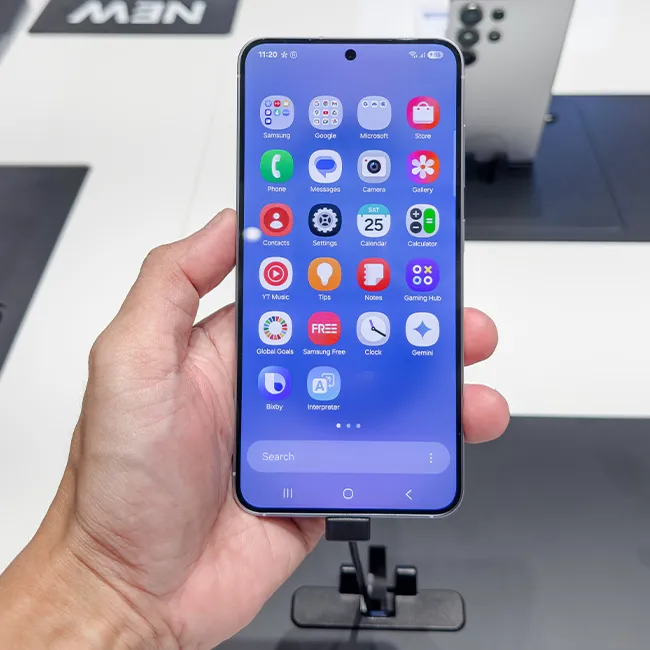
Individual holding Android phone showing various apps.
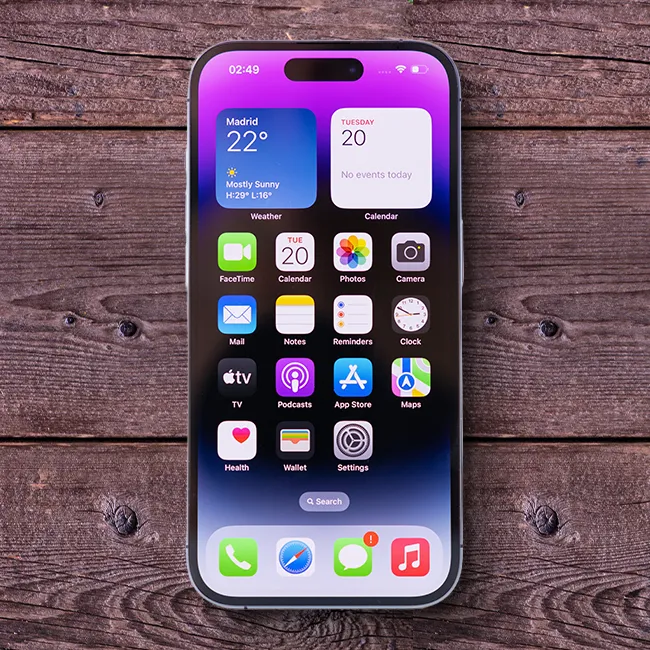
iPhone 14 displaying multiple applications on screen.
iPhone settings screen indicating charging needs.
Sony headphones, iPad, and laptop on Amazon site.
User interacting with an iPhone, exploring features.
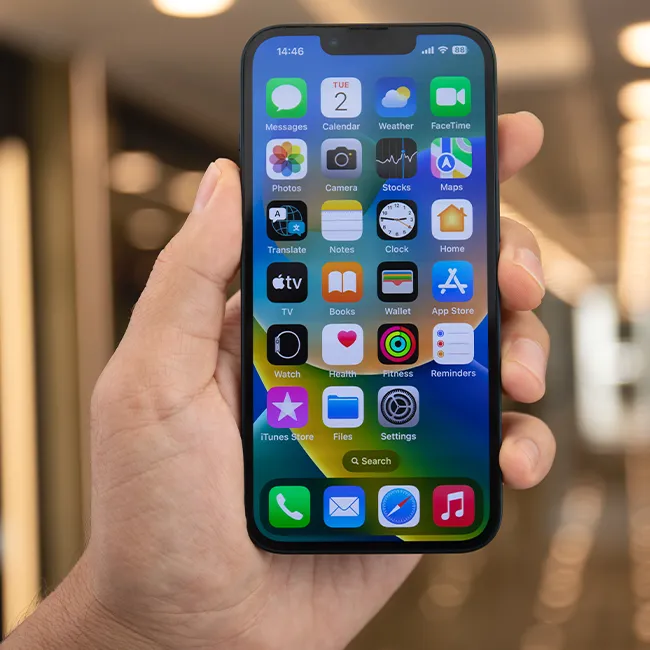
iPhone apps displayed on the home screen.
iPhone displaying full storage notification.
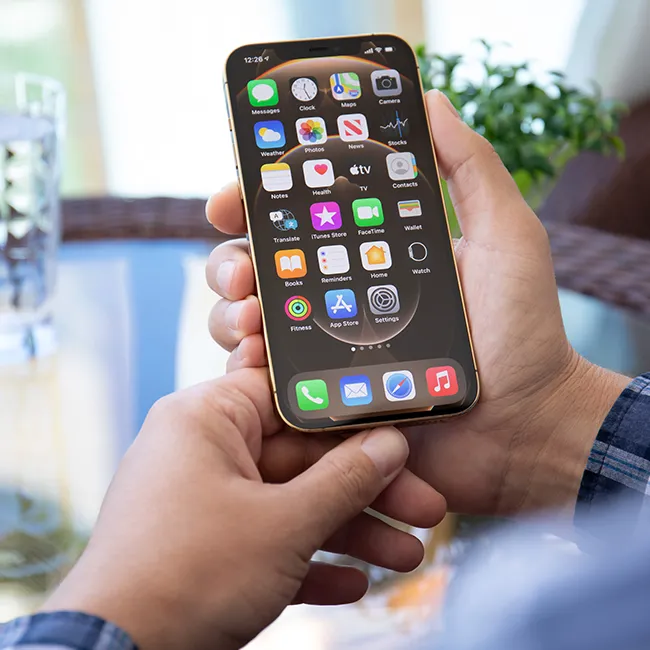
Hand holding an iPhone in a casual setting.
iPhone screen showcasing various applications available.
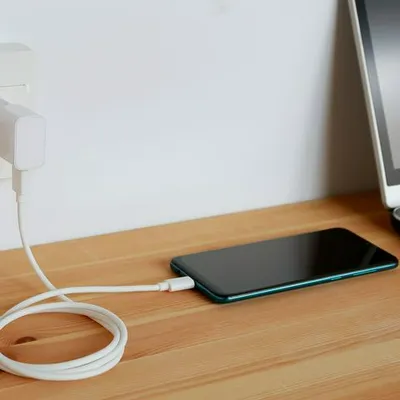
Android phone charging with power connection.
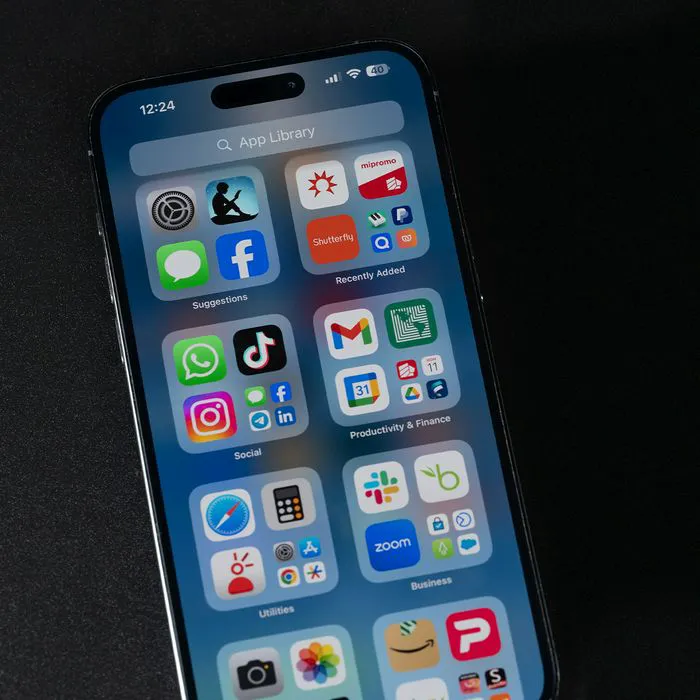
iPhone apps organized on the home screen.
Individual holding an iPhone, ready to use.
Woman confidently holding her iPhone.
iPhone 16 charging, illustrating power management.
John Travolta at the Academy Museum Gala event.
Android phone charging, emphasizing battery life.
Woman holding iPhone 17 Pro, capturing a moment.
Android phone displaying various apps on the screen.
Samsung Galaxy Z Flip 7 smartphone with foldable design
Woman enjoying a fresh summer watermelon salad.
Individual holding Android phone showing various apps.
iPhone 14 displaying multiple applications on screen.
iPhone settings screen indicating charging needs.
Sony headphones, iPad, and laptop on Amazon site.
User interacting with an iPhone, exploring features.
iPhone apps displayed on the home screen.
iPhone displaying full storage notification.
Hand holding an iPhone in a casual setting.
iPhone screen showcasing various applications available.
Android phone charging with power connection.
iPhone apps organized on the home screen.
Individual holding an iPhone, ready to use.
Woman confidently holding her iPhone.
iPhone 16 charging, illustrating power management.
John Travolta at the Academy Museum Gala event.
Android phone charging, emphasizing battery life.
Woman holding iPhone 17 Pro, capturing a moment.