






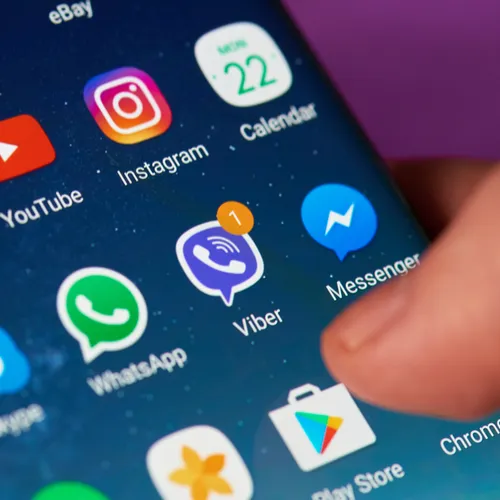
If you’re trying to improve your Android battery, one way to help it along is by deleting certain apps that are notorious for draining your power. In most cases, deleting apps is a personal choice based on the apps that you find most and least helpful. But there are always certain apps that stand out as particularly draining — here are five apps you should delete from your Android right now, according to tech experts.

Women Are Swapping Their Boring Water For This Ice Pop Electrolyte Mix!
Facebook
Quite possibly one of the most battery draining apps on the planet, Facebook loads videos and kills your battery fast. Delete the app and access Facebook via your browser to save power.
Facebook Messenger
Following in Facebook’s footsteps, the Facebook Messenger app is a major battery killer. Unfortunately, you won’t be able to access your Facebook private messages when you’re using FB in your browser, so this is one of those cases where you’ll need to decide if deleting the app is worth saving your battery power.
Microsoft Outlook
According to Make Use Of, Microsoft Outlook is the surprising Android app that kills your battery fast.
“There is no shortage of email apps on the Play Store, so take your pick. Personally, I would recommend Inbox by Gmail, the productivity-email hybrid. As a full-time user and someone who gets hundreds of emails every day, I can vouch for its battery efficiency.”

News Apps
Popular news apps keep you informed of current events, but they also drain your battery. You can use Twitter for news updates from major news outlets or access those sites via your browser.
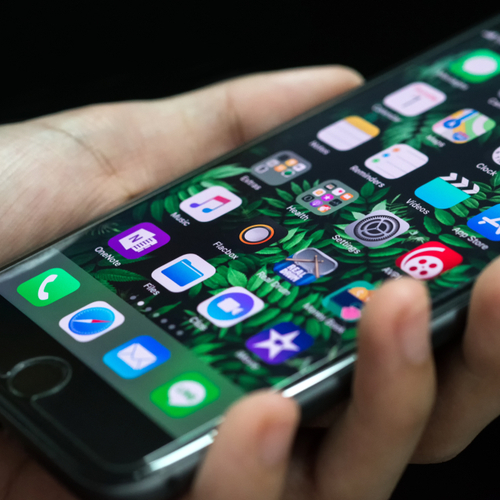
Tinder may be great for your social life, but it’s less than ideal for your battery. If you’d rather do anything aside from delete Tinder, you can change your options so that you aren’t an “always active” user.

Deleting these apps will help boost your battery power, as will getting rid of streaming apps like Spotify and Netflix.
To see which apps are draining your Android battery, Cnet.com recommends taking these steps:
Open the main settings area of your phone by pressing the Menu button and then choosing Settings.
Scroll down in this menu to "About phone" and press it.
On the next menu, choose "Battery use."
Look over the list of apps that are using the battery the most. "Display" is likely to be the top consumer on your phone at all times.
If an app you're not using at the moment is consuming a lot of battery power, you can select it and then press the "Force stop" button.



















