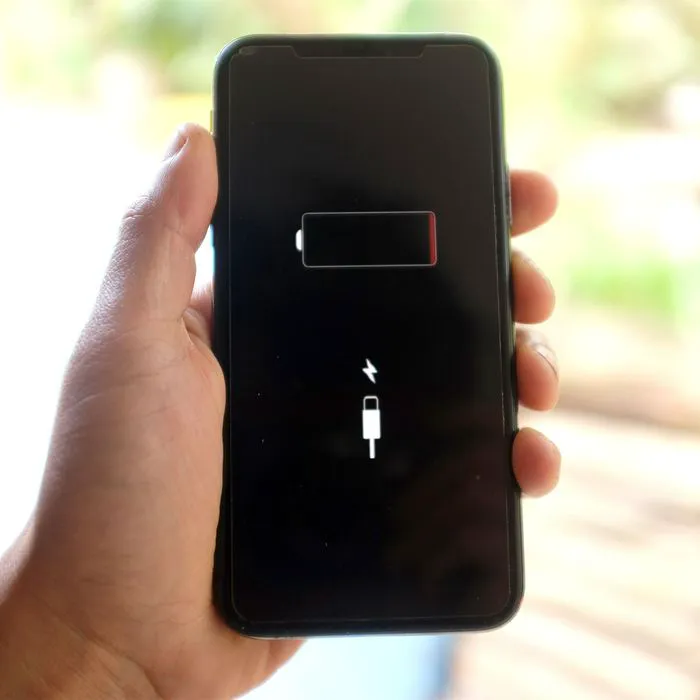
Some of your iPhone settings are going to cost you — maybe not in the short-term, but when it comes to battery power. Some settings that can seem like the most convenient are important to keep in check for the sake of the longevity of your device. If you’re wondering what to change, start here: with two battery-draining settings you should turn off ASAP because they can slow down your device.
Brightness
It’s important to not have to strain your eyes to see your iPhone screen. But, if you’re being honest with yourself, is all of that brightness really necessary? If you suspect you could get along just fine with your brightness setting turned down a notch (or five notches), making that change can really save your phone battery.
“Brightness drains battery level because it takes more power to keep your phone screen brighter,” says Tech Expert Nadir Marcos, the CEO and founder of PlanHub. “Higher brightness naturally requires more battery, as does auto-brightness, where your phone adjusts battery levels for you automatically.”
Turning off auto-brightness is a fairly easy task, fortunately — just head over to Settings > Display & Brightness — and then drag the slider down to adjust your brightness level.
“Then, I recommend keeping your brightness levels fairly low, if you want to ensure the best possible battery life for your phone,” Marcos says.
Location Services
Directly behind brightness settings in terms of battery-draining culprits you’ll find Location Services, which allow apps to determine your location, which can be incredibly useful for certain apps such as maps or weather — but is also very taxing on your battery. “Having location services constantly running can be a big drain on your phone’s battery and even some of the apps keep using or tracking your location when they are not in use which can badly affect your phone battery,” says Yash Giri, a tech expert and owner at Technographx. “Location services require your phone to constantly communicate with GPS satellites to determine your location. This constant communication requires a lot of energy which results in the draining of your phone’s battery.”
To disable or put off location services on an iPhone, Giri says to follow these steps:
- Go to Settings.
- Tap on Privacy.
- Tap on Location Services.
- Toggle off the switch.
Adjust these settings and don’t be surprised if doing so results in a faster-running phone with a more efficient battery.