






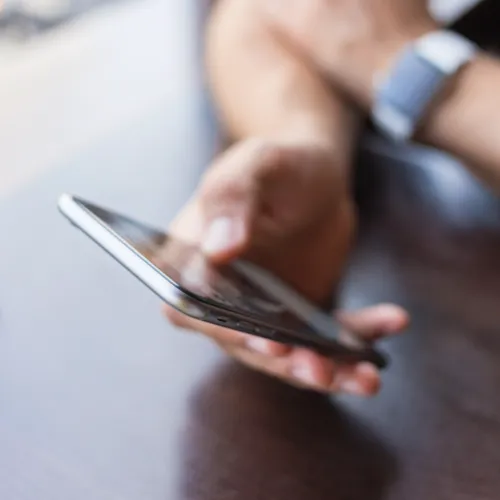
You touch your iPhone countless times a day — and your device likely touches a million more surfaces and is dropped on several hundred floors and counters, to boot. All of that contact means your iPhone is gathering up dust, dirt, germs and bacteria.
And that, of course, means you should be cleaning your phone every now and then. But just how often should it be disinfected (and what’s the best way to get the job done)?
This is exactly how often you should clean your iPhone screen, according to experts.

Women Are Swapping Their Boring Water For This Ice Pop Electrolyte Mix!
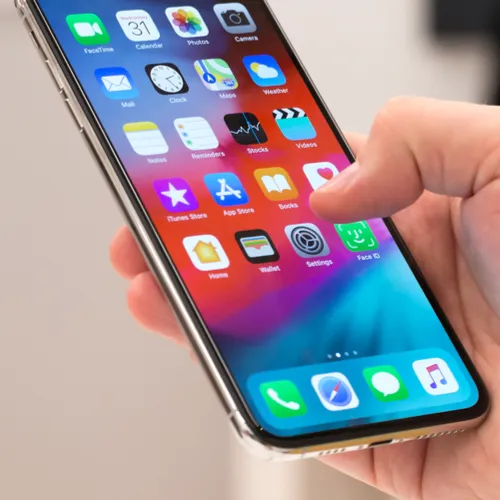
There’s a good chance you aren’t cleaning your phone enough. Why? Because, according to University of Arizona study of high schoolers’ mobile phones: “there’s a median count of 17,032 bacterial 16S rRNA gene copies per phone. That’s about 10 times the amount of bacteria found on a toilet seat,” reports Food52.
The best thing you can do is clean your phone at least once a day — and more so if you keep your phone with you on the table when you eat.
But there are other times when it becomes very important to clean your phone and not wait for the end of the day (or the end of the week — or month).
“Smartphone screens should be cleaned immediately if it comes into contact with materials that might cause stains, such as ink, dyes, makeup, dirt, food, oils and lotions,” reports Today.
The last thing you’ll want to do when you clean your iPhone is douse it with water, obviously. It’s important to disinfect your phone — either with an ultraviolet light phone sanitizer or a much more affordable method that is completely effective (as long as you do it correctly).
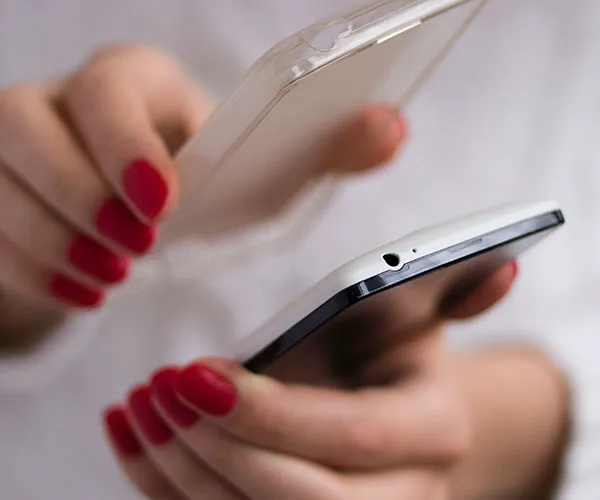
Tech experts at Apple and NBC news provided these simple steps to cleaning and disinfecting your phone:
First, take off your case. Then you can use a disinfectant wipe, though Apple recommends avoiding bleach.
Use disinfectant wipes with 70% alcohol.
Do not submerge the phone or get any cleaning fluids in any of the ports.
Use only a soft, lint-free cloth, like microfiber, to wipe away smudges. Abrasive materials, such as rough cloths, towels and paper towels, could scratch the glass and damage the oil-repelling coating on the glass screen.
Let everything air dry before you pop your case back on.



















