



The Smith family at the Bad Boys premiere event.
Kourtney Kardashian at the Grammy Awards red carpet.
Katy Perry and Orlando Bloom sharing a moment together.

Tech

The One Thing You Should Never Do When Updating Your iPhone To iOS 14

October 7, 2020 by SHEfinds Editors
shefinds | Tech
Featured image

The latest and greatest iPhone upgrade is iOS 14, which is available to most iPhone users. But before you download the latest version of iPhone’s operating service, or if you’ve tried and failed to install it, there may be a perfectly good, easily fixable reason for that. This is the one thing you should never do when updating your iPhone to iOS 14.

house unit img
Women Are Swapping Their Boring Water For This Ice Pop Electrolyte Mix!
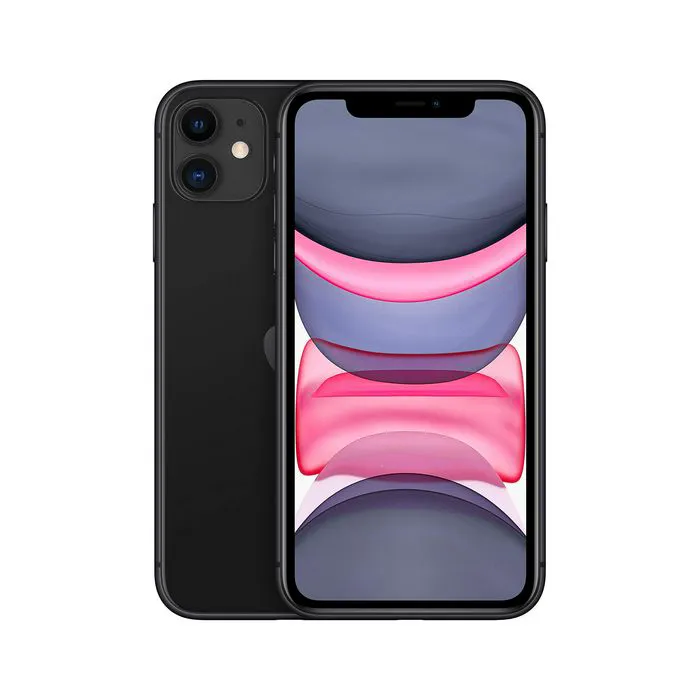
There are plenty of good reasons to keep your iPhone updated and to install iOS 14 on your phone. The upgrade includes a translation app, a more compact interface for incoming calls, and picture-in-picture for video. The update is available for iPhone 6s and iPhone 6s Plus and up, as well as iPhone SE, both the first and second generation.


Assuming you have one of these iPhone models, there is one major reason why you may have trouble installing iOS 14.
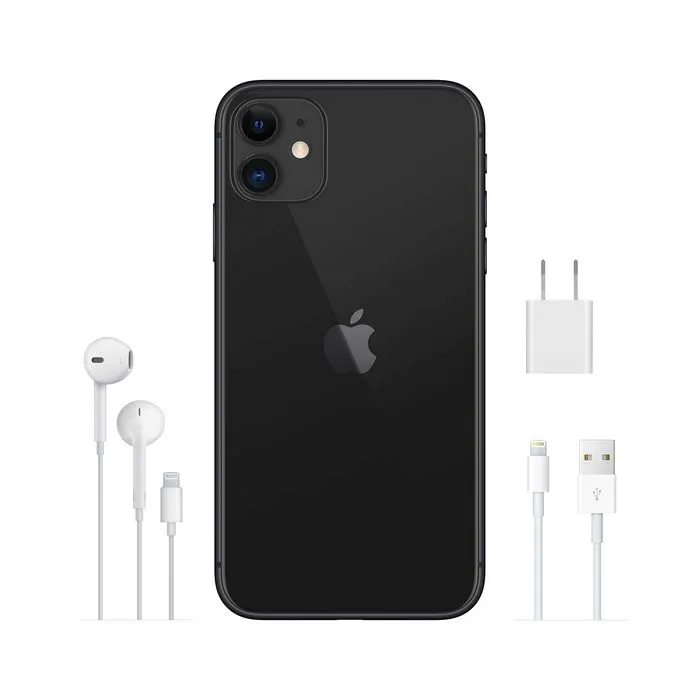
Before you update iOS 14 make sure you have enough storage space to accommodate it. Although iOS 14 takes up 2.2. GB or storage, you’ll need a total of 5 GB of free space before your phone downloads and installs it. The first thing you’ll need to do is figure out how much space your phone currently has. Go to the Setting app, tap General, and then iPhone Storage.
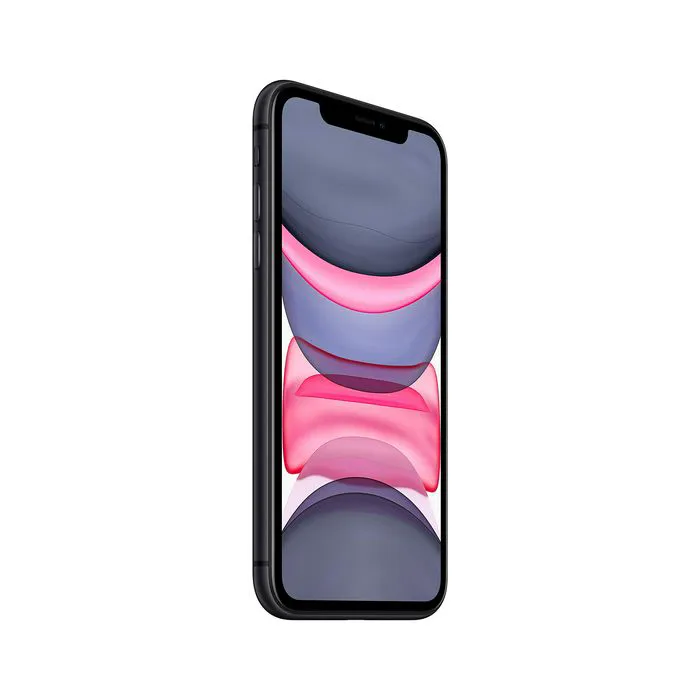
If your phone is over the storage limit to download iOS 14, or approaching it, there are ways you can free up storage to make room for it. For starters, delete any old apps that you never use. Deleting apps like the Facebook app, which takes up tons of space, can also be very helpful. Changing the settings in Instagram so that the app doesn’t automatically save photos when you post them will also help.
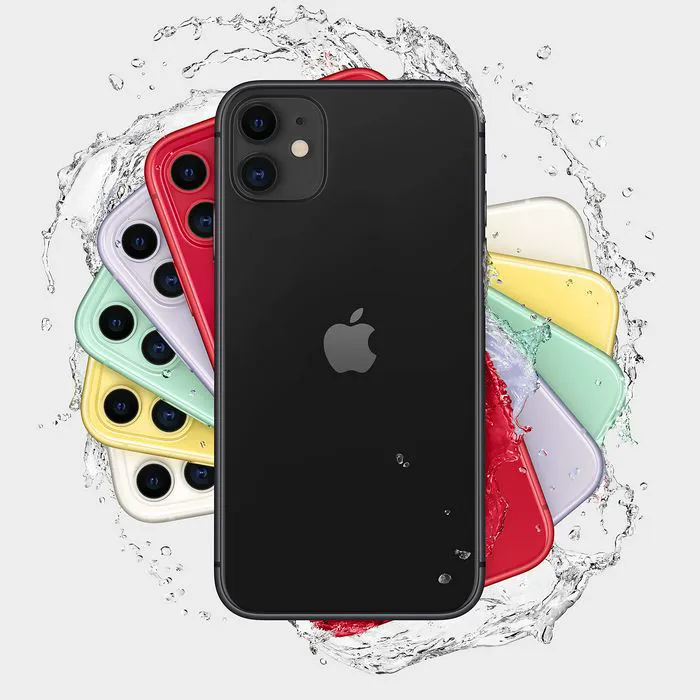
iphone-1

Other steps you can take to increase storage include deleting music tracks, old messages in iMessage, and clearing Safari’s cache.


When you’re sure you have enough space, downloading iOS 14 should be a breeze. Just go to Setting > General > Software Update.


 

Author:

The SheFinds Editorial Team scours the web to find the best in fashion and beauty so that our busy readers don't have to. We're online shopping junkies to the core. You can reach us via email Editor@shefinds.com.

Close-up of Android phone showcasing app interface.
New iPhone 17 showcasing sleek design and features.
Woman working on laptop in a modern workspace.
Smartphone charging with a power adapter connected.
Display of popular apps on an iPhone screen.
Close-up of hands holding an iPhone 17 Pro Max.
Individual using an iPhone for various tasks.
Person holding iPhone displaying multiple apps.
Woman texting on her smartphone with focus.
Android phone showcasing diverse applications.
Samsung Galaxy Z Flip 7 smartphone in use.
Woman enjoying a fresh summer salad outdoors.
Holding an Android phone with app interface visible.
iPhone 14 displaying a variety of installed apps.
iPhone indicating low battery and charging settings.
Sony headphones and iPad being used with laptop.
Individual engaging with an iPhone for communication.
iPhone screen filled with various app icons.
Alert showing iPhone storage is full.
Person holding an iPhone in a casual setting.
Close-up of Android phone showcasing app interface.
New iPhone 17 showcasing sleek design and features.
Woman working on laptop in a modern workspace.
Smartphone charging with a power adapter connected.
Display of popular apps on an iPhone screen.
Close-up of hands holding an iPhone 17 Pro Max.
Individual using an iPhone for various tasks.
Person holding iPhone displaying multiple apps.
Woman texting on her smartphone with focus.
Android phone showcasing diverse applications.
Samsung Galaxy Z Flip 7 smartphone in use.
Woman enjoying a fresh summer salad outdoors.
Holding an Android phone with app interface visible.
iPhone 14 displaying a variety of installed apps.
iPhone indicating low battery and charging settings.
Sony headphones and iPad being used with laptop.
Individual engaging with an iPhone for communication.
iPhone screen filled with various app icons.
Alert showing iPhone storage is full.
Person holding an iPhone in a casual setting.

















