



Smith family at Bad Boys movie premiere event.
Katy Perry and Orlando Bloom at a public event.
Prince William and Prince Harry at a royal event.

Tech

The One App That KILLS Your Android Battery Life — Even When You're Not Using It!

December 8, 2019 by Somdip Dey
shefinds | Tech
Featured image

You have been enjoying your Android lately, yet you hate it when your smartphone keeps dying on you. And your smartphone is not smart enough without cool apps. However, most people don’t know enough about the apps they are installing.



house unit img
Women Are Swapping Their Boring Water For This Ice Pop Electrolyte Mix!
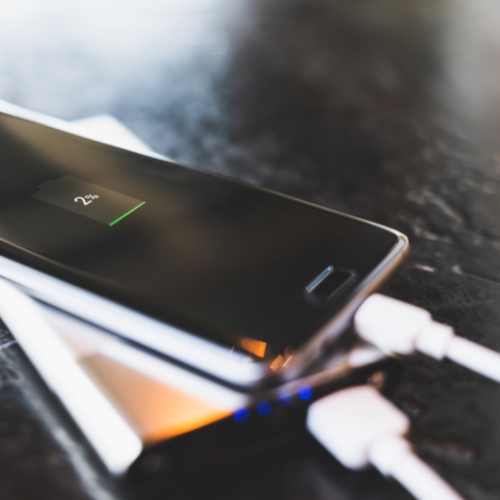
Android phone charging with a cable on a desk.

There are a variety of apps that affects your Android’s battery life over time, however, that one app that kills your Android battery life even when you are not using it is Google App!


To make your life easier, especially, when it comes to searching the internet for nearby stores and restaurants or live sports scores and schedules, etc. it is very common to install the Google App to get access to all the aforementioned features and many more.

Android computer setup with monitor and keyboard.

However, what many users don’t realize that Google voice assistant is always running in the background, which drains the battery of the device even when the user is not actively using the device. The app could be activated by saying, “Ok, Google” or “Hey, Google” and the user does not realize that the App/device is continuously listening to its surroundings to execute a command when it hears “Ok, Google” or “Hey, Google."
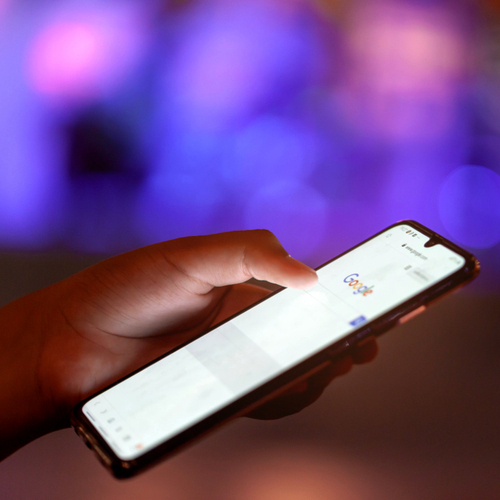
Google Pixel smartphone displayed with Google branding.

Hence, such kind of activity of the app requires battery consumption and not to mention that the privacy of the user is also at risk. In order to save battery life, in the long run, it is better to either delete the app from the device or at the least deactivate the voice assistant if not actively using the app.


Author:

Contributor

Somdip Dey is an embedded Artificial Intelligence scientist affiliated to the University of Essex, UK and the Samsung R&D Institute, UK and tech contributor to SheFinds. Somdip is also a serial entrepreneur with a knack in social-entrepreneurship, and serves as the technical committee member of several top computing conferences such as IEEE EdgeCom, IEEE CSCloud, CVPR, ICCV. Somdip has previously served as an Editor of ACM XRDS (Crossroads) magazine. Get the latest update on Somdip’s work at http://somdipdey.co.uk

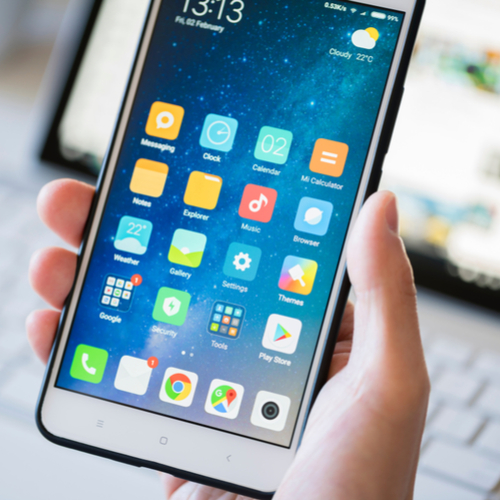
Close-up of Android phone displaying multiple application icons.
New iPhone 17 displaying sleek design and features.
Woman working on laptop, focused on her tasks.
Smartphone connected to charger, indicating low battery.
iPhone screen showcasing various applications and features.
Close-up of hands holding iPhone 17 Pro Max.
Person using iPhone to browse apps and features.
Holding iPhone, displaying multiple applications on screen.
Woman texting on smartphone, engaged in conversation.
Android phone showing a variety of applications.
Samsung Galaxy Z Flip 7 smartphone in an open position.
Woman enjoying fresh summer salad with watermelon and feta.
Holding Android phone, displaying popular apps.
iPhone 14 featuring various apps on its screen.
iPhone settings screen indicating need for charging.
Sony headphones, iPad, and laptop set up on Amazon.
Person actively using iPhone for communication or browsing.
iPhone screen filled with different applications and icons.
iPhone storage full notification displayed on screen.
Person holding iPhone, ready to use or take a photo.
Close-up of Android phone displaying multiple application icons.
New iPhone 17 displaying sleek design and features.
Woman working on laptop, focused on her tasks.
Smartphone connected to charger, indicating low battery.
iPhone screen showcasing various applications and features.
Close-up of hands holding iPhone 17 Pro Max.
Person using iPhone to browse apps and features.
Holding iPhone, displaying multiple applications on screen.
Woman texting on smartphone, engaged in conversation.
Android phone showing a variety of applications.
Samsung Galaxy Z Flip 7 smartphone in an open position.
Woman enjoying fresh summer salad with watermelon and feta.
Holding Android phone, displaying popular apps.
iPhone 14 featuring various apps on its screen.
iPhone settings screen indicating need for charging.
Sony headphones, iPad, and laptop set up on Amazon.
Person actively using iPhone for communication or browsing.
iPhone screen filled with different applications and icons.
iPhone storage full notification displayed on screen.
Person holding iPhone, ready to use or take a photo.

















