



Bill Gates arriving at the 12th Annual Breakthrough Prize Ceremony.
Stylish pillbox organizer for vitamins and supplements.
Doctor consulting about GLP-1 medication.

Tech

The One Setting You Need To Change ASAP If Your Phone Keeps Crashing

March 5, 2020 by Lisa Cupido
shefinds | Tech
Featured image

There’s nothing more frustrating than a phone that consistently crashes, right when you’re working on something important (or simply sending a message to a friend). Androids, in particular, are more prone to this bad behavior, but there are quick fixes to remedy the problem and get your phone back into tip-top shape.

This is the one setting you need to change ASAP if your phone keeps crashing.

house unit img
Women Are Swapping Their Boring Water For This Ice Pop Electrolyte Mix!
android

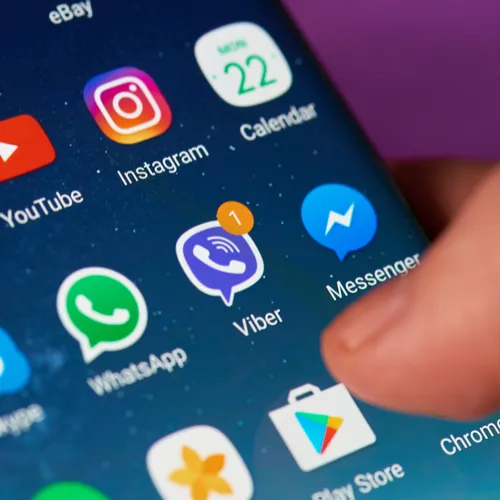
One reason why your Android could be crashing is because its software is not current and updated. Software changes can be frequent, but are necessary because they fix bugs and help your phone work more efficiently.
android

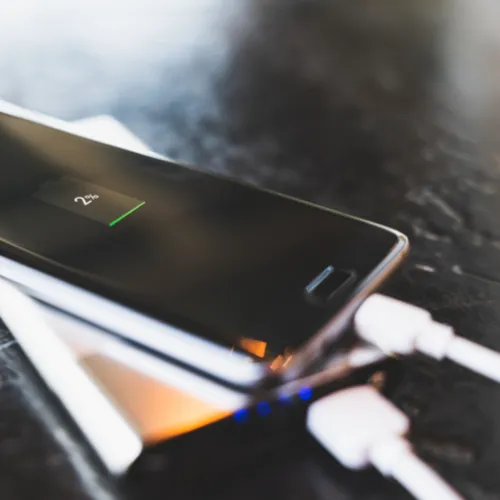
According to Google, this are the steps you should take to check for updates — this may be the simplest way to keep your phone from crashing:


Open your phone's Settings app
 
Near the bottom, tap System > System Advance >
 System update. If needed, first tap About phone or About tablet.


You'll see your update status. Follow any steps on the screen.
android

But the updating doesn’t just stop there.


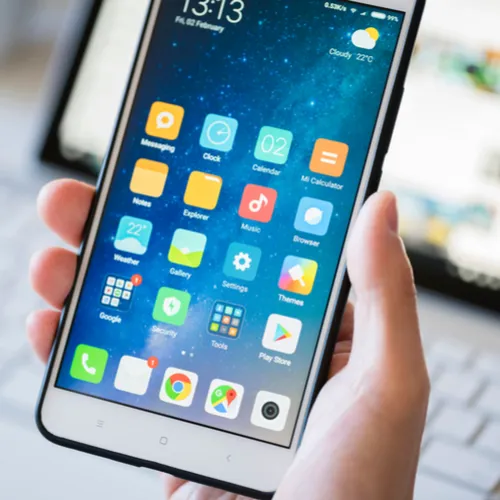
Even if your Android’s software is up to date, its app may not be current. If you’re running apps that are outdated, they could be the culprit behind why your phone keeps stalling, crashing, or restarting.
android

Here are the steps to updating your apps, according to Google:


On your phone, open the Google Play Store app 
Tap Menu > My apps & games.
Apps with available updates are labeled "Update."
If an update is available, tap Update.
If more updates are available, tap Update all.

Author:

Lisa Fogarty is a lifestyle writer and reporter based in New York who covers health, wellness, relationships, sex, beauty, and parenting.

Hands holding an Android phone with app display.
Latest iPhone 17 model showcased on a table.
Woman working on a laptop in a cozy setting.
Smartphone connected to a charger on a desk.
Display of various apps on an iPhone screen.
Close-up of hands holding an iPhone 17 Pro Max.
User interacting with an iPhone in a casual environment.
Holding an iPhone displaying multiple apps on the screen.
Woman texting on a smartphone while sitting comfortably.
Android phone showing a variety of apps on the screen.
Samsung Galaxy Z Flip 7 smartphone in an upright position.
Woman enjoying a fresh summer watermelon salad outdoors.
Holding an Android phone showcasing several apps.
iPhone 14 with various apps displayed on the screen.
iPhone indicating low battery and charging settings needed.
Sony WH-CH720N headphones displayed with iPad and laptop on Amazon.
Individual using an iPhone in a modern setting.
Collection of popular iPhone apps displayed on screen
iPhone storage full notification with colorful background
Person holding an iPhone with a smile
Hands holding an Android phone with app display.
Latest iPhone 17 model showcased on a table.
Woman working on a laptop in a cozy setting.
Smartphone connected to a charger on a desk.
Display of various apps on an iPhone screen.
Close-up of hands holding an iPhone 17 Pro Max.
User interacting with an iPhone in a casual environment.
Holding an iPhone displaying multiple apps on the screen.
Woman texting on a smartphone while sitting comfortably.
Android phone showing a variety of apps on the screen.
Samsung Galaxy Z Flip 7 smartphone in an upright position.
Woman enjoying a fresh summer watermelon salad outdoors.
Holding an Android phone showcasing several apps.
iPhone 14 with various apps displayed on the screen.
iPhone indicating low battery and charging settings needed.
Sony WH-CH720N headphones displayed with iPad and laptop on Amazon.
Individual using an iPhone in a modern setting.
Collection of popular iPhone apps displayed on screen
iPhone storage full notification with colorful background
Person holding an iPhone with a smile


















