

Taylor Swift's private jet amidst wedding preparations in 2024.
Tired woman showing effects of lack of sleep.
Delicious banana nice cream dessert for healthy eating.

Tech

The Scary Downside Of Enabling Location Services On Your iPhone That No One Tells You About

February 10, 2019 by Justine Schwartz
shefinds | Tech
Featured image

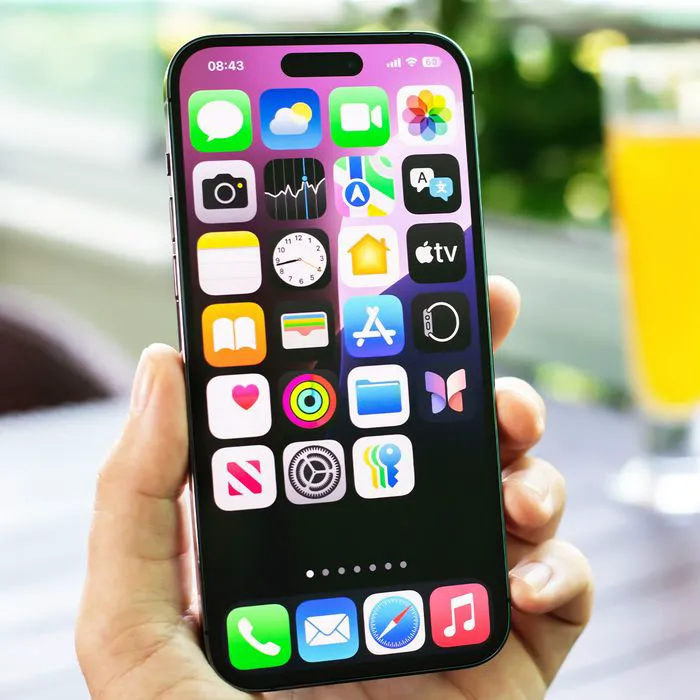
Location services allow your iOS devices, with your permission, allow apps and websites to determine your approximate location based off things like cellular, Wi-Fi and GPS networks. The applications are endless–restaurant suggestions that cater to your location, maps, you name it and any app can use your location in some capacity. But are there scary downsides to using it? We spoke to leading tech experts to learn more:

READ MORE: 5 Things You Should Delete From Your Phone RIGHT NOW, According To Tech Experts

house unit img
Women Are Swapping Their Boring Water For This Ice Pop Electrolyte Mix!
Image from SHEfinds

Not Checking Your Settings

"Having location services enabled on your iPhone is convenient if you want accurate directions or local weather from your phone. However, as you add apps and allow them to access your location, many default to 'always' in the settings," technology analyst Amy Smith of Fit Small Business tells us."

"The worst mistake you can make is never visiting that settings page and switching apps to 'While Using the App' or 'Never'. When an app is allowed constant access to your location, not only can it drain your phone's battery, you might be giving up your location and data to a company that shares it for business purposes to other companies (read that privacy policy thoroughly). You have to decide how much privacy you're willing to trade for convenience."

Image from SHEfinds

Dary Merckens, CTO of Gunner Technology, agrees. "The worst mistake you can make when enabling location services for the iPhone is not selecting the option to allow location services when the app is in use," he explains. "A lot of people just constantly allow the app to use location services, which is both unnecessary and a major drain on your phone's battery life." True!

Image from SHEfinds

Use It On An Airplane

"The worst mistake you can make when enabling location services on your iPhone is to keep it on when you are on an airplane,"Danielle Radin, trained in digital forensics through the Carnegie Mellon Software Engineering Institute tells us. "It will uselessly drain your battery." Yikes, we don't want that!
Author:

Editorial Director

Justine Schwartz is a veteran women's lifestyle editor; she's written extensively about style & beauty tips, health advice and wedding planning. Her work has appeared in New York Magazine, Huffington Post and New York Weddings. Justine has been with SheFinds since 2010; you can reach her via email at Justine@shefinds.com.

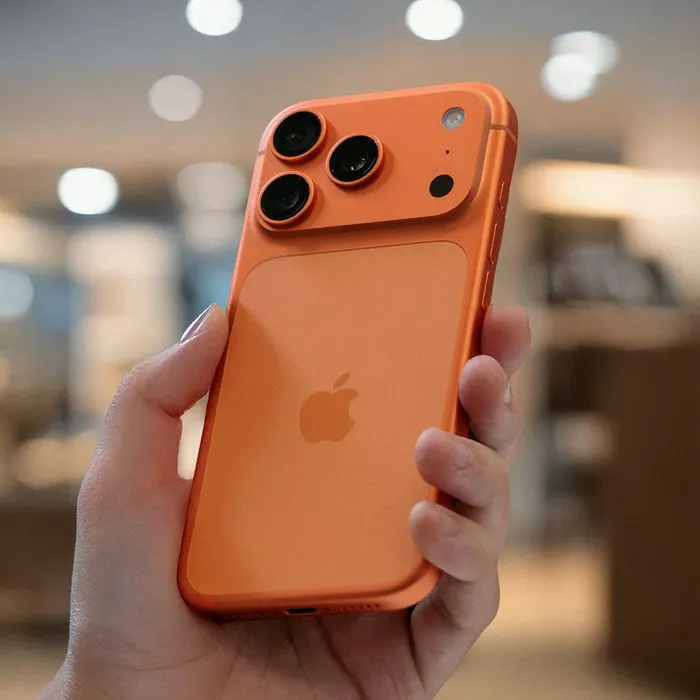
iPhone 17 showcasing sleek design and advanced features
Woman working on a laptop, focused and productive
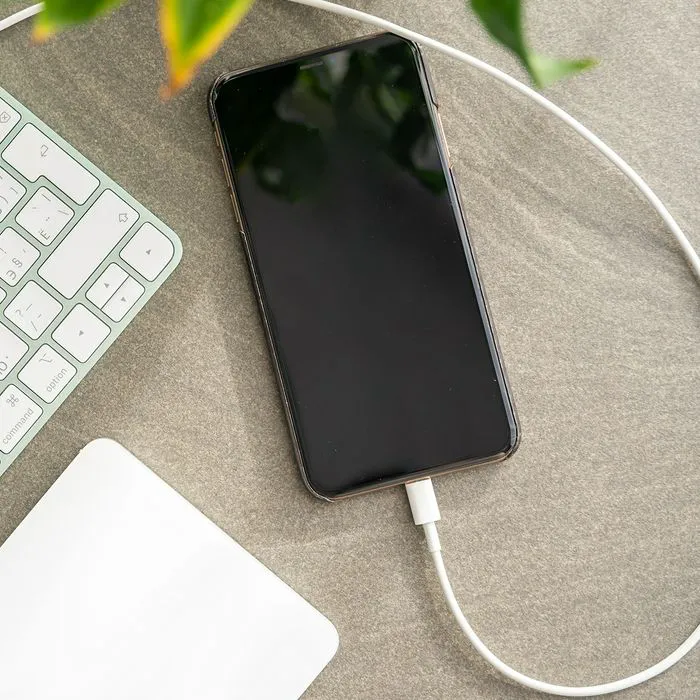
Smartphone plugged in, indicating charging status
iPhone apps displayed on the screen for user navigation
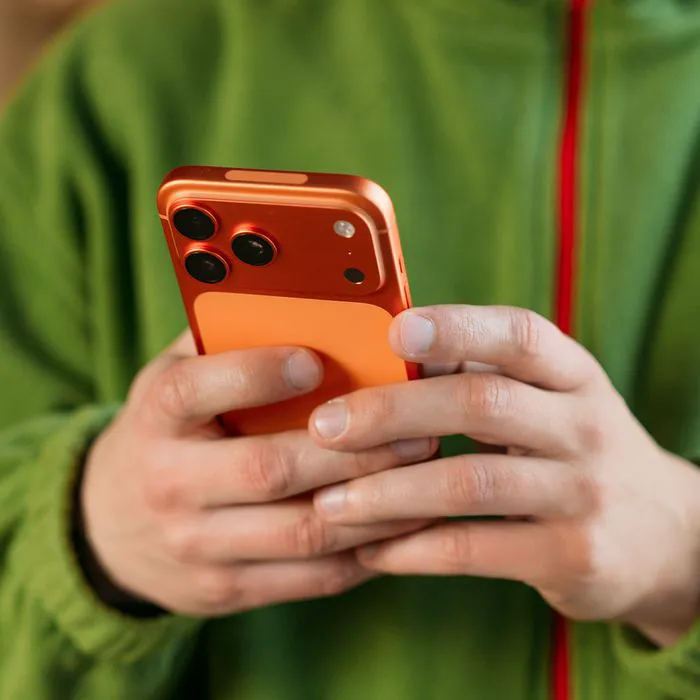
Close-up of male hands holding an Apple iPhone 17 Pro Max
Using an iPhone to access apps and features
Holding iPhone with various apps visible on the screen
Woman texting on a smartphone, engaged in conversation
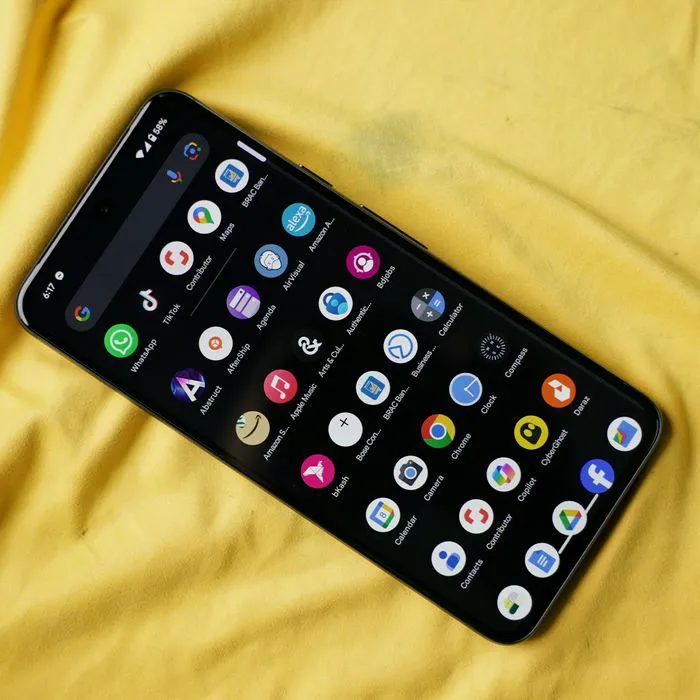
Android phone displaying a variety of applications
Samsung Galaxy Z Flip 7 smartphone in a stylish setting
Woman enjoying a fresh summer watermelon salad outdoors
Holding an Android phone, showcasing its app interface
iPhone 14 with multiple apps open on the screen
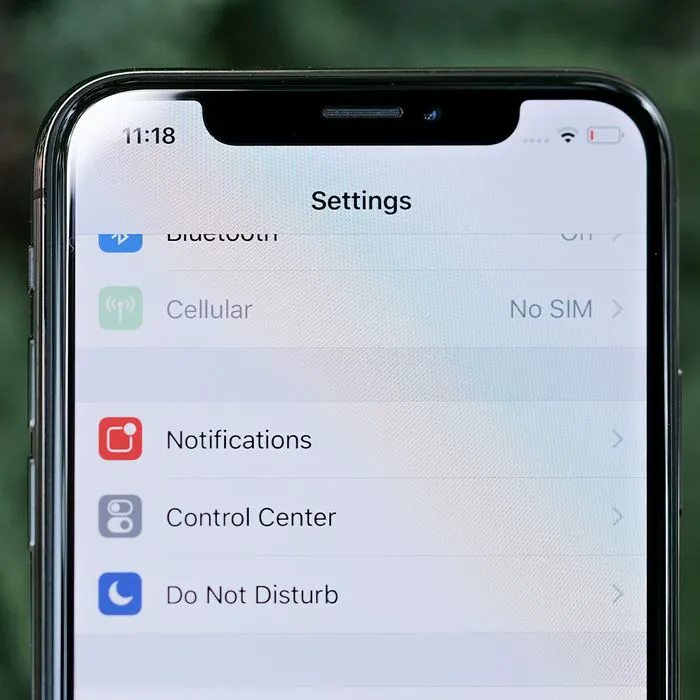
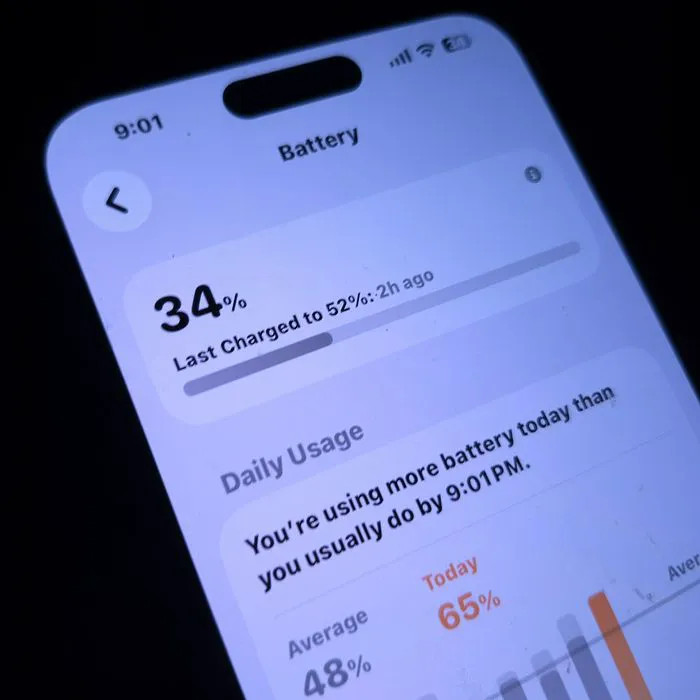
iPhone settings screen indicating battery needs charging
Sony headphones, iPad, and laptop set up for productivity
Using an iPhone to browse or communicate
iPhone apps displayed in a colorful digital layout
iPhone storage full notification on the screen
Holding an iPhone, ready to make a call or text
iPhone screen showcasing various applications for user access
iPhone 17 showcasing sleek design and advanced features
Woman working on a laptop, focused and productive
Smartphone plugged in, indicating charging status
iPhone apps displayed on the screen for user navigation
Close-up of male hands holding an Apple iPhone 17 Pro Max
Using an iPhone to access apps and features
Holding iPhone with various apps visible on the screen
Woman texting on a smartphone, engaged in conversation
Android phone displaying a variety of applications
Samsung Galaxy Z Flip 7 smartphone in a stylish setting
Woman enjoying a fresh summer watermelon salad outdoors
Holding an Android phone, showcasing its app interface
iPhone 14 with multiple apps open on the screen
iPhone settings screen indicating battery needs charging
Sony headphones, iPad, and laptop set up for productivity
Using an iPhone to browse or communicate
iPhone apps displayed in a colorful digital layout
iPhone storage full notification on the screen
Holding an iPhone, ready to make a call or text
iPhone screen showcasing various applications for user access