



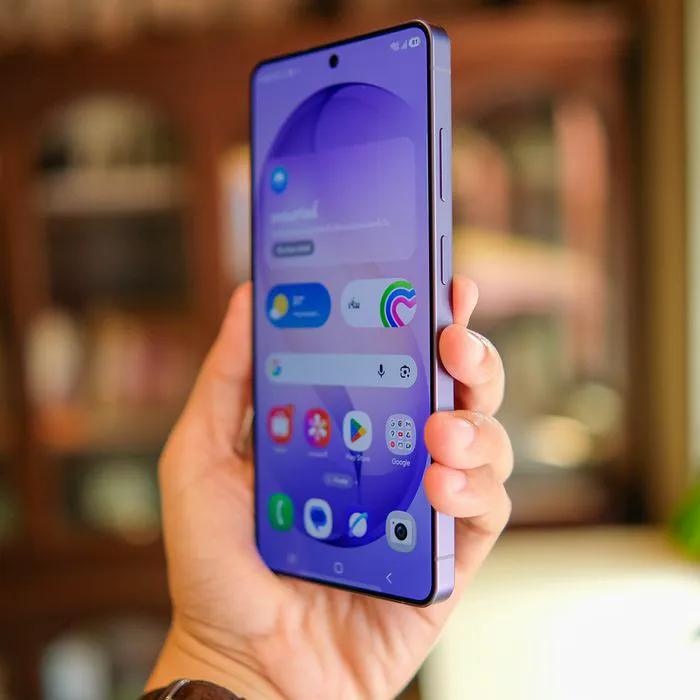
While Android phones come with plenty of useful apps, some can take up valuable storage space, run background processes, and contribute to slower performance over time. Removing apps you rarely use or that consume excessive resources can help free up space and keep your device running more smoothly. If your phone has been feeling sluggish lately, experts say there are a few apps worth reconsidering in 2026. Read more about two of them below.

Women Are Swapping Their Boring Water For This Ice Pop Electrolyte Mix!

1. Google Maps
Google Maps is a handy navigation tool, but it can consume considerable storage if you download offline maps or accumulate cached data. The app also uses location services and battery power, particularly when running navigation in the background. If you don't rely on it regularly, removing it or clearing its cached data could help free up space and reduce unnecessary resource use.
"Google Maps can drain your battery as it runs continuously in the background due to its various activities," tech pro Steven Athwal explains. "Even if you're not using it, it regularly checks your GPS, Wi-Fi, and mobile networks to pinpoint your exact location. GPS is a significant battery drain, and the continuous use can eventually reduce your battery life."
2. Facebook
Facebook, which has come pre-installed on several Android models, can take up a significant amount of storage space over time, particularly as its cache builds up with regular use. The app can also run background processes and use battery power even when you aren't actively scrolling. If you rarely use Facebook on your Android, deleting it or switching to the mobile website could help free up resources and improve your phone's overall performance.
"Facebook usually drains the battery significantly in the background," notes tech expert and store owner Steven Athwal. "It constantly refreshes notifications, syncs messages, and preloads content, even when you're not using it. Additionally, it monitors your location and network activities, which keeps your phone's processor and network busy. This ongoing usage can eventually drain your battery life."