




Jennifer Lopez shines in balloon-sleeved blouse at American Music Awards.
Emma Stone at the Annual Actor Awards event.
Salma Hayek in a lavender gown at the Breakthrough Prize Ceremony.

Tech

The One App You Should Delete ASAP Because It's Draining Your Battery

March 21, 2020 by Lisa Cupido
shefinds | Tech
Featured image

There are apps that entertain, apps that teach, and apps that help us find our way from Point A to Point B.

Unfortunately, some of our favorite apps are also major battery killers.

If you’re noticing a major dip in battery, the culprit could be specific apps that are consuming a major amount of power. And this one is at the top of your list: this is the one app you should delete ASAP because it’s draining your battery.

house unit img
Women Are Swapping Their Boring Water For This Ice Pop Electrolyte Mix!
iphone

Facebook


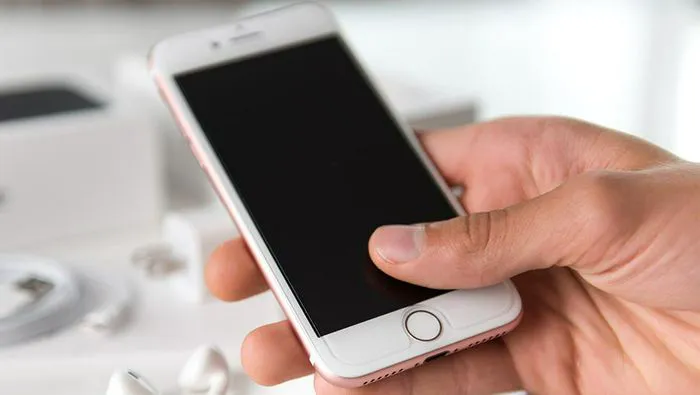
There’s no way around it — the Facebook app is one of the biggest consumers of battery power for a variety of reasons. For one thing, this app is constantly running in the background and searching for updates, and all of that hard work in taxing on your phone.
iphone

If you suspect Facebook is negatively affecting your iPhone battery the first thing to do is tap on Settings > Battery and have a look at which apps are taking up the most battery. Does Facebook rank high on the list? Now it’s time to decide how to handle the problem — and there are a few options.
iphone

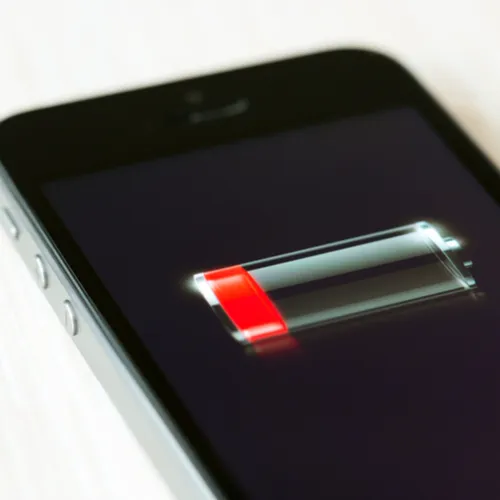
Since Background App Refresh accounts for a great deal of battery consumption, the first thing you can do to minimize how much power Facebook takes up is toggle that feature off. Tap Settings > General > Background App Refresh and toggle it off.
iphone

Another reason why Facebook drains your battery is that it is constantly searching for your location so that it can better provide you with targeted apps. Whether you think that is creepy, annoying – or are just plain looking for ways to reduce the app’s effect on your battery, you can adjust that setting, as well.


Tap Settings > Privacy > Location Services. Scroll down to the Facebook entry, tap it, and set the option to Never.


Of course, the absolute best way to gain back battery power? Delete the Facebook app altogether and access the social media site via a computer browser instead.


Author:

Lisa Fogarty is a lifestyle writer and reporter based in New York who covers health, wellness, relationships, sex, beauty, and parenting.

New iPhone 17 displaying sleek design and features.
Woman working on laptop, focused on her tasks.
Smartphone connected to charger, indicating low battery.
iPhone screen showcasing various applications and features.
Close-up of hands holding iPhone 17 Pro Max.
Person using iPhone to browse apps and features.
Holding iPhone, displaying multiple applications on screen.
Woman texting on smartphone, engaged in conversation.
Android phone showing a variety of applications.
Samsung Galaxy Z Flip 7 smartphone in an open position.
Woman enjoying fresh summer salad with watermelon and feta.
Holding Android phone, displaying popular apps.
iPhone 14 featuring various apps on its screen.
iPhone settings screen indicating need for charging.
Sony headphones, iPad, and laptop set up on Amazon.
Person actively using iPhone for communication or browsing.
iPhone screen filled with different applications and icons.
iPhone storage full notification displayed on screen.
Person holding iPhone, ready to use or take a photo.
iPhone screen showcasing apps and features available.
New iPhone 17 displaying sleek design and features.
Woman working on laptop, focused on her tasks.
Smartphone connected to charger, indicating low battery.
iPhone screen showcasing various applications and features.
Close-up of hands holding iPhone 17 Pro Max.
Person using iPhone to browse apps and features.
Holding iPhone, displaying multiple applications on screen.
Woman texting on smartphone, engaged in conversation.
Android phone showing a variety of applications.
Samsung Galaxy Z Flip 7 smartphone in an open position.
Woman enjoying fresh summer salad with watermelon and feta.
Holding Android phone, displaying popular apps.
iPhone 14 featuring various apps on its screen.
iPhone settings screen indicating need for charging.
Sony headphones, iPad, and laptop set up on Amazon.
Person actively using iPhone for communication or browsing.
iPhone screen filled with different applications and icons.
iPhone storage full notification displayed on screen.
Person holding iPhone, ready to use or take a photo.
iPhone screen showcasing apps and features available.

















