



There are few things more frustrating than slow Internet speed — no one has time to wait around for websites to load!
A slow connection on your iPhone can be attributed to a number of factors that include poor service, too many downloads in progress, or too many people using the same Internet connection. But if none of these seem to be the culprit, it could help to take a good look at the apps you are using.
This is the one app you should delete ASAP if the internet is running so slowly on your iPhone.

Women Are Swapping Their Boring Water For This Ice Pop Electrolyte Mix!

Sometimes the fastest and cheapest way to speed up a sluggish Internet connection on your iPhone is by simply turning the phone off and restarting it. A hardware reset may also be necessary. To perform a hard reset on the iPhone XR, iPhone XS, iPhone X, and iPhone 8 take these steps, according to Lifewire:
Click and release the Volume Up button.
Click and release the Volume Down button.
Press and hold the Sleep/Wake button until the slide to power off slider appears.
Move the slide to power off slider from left to right to reset the phone.

If restarting or performing a hard reset on your phone doesn’t speed up the Internet, it’s time to look at the apps you’ve downloaded. It isn’t always a specific app’s fault that your Internet is slow, but rather a combination of factors, reports Chron.
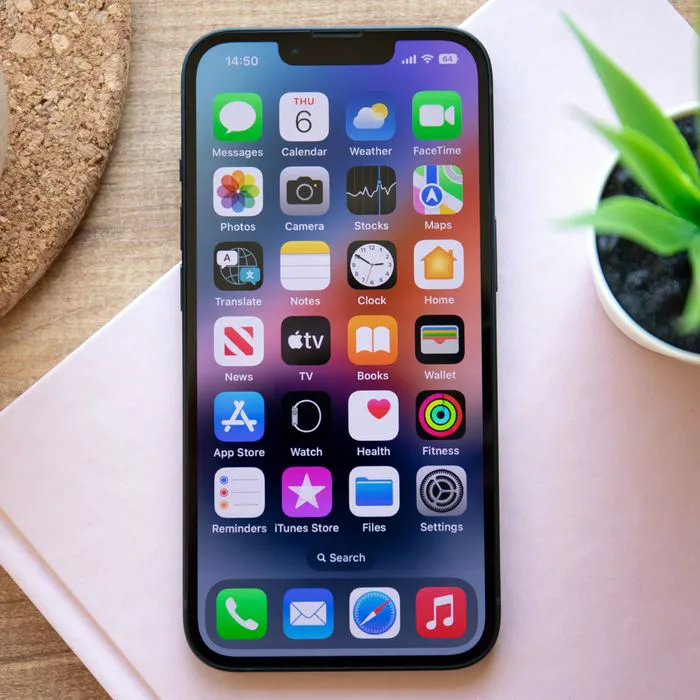
The first issue could be that you simply have too many apps on your iPhone that are clogging up its memory and capacity to work smoothly. So the first step should always be to delete any and all apps that you haven’t used in months.
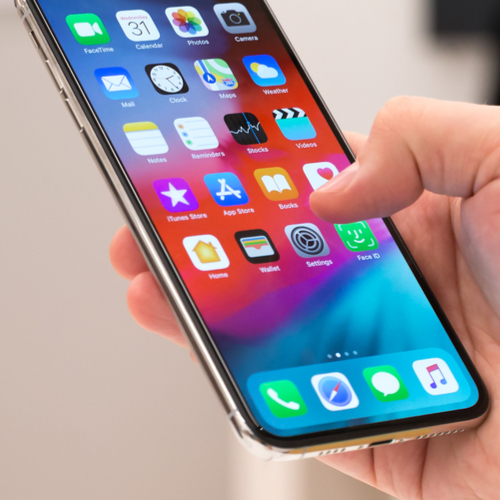
The next big potential problem with your apps is that you have too many running at the same time. Apps like music and streaming apps (Spotify, etc) often run in the background and will deplete your phone’s resources even when you aren’t using them. Double press the Home button on your phone and flick each app panel up and off your screen to turn it off.
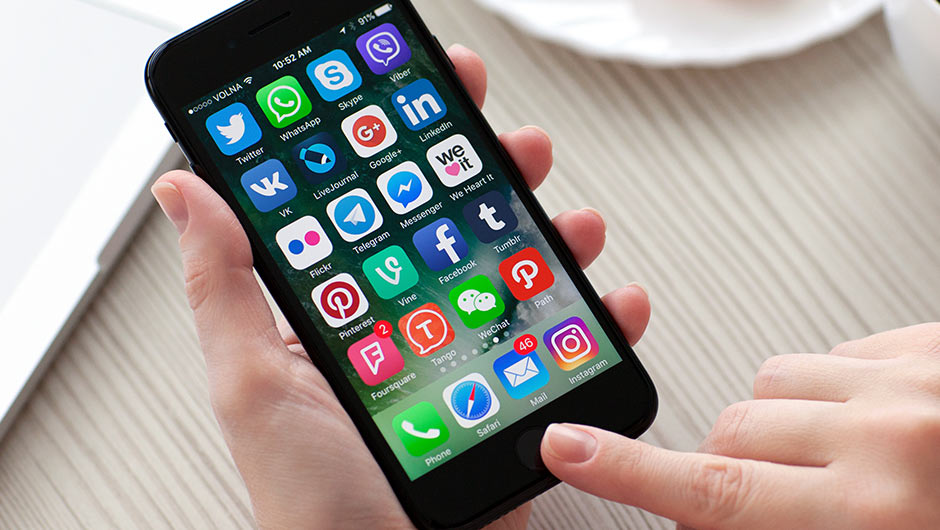
There are times when an app you use and love becomes faulty, usually because of an error in its design. There’s only one way to handle this problem: delete the app that is slowing down your phone and acting erratic. You can download a new copy for free — and hopefully all of the bugs have been addressed in the newer version of the app.
Taking these steps can and should improve the speed of your iPhone’s internet once and for all.