Tired woman showing effects of lack of sleep.
Delicious banana nice cream dessert for healthy eating.
Jennifer Lopez stunning in Defaience at AMAs 2025.

Tech

The One App You Should Delete ASAP If Your iPhone Battery Drains SO Fast

April 9, 2020 by Lisa Cupido
shefinds | Tech
Featured image

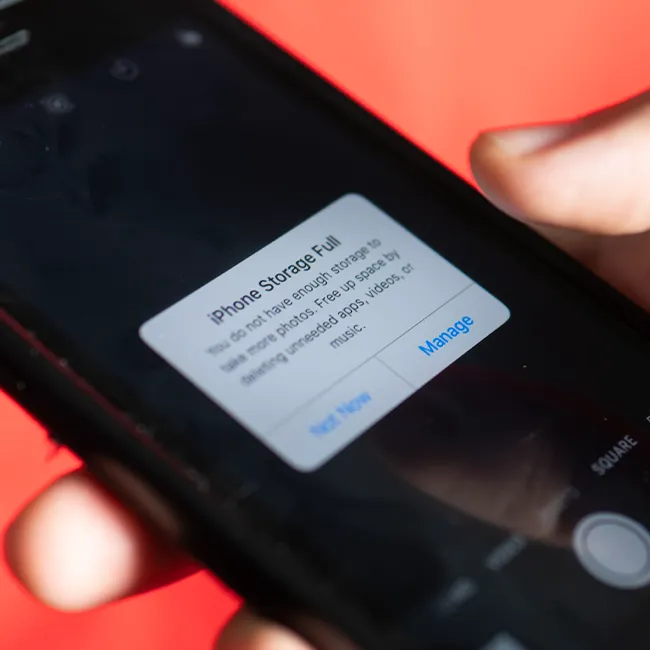
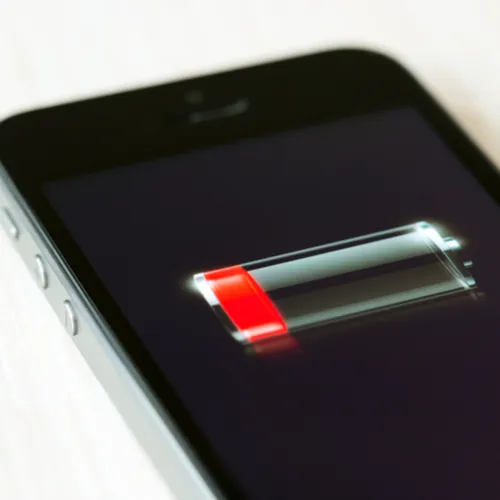
Some apps are more draining than others — they’ll run your battery faster, take up storage space, and could leave you with a device that can’t hold its charge longer than a few hours. Considering how much a smartphone costs and how frequently we rely on our phones for practically everything, the last thing anyone wants is to find themselves with a dead phone while driving or waiting for a bus or train on their commute.

One of the apps that is most draining may also be one of your favorites: this is the one app you should delete ASAP if your iPhone battery drains SO fast.

house unit img
Women Are Swapping Their Boring Water For This Ice Pop Electrolyte Mix!
iphone

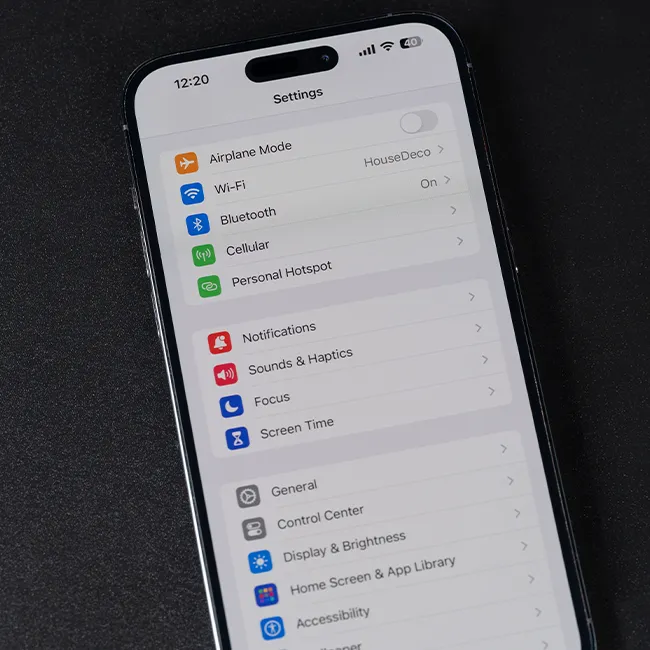
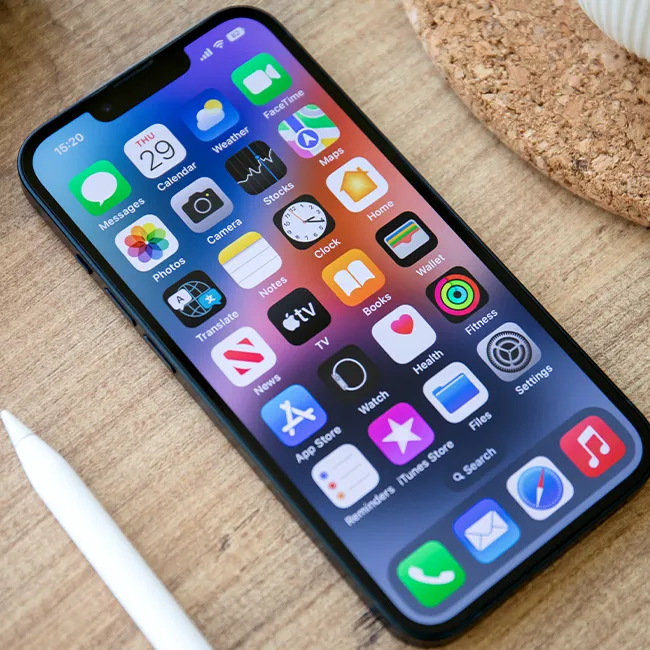
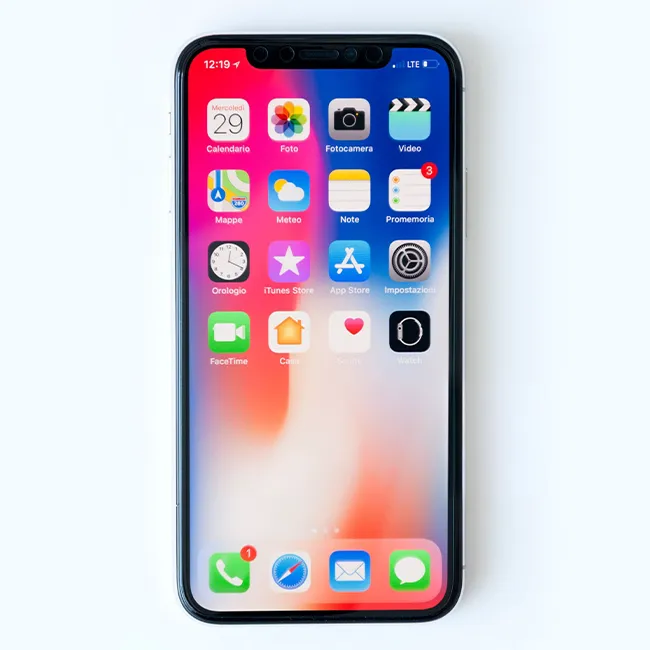
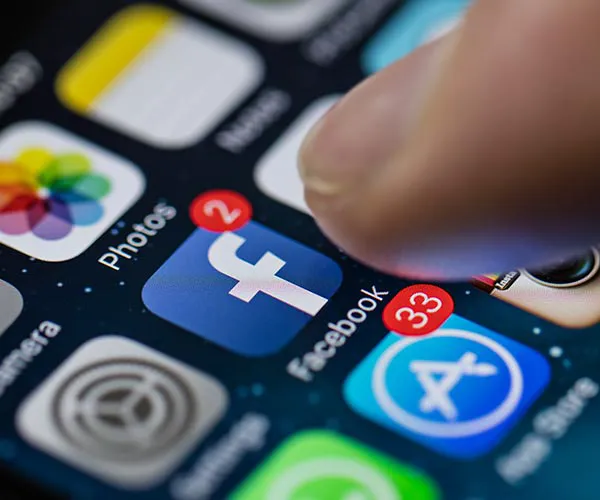
The number one answer — the app that tops most charts when it comes to battery drainage — is the Facebook app.


“The biggest social networking app also happens to use a scary amount of battery life,” reports Kim Komando. “The problem lies in how it constantly runs in the background and automatically syncs updates and contacts.”
iphone

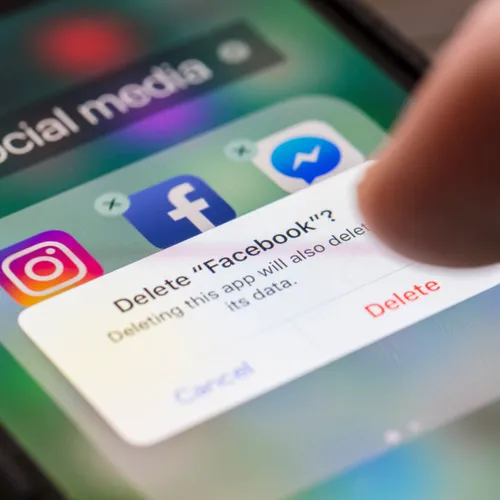
Deleting the Facebook app is the only surefire way of truly gaining back battery power. But if you prefer to keep the app, there are a few steps you can take to minimize the damage it does on your smartphone battery.
iphone

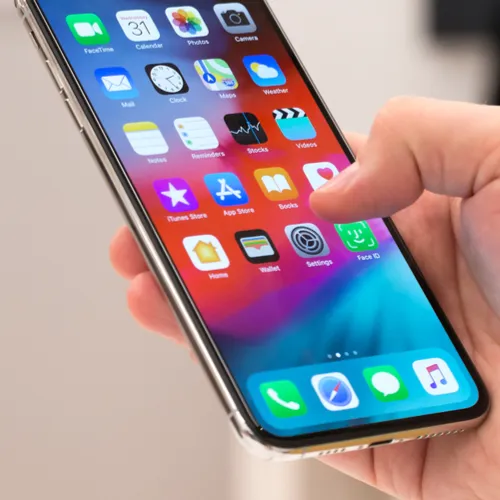
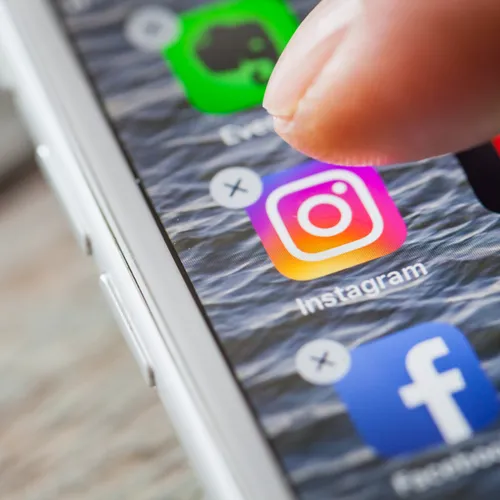
Limiting how often you use the Facebook app will minimize battery drain. But it’s equally important to turn off notifications from the app and turn off Location Services so that it isn’t constantly tracking your whereabouts in an effort to deliver you targeted ads.
iphone

Facebook isn’t the only app that kills battery — it’s close cousin Facebook Messenger also pushes notifications and syncs contacts, which takes up a ton of battery power. The unfortunate thing about this app is that you need it to check messages on your phone. Uninstalling Facebook Messenger and downloading Messenger Lite can help conserve battery power while providing many of the same services as Facebook Messenger.


Author:

Lisa Fogarty is a lifestyle writer and reporter based in New York who covers health, wellness, relationships, sex, beauty, and parenting.

iPhone 17 showcasing sleek design and advanced features
Woman working on a laptop, focused and productive
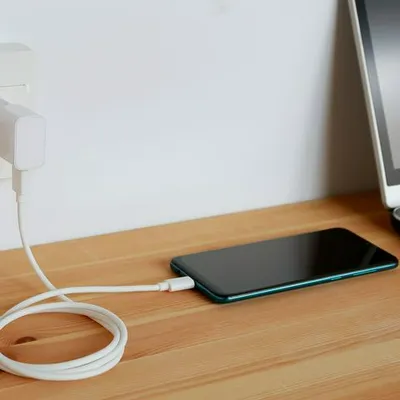
Smartphone plugged in, indicating charging status
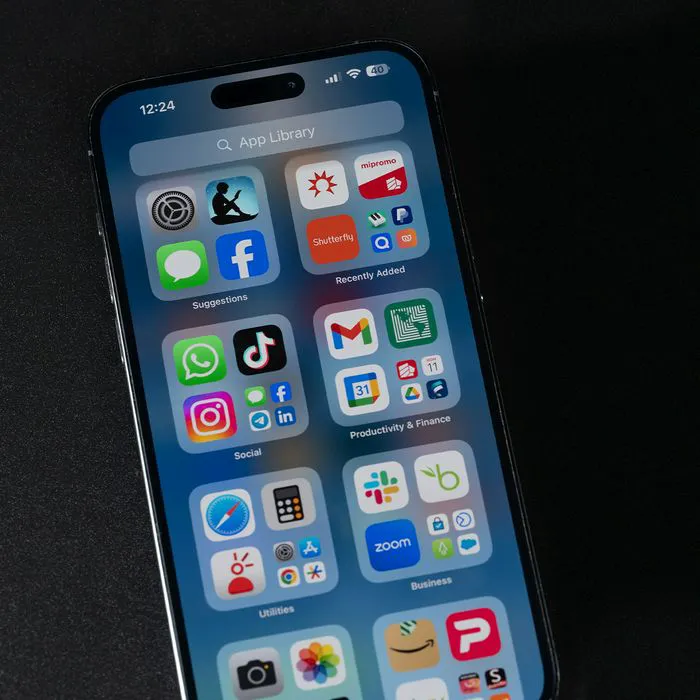
iPhone apps displayed on the screen for user navigation
Close-up of male hands holding an Apple iPhone 17 Pro Max
Using an iPhone to access apps and features
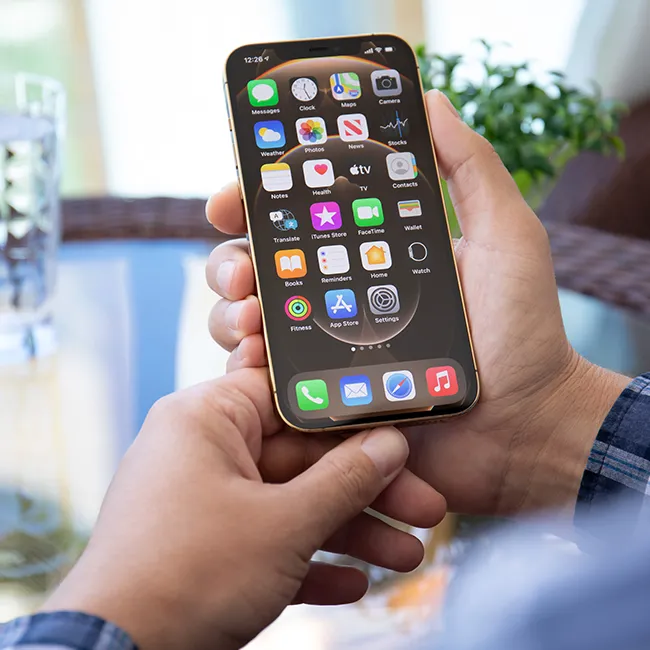
Holding iPhone with various apps visible on the screen
Woman texting on a smartphone, engaged in conversation
Android phone displaying a variety of applications
Samsung Galaxy Z Flip 7 smartphone in a stylish setting
Woman enjoying a fresh summer watermelon salad outdoors
Holding an Android phone, showcasing its app interface
iPhone 14 with multiple apps open on the screen
iPhone settings screen indicating battery needs charging
Sony headphones, iPad, and laptop set up for productivity
Using an iPhone to browse or communicate
iPhone apps displayed in a colorful digital layout
iPhone storage full notification on the screen
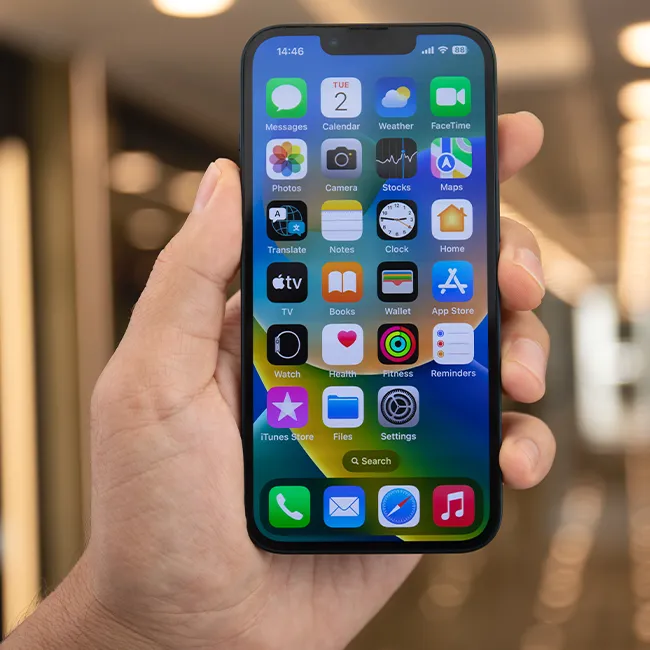
Holding an iPhone, ready to make a call or text
iPhone screen showcasing various applications for user access
iPhone 17 showcasing sleek design and advanced features
Woman working on a laptop, focused and productive
Smartphone plugged in, indicating charging status
iPhone apps displayed on the screen for user navigation
Close-up of male hands holding an Apple iPhone 17 Pro Max
Using an iPhone to access apps and features
Holding iPhone with various apps visible on the screen
Woman texting on a smartphone, engaged in conversation
Android phone displaying a variety of applications
Samsung Galaxy Z Flip 7 smartphone in a stylish setting
Woman enjoying a fresh summer watermelon salad outdoors
Holding an Android phone, showcasing its app interface
iPhone 14 with multiple apps open on the screen
iPhone settings screen indicating battery needs charging
Sony headphones, iPad, and laptop set up for productivity
Using an iPhone to browse or communicate
iPhone apps displayed in a colorful digital layout
iPhone storage full notification on the screen
Holding an iPhone, ready to make a call or text
iPhone screen showcasing various applications for user access