



Woman struggling with hair loss, looking concerned.
Woman enjoying a donut at night, cozy setting.
Bianca Censori showcasing fall/winter fashion collection.

Tech

The One App You Should Delete Right Now Because It's Slowly Destroying Your iPhone's Battery

March 24, 2020 by Lisa Cupido
shefinds | Tech
Featured image

Apps are the major reason we love our smartphones and rely on them so much, but certain apps are taking — from our batteries — and leaving us with devices that are depleted of power much sooner than they should be. If this is happening to you, it may be time to example your app situation and make a few changes. This is the one app you should delete right now because it’s slowly destroying your iPhone’s battery.

house unit img
Women Are Swapping Their Boring Water For This Ice Pop Electrolyte Mix!
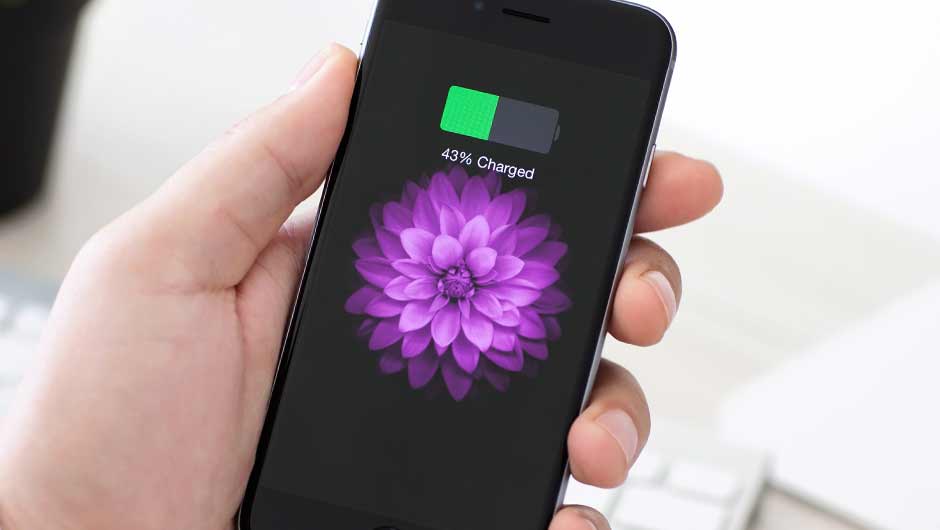
iphone

All Of The Apps You Never Use


There are certain apps that are undoubtedly hogging your battery, but if you use them often and rely on them for connection (looking right at you, Facebook), it may be difficult to part ways with them.


But the same isn’t true for all of those apps on your phone that you never use and have probably forgotten you ever downloaded.
iphone

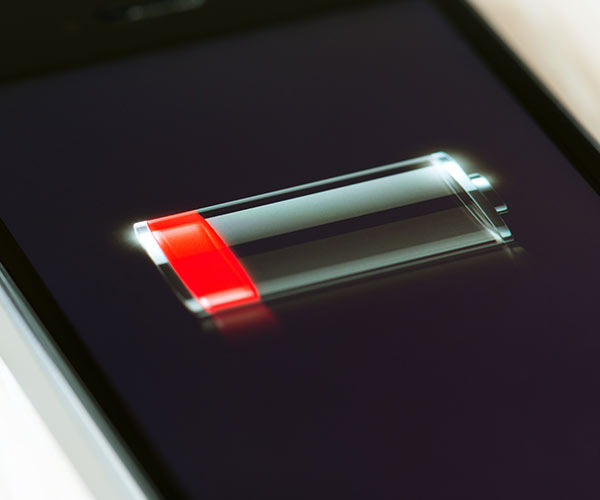
The first thing you can do is head over to Settings > Battery and check out which apps are causing the most damage to your phone battery. If you notice the same culprits pop up, and they are apps you rarely use, delete them.


There’s also good news: you can finally get rid of some of those apps that came with your phone (and that you’ve never, ever used).
iphone

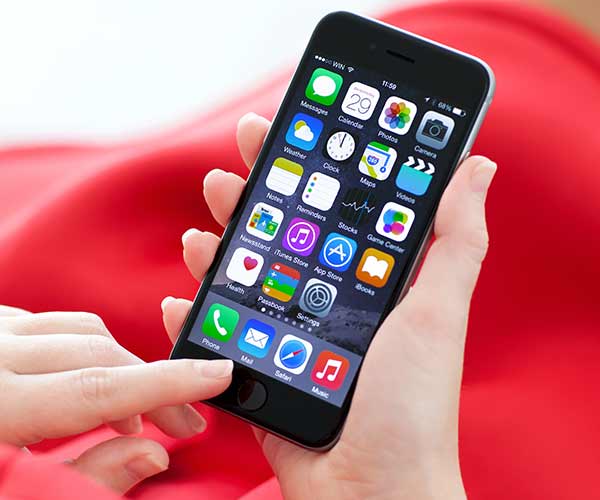
“Apple delivers its iPhones with a ton of apps already installed and ready to run,” according to Kim Komando. “While Apple once made it impossible to delete many of these apps, you now have the option to take more control over them with iOS 12. The list of delete-able apps is long and includes Apple Books, Calculator, FaceTime, Music, Maps, Notes, Podcasts and Stocks. Delete the apps you don’t use, or ones that you have a replacement that you like better.”
iphone

And, of course, one of the best ways to restore even more battery power to your phone is by — yes — deleting the Facebook app. Facebook chips away at your data plan, runs down your battery, and is tracking your location to provide more info to its advertisers — all great reasons to delete the app and use Facebook via your browser instead.


Author:

Lisa Fogarty is a lifestyle writer and reporter based in New York who covers health, wellness, relationships, sex, beauty, and parenting.

Close-up of Android phone showcasing app interface.
New iPhone 17 showcasing sleek design and features.
Woman working on laptop in a modern workspace.
Smartphone charging with a power adapter connected.
Display of popular apps on an iPhone screen.
Close-up of hands holding an iPhone 17 Pro Max.
Individual using an iPhone for various tasks.
Person holding iPhone displaying multiple apps.
Woman texting on her smartphone with focus.
Android phone showcasing diverse applications.
Samsung Galaxy Z Flip 7 smartphone in use.
Woman enjoying a fresh summer salad outdoors.
Holding an Android phone with app interface visible.
iPhone 14 displaying a variety of installed apps.
iPhone indicating low battery and charging settings.
Sony headphones and iPad being used with laptop.
Individual engaging with an iPhone for communication.
iPhone screen filled with various app icons.
Alert showing iPhone storage is full.
Person holding an iPhone in a casual setting.
Close-up of Android phone showcasing app interface.
New iPhone 17 showcasing sleek design and features.
Woman working on laptop in a modern workspace.
Smartphone charging with a power adapter connected.
Display of popular apps on an iPhone screen.
Close-up of hands holding an iPhone 17 Pro Max.
Individual using an iPhone for various tasks.
Person holding iPhone displaying multiple apps.
Woman texting on her smartphone with focus.
Android phone showcasing diverse applications.
Samsung Galaxy Z Flip 7 smartphone in use.
Woman enjoying a fresh summer salad outdoors.
Holding an Android phone with app interface visible.
iPhone 14 displaying a variety of installed apps.
iPhone indicating low battery and charging settings.
Sony headphones and iPad being used with laptop.
Individual engaging with an iPhone for communication.
iPhone screen filled with various app icons.
Alert showing iPhone storage is full.
Person holding an iPhone in a casual setting.

















