

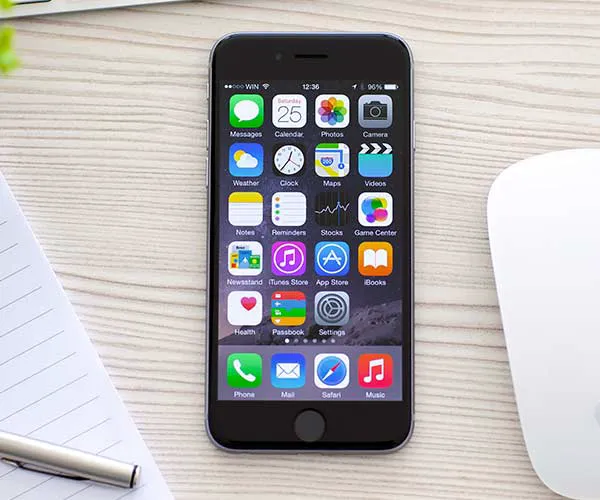
Smartphone charging, symbolizing connectivity in celebrity culture.
Everyday habits affecting collagen health and beauty.
Prince Harry and Meghan at World Mental Health Day gala.

Tech

The One App You Should Delete Right Now To Keep Your iPhone From Crashing, According To A Security Expert

February 25, 2020 by Lisa Cupido
shefinds | Tech
Featured image

If you’ve recently upgraded your iPhone software to iOS 13 you might just notice an unfortunate side effect: many users are reporting crashes while using their apps and going about their business on their devices.

Annoying, yes. Unfixable? No.

This is the one app you should delete right now to keep your iPhone from crashing, according to a security expert.

house unit img
Women Are Swapping Their Boring Water For This Ice Pop Electrolyte Mix!

iphone

So, here’s the thing about apps. No one will ever tell you it isn’t a great idea to delete the Facebook app — or any other app that is extremely taxing on your device and could possibly cause it to crash.


But there are steps that you should take prior to this one to ensure that giving those apps the boot will actually make a difference.
iphone

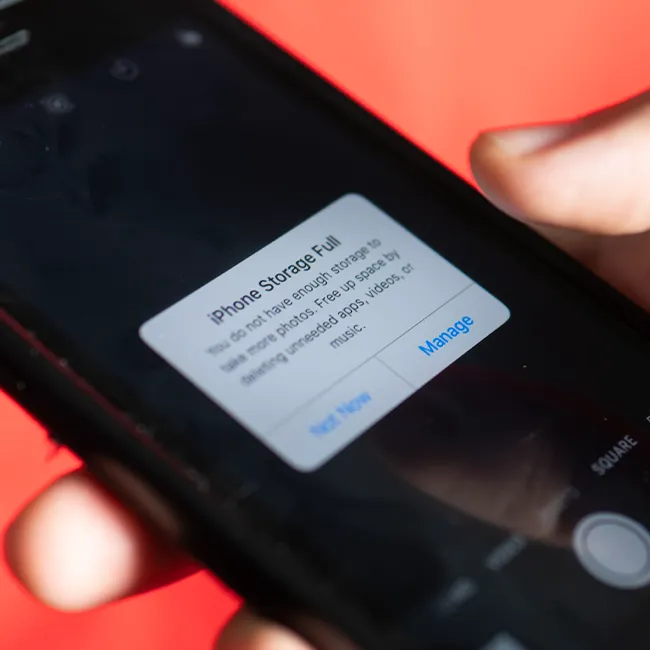
It’s important to check and see how much storage your phone has left — it’s more likely to crash once your phone’s memory dips way down south.


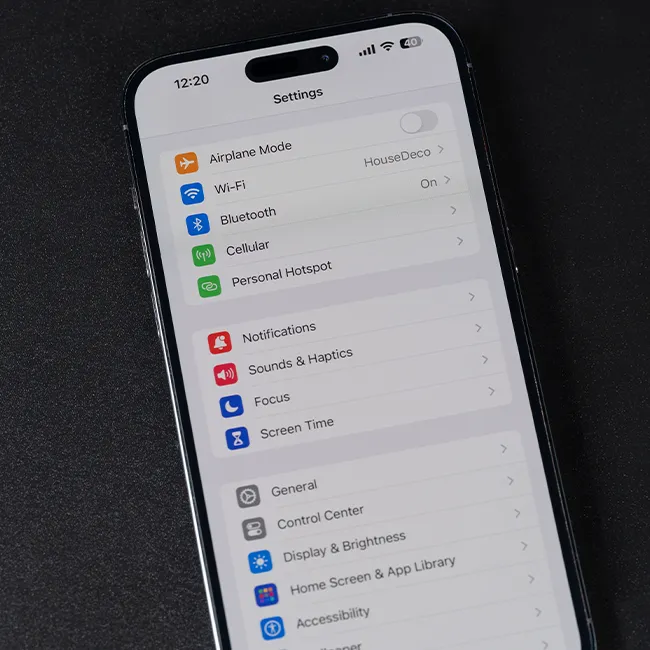
According to tech experts at iKream: “To check the available memory of your iPhone, simply go to Settings-> General-> iPhone storage menu. If the available memory is less than 1 gigabyte, then that means you have to free up some space.”
iphone

Now comes the tough part: what can you delete to free up storage so that crashes happen less frequently (and, ideally, not at all)?


Photos and videos take up lots of space. Delete the ones you don’t need and save the keepers to iCloud, iTunes, or an external backup drive.
iphone

As for apps — they’re not off the hook, either.


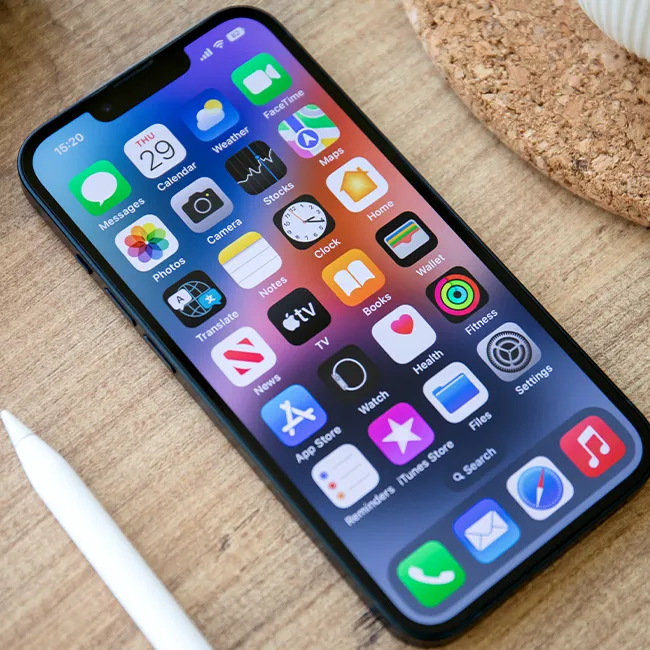
If you have a ton of old apps just hanging out on your phone, they could be behaving like barnacles on a ship and taking up tons of storage and memory, resulting in a phone that doesn’t work as well. Get rid of any apps you never use and then make sure there aren’t app updates for the apps you do love. Always update apps as soon as they become outdated to prevent crashes.
Author:

Lisa Fogarty is a lifestyle writer and reporter based in New York who covers health, wellness, relationships, sex, beauty, and parenting.

Person holding iPhone displaying several applications open.
Woman texting on smartphone with a focused expression.
Android phone showcasing a grid of apps on display.
Samsung Galaxy Z Flip 7 smartphone in a stylish angle.
Woman enjoying a fresh summer watermelon salad.
Person holding Android phone showing multiple apps open.
iPhone 14 displaying a selection of popular apps.
iPhone battery settings indicating the need for charging.
Sony headphones and iPad next to a laptop on a desk.
User engaging with iPhone while on the go.
Close-up of iPhone apps arranged on the home screen.
iPhone displaying a notification about full storage capacity.
Person holding iPhone with a vibrant case in hand.
iPhone screen featuring a variety of applications displayed.
Android phone connected to charger showing charging status.
iPhone home screen filled with various application icons.
Individual holding iPhone while looking at the display.
Woman proudly holding her iPhone with a smile.
iPhone 16 connected to charging cable, ready for use.
John Travolta at the 4th Annual Academy Museum Gala event.
Person holding iPhone displaying several applications open.
Woman texting on smartphone with a focused expression.
Android phone showcasing a grid of apps on display.
Samsung Galaxy Z Flip 7 smartphone in a stylish angle.
Woman enjoying a fresh summer watermelon salad.
Person holding Android phone showing multiple apps open.
iPhone 14 displaying a selection of popular apps.
iPhone battery settings indicating the need for charging.
Sony headphones and iPad next to a laptop on a desk.
User engaging with iPhone while on the go.
Close-up of iPhone apps arranged on the home screen.
iPhone displaying a notification about full storage capacity.
Person holding iPhone with a vibrant case in hand.
iPhone screen featuring a variety of applications displayed.
Android phone connected to charger showing charging status.
iPhone home screen filled with various application icons.
Individual holding iPhone while looking at the display.
Woman proudly holding her iPhone with a smile.
iPhone 16 connected to charging cable, ready for use.
John Travolta at the 4th Annual Academy Museum Gala event.