
Kim Kardashian at Kering's annual Caring for Women dinner in Capri leggings.
Kylie Jenner with Stormi and Timothée Chalamet on a romantic getaway.
Madonna posing at the Met Gala in a stunning outfit.

Experts Say To Change These Social Media Settings On Your iPhone If You Don’t Want Your Battery To Be Drained

May 2, 2024 by Lisa Cupido
shefinds |
Featured image

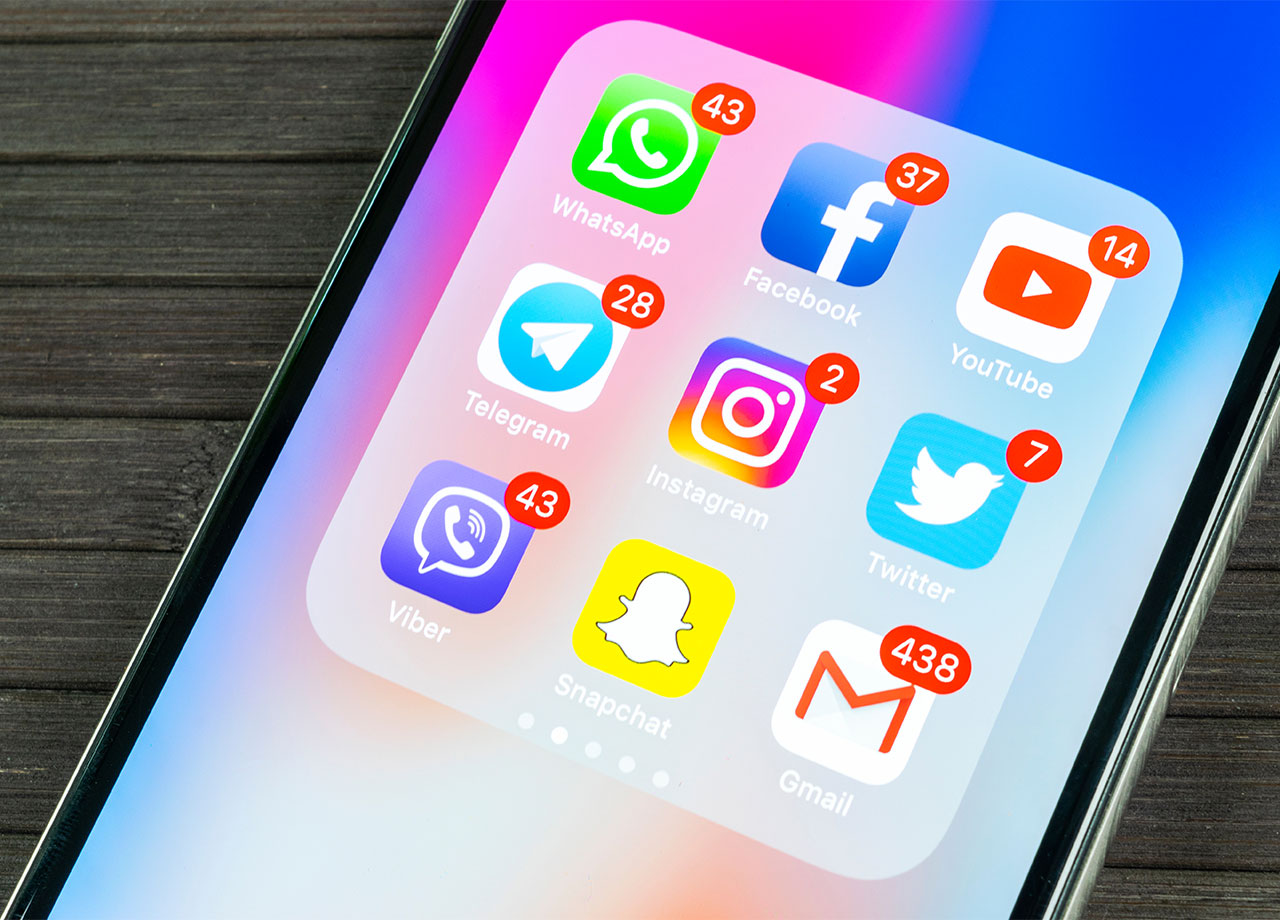
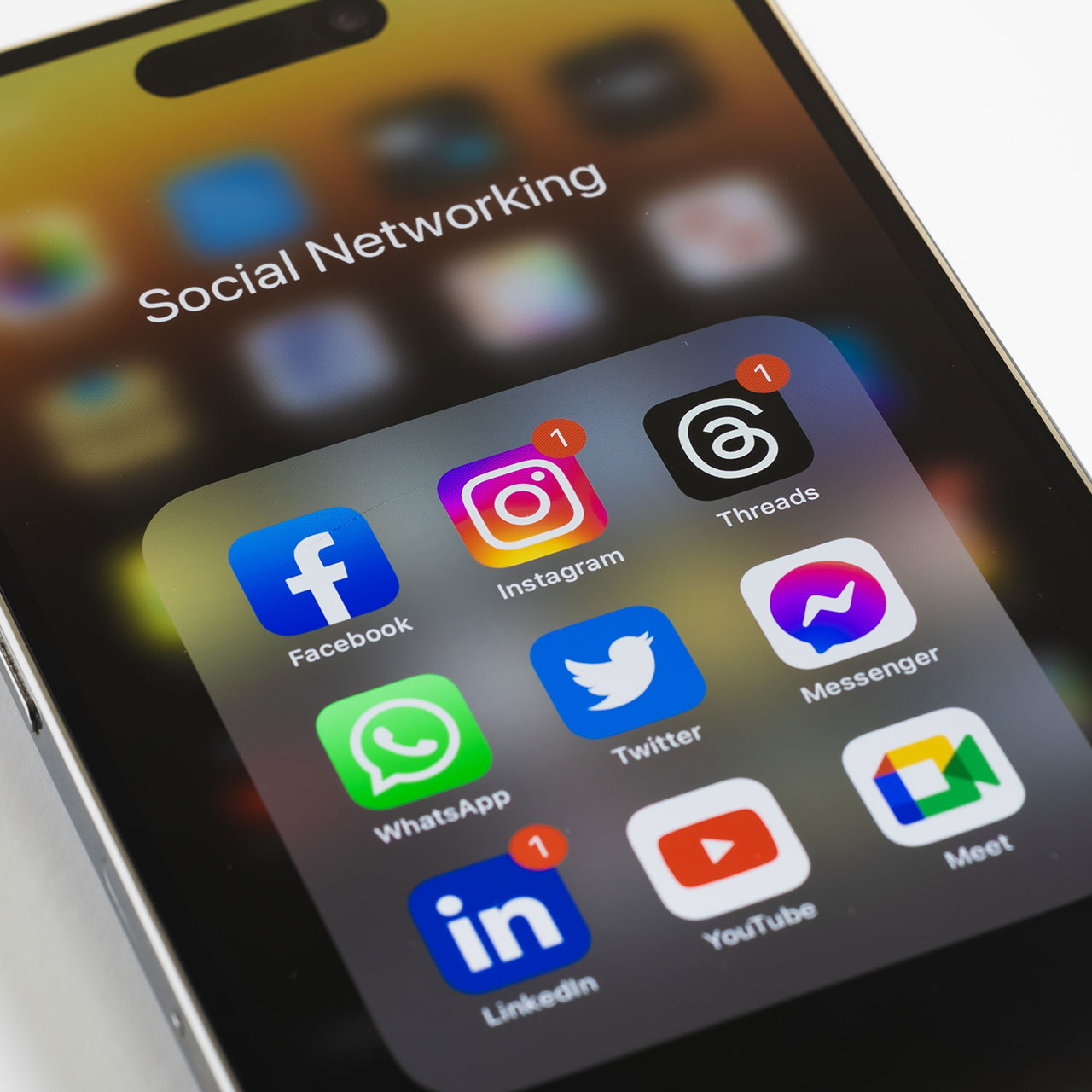
It’s no secret that social media apps like Facebook, Instagram, and TikTok can do a number on your phone battery and drain it much faster than some other apps. The reason they are such overachievers when it comes to taking up your battery power is because they provide a number of resources, including playing videos (constantly), updating notifications, using location services, and, often, running in the background—even if you aren’t aware of this happening.

You don’t have to delete all of your social media apps to help boost your phone’s battery, though doing so will be your best option. You can change a few key settings that may be getting in the way of you and a phone with a battery that runs well and doesn’t die so fast. Start by changing these settings to see a difference.

Turn Off Background App Refresh

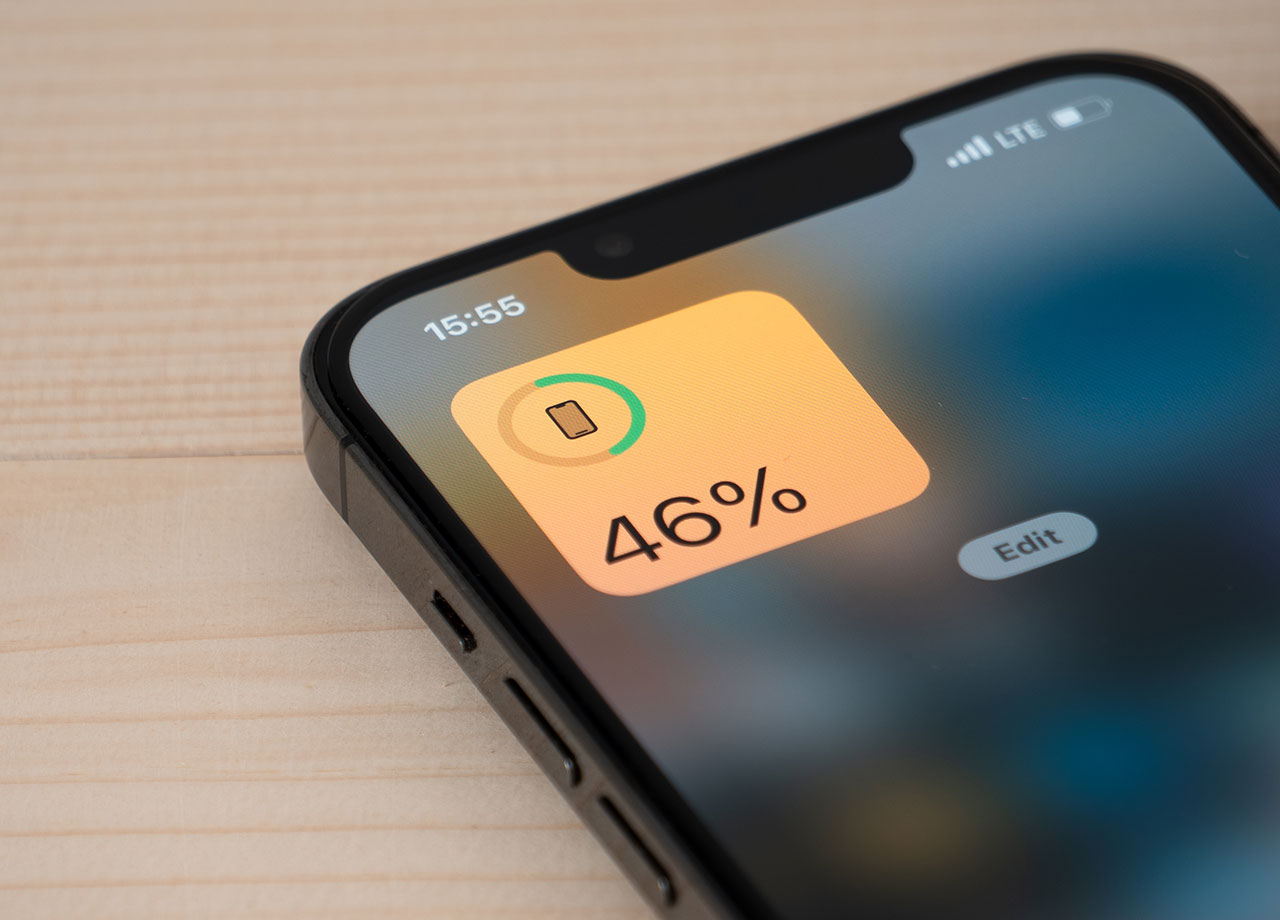
Your first change should be turning off Background App Refresh, which is a setting that allows your phone to constantly update apps, even when you aren’t using them. This setting provides one convenience: the second you click on an app like Facebook, all of the latest content will be right up top and you won’t have to wait for even a moment while it loads. But the downside will become obvious rather quickly: Background App Refresh is a battery drainer. Turn it off by going into Settings > General > Background App Refresh and disable it.

house unit img
Women Are Swapping Their Boring Water For This Ice Pop Electrolyte Mix!
iphone-battery-charging

Turn Off Location Services


A second reason why your social media apps are consuming a lot more of your battery and resources could be because they are using location services to track your whereabouts. Doing this is beneficial to them because they can more accurately deliver ad content to you that is relevant, although this may be the last thing in the world you want.


Luckily, whether you allow them to access your location is within your control. Go to Settings > Privacy & Security > Location Services and toggle off Location Services.
social-media-apps-iphone

Update Apps


Another big reason why your social media apps — and every other app on your phone — could be causing your battery to stall and your phone to slow down is because you aren’t regularly updating them. App developers issue updates to their apps when they find bugs and errors in them, and this occurs quite often. If you aren’t regularly updating the apps that need an update, you are resigning your phone to a life of battery drainage and poor performance.


Get into the good habit of checking for app updates. Open the App Store, tap on your profile icon, scroll down to find pending updates, and click on updates. You can also opt to Update All of your apps and save time.


Making these three simple changes can help keep your social media apps from running your phone’s battery down fast.

Author:

Lisa Fogarty is a lifestyle writer and reporter based in New York who covers health, wellness, relationships, sex, beauty, and parenting.

Tired woman struggling with lack of sleep in the morning.
Creamy banana nice cream in a bowl.
Jennifer Lopez wearing Defaience at the 2025 American Music Awards.
Vittoria Ceretti with Leonardo DiCaprio at a glamorous event.
Emma Stone attending the Annual Actor Awards in elegant attire.
Salma Hayek at the 12th Annual Breakthrough Prize Ceremony.
Summer superfoods for glowing skin and collagen boosting
Kate Middleton during a state visit, showcasing royal fashion.
Middle-aged woman enjoying a glass of wine
Best Prime Day beauty deals available on Amazon
Ariana Grande shining at the Golden Globes in a chic dress.
Kylie Jenner in a sleek black outfit at the 2025 Met Gala.
Woman applying sunscreen for sun protection
Taylor Swift and Travis Kelce appearing together at an event.
Healthy seeds featured instead of pastries.
Ivanka Trump with Jared Kushner at a public appearance.
Brad Pitt and Ines De Ramon at the F1 movie premiere.
Bad Bunny performing or attending the Grammys in style.
iPhone charging plugged into a laptop
iPhone charging settings displayed on the screen
Tired woman struggling with lack of sleep in the morning.
Creamy banana nice cream in a bowl.
Jennifer Lopez wearing Defaience at the 2025 American Music Awards.
Vittoria Ceretti with Leonardo DiCaprio at a glamorous event.
Emma Stone attending the Annual Actor Awards in elegant attire.
Salma Hayek at the 12th Annual Breakthrough Prize Ceremony.
Summer superfoods for glowing skin and collagen boosting
Kate Middleton during a state visit, showcasing royal fashion.
Middle-aged woman enjoying a glass of wine
Best Prime Day beauty deals available on Amazon

Beauty

Prime Day is basically a holiday for anyone who's ...

Ariana Grande shining at the Golden Globes in a chic dress.
Kylie Jenner in a sleek black outfit at the 2025 Met Gala.
Woman applying sunscreen for sun protection
Taylor Swift and Travis Kelce appearing together at an event.
Healthy seeds featured instead of pastries.
Ivanka Trump with Jared Kushner at a public appearance.
Brad Pitt and Ines De Ramon at the F1 movie premiere.
Bad Bunny performing or attending the Grammys in style.
iPhone charging plugged into a laptop
iPhone charging settings displayed on the screen