



Woman experiencing hair loss in a supportive environment.
Woman enjoying a donut at night.
Bianca Censori showcasing Marin Fall-Winter fashion collection.

Tech

The One Dating App Setting You Should Turn Off RIGHT NOW, According To A Security Expert

April 5, 2020 by Lisa Cupido
shefinds | Tech
Featured image

Dating apps have transformed the dating scene and offer an incredibly convenient way of meeting like-minded people without even stepping out the door. But with the growth of these apps it has become increasingly difficult to narrow down your options — and that may mean you have several dating apps going at once. This is the one dating app setting you should turn off RIGHT NOW, according to a security expert.

house unit img
Women Are Swapping Their Boring Water For This Ice Pop Electrolyte Mix!
iphone

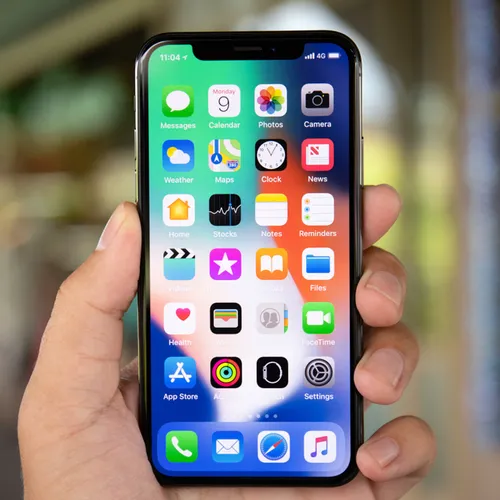
Dating apps can slow down your phone and sap it of battery power. The culprit isn’t so much the app itself, but the fact that these apps encourage usage — and you are likely using them often, which is draining.
iphone

Another reason your phone may be suffering at the hands of dating apps is because these apps are always changing, evolving, and adding features like GIF integration and messaging. You may not be aware of these changes as you’re using them, but they can affect your phone by taking up more battery and data.
iphone

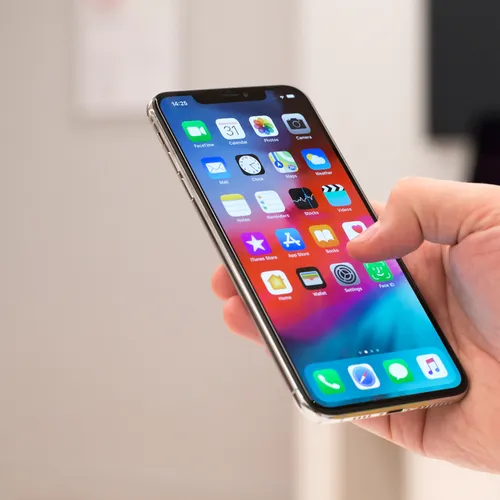
Some of your dating apps may be taking up more battery power than others. To find the worst offenders go to Settings > Battery and “battery usage.” From here, you may choose to delete one or two that are dragging your phone down. If you’d rather have access to all of your dating apps (because, the more the merrier), adjusting this setting will help your phone.
iphone

A few tips for running dating apps without ruining your phone:


Keep your screen brightness low
Turn off location services
Turn off background data
Use Wi-Fi while running dating apps


Author:

Lisa Fogarty is a lifestyle writer and reporter based in New York who covers health, wellness, relationships, sex, beauty, and parenting.

Person holding Android phone showcasing various apps on screen.
New iPhone 17 displaying sleek design and features.
Woman working on laptop, focused on her tasks.
Smartphone connected to charger, indicating low battery.
iPhone screen showcasing various applications and features.
Close-up of hands holding iPhone 17 Pro Max.
Person using iPhone to browse apps and features.
Holding iPhone, displaying multiple applications on screen.
Woman texting on smartphone, engaged in conversation.
Android phone showing a variety of applications.
Samsung Galaxy Z Flip 7 smartphone in an open position.
Woman enjoying fresh summer salad with watermelon and feta.
Holding Android phone, displaying popular apps.
iPhone 14 featuring various apps on its screen.
iPhone settings screen indicating need for charging.
Sony headphones, iPad, and laptop set up on Amazon.
Person actively using iPhone for communication or browsing.
iPhone screen filled with different applications and icons.
iPhone storage full notification displayed on screen.
Person holding iPhone, ready to use or take a photo.
Close-up of Android phone displaying multiple application icons.
New iPhone 17 displaying sleek design and features.
Woman working on laptop, focused on her tasks.
Smartphone connected to charger, indicating low battery.
iPhone screen showcasing various applications and features.
Close-up of hands holding iPhone 17 Pro Max.
Person using iPhone to browse apps and features.
Holding iPhone, displaying multiple applications on screen.
Woman texting on smartphone, engaged in conversation.
Android phone showing a variety of applications.
Samsung Galaxy Z Flip 7 smartphone in an open position.
Woman enjoying fresh summer salad with watermelon and feta.
Holding Android phone, displaying popular apps.
iPhone 14 featuring various apps on its screen.
iPhone settings screen indicating need for charging.
Sony headphones, iPad, and laptop set up on Amazon.
Person actively using iPhone for communication or browsing.
iPhone screen filled with different applications and icons.
iPhone storage full notification displayed on screen.
Person holding iPhone, ready to use or take a photo.

















