



Modern workspace with someone typing on a laptop.
Trendy hairstyles for women over 50 in 2026.
Donald Trump discusses maternal healthcare initiatives.

Tech

The One Hidden Feature You Should Turn On ASAP, According To Security Experts

March 1, 2020 by Lisa Cupido
shefinds | Tech
Featured image

Your iPhone is capable of doing so much – more than you may even know. The number of hidden features on your phone is one of your device’s best hidden secrets.

If you’re ever stuck in a place that lacks a strong WiFi connection, don’t despair — this is the one hidden feature you should turn on ASAP, according to security experts.

house unit img
Women Are Swapping Their Boring Water For This Ice Pop Electrolyte Mix!
iphone

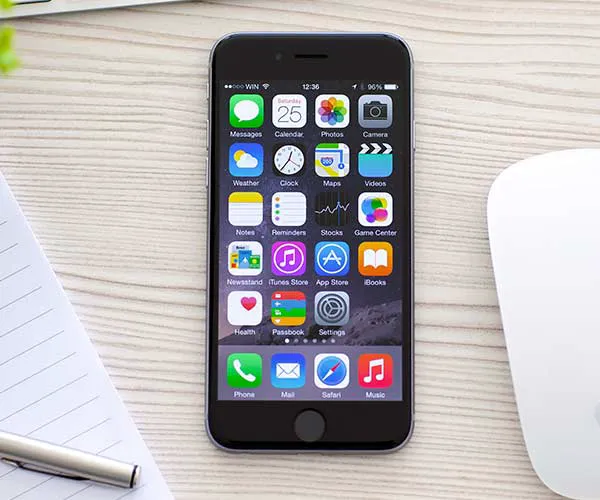
Personal Hotspot


Gone are the days when you have to carry around an external hotspot in order to access internet in an area that lacks a strong connection.


There’s a phone feature that allows you to set up your very own hotspot in seconds.
iphone

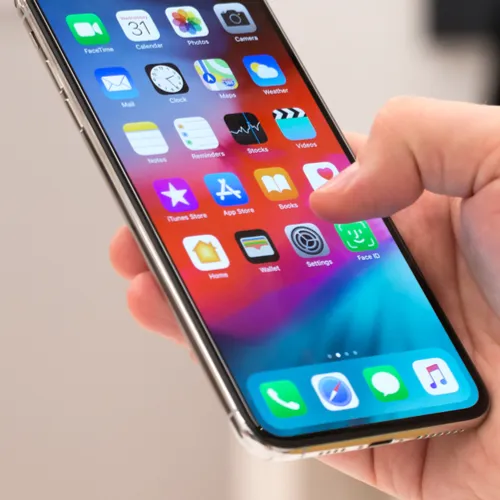
According to Business Insider, Personal Hotspot is one of the most useful features you can utilize: “Going back all the way up in the Settings menu is the Personal Hotspot, which will let you use your iPhone as a personal router. Just enable your iPhone's hotspot setting, and its data signal will be shared.”
iphone

Here are the simple steps to take to access your Hotspot, according to Business Insider: “Go to Settings, Personal Hotspot, set a password, switch the Hotspot to "on." Your iPhone will appear under available WiFi networks. Connect by entering the password.”


That’s literally all it takes.
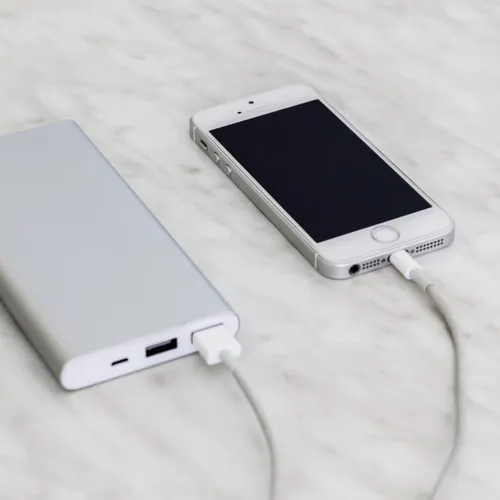
iphone

But there’s one caveat to consider and keep in mind when setting up a hotspot. This action is going to be taxing on your data plan. To be safe, only use it for a short time and don’t download large files via your hotspot connection.


Author:

Lisa Fogarty is a lifestyle writer and reporter based in New York who covers health, wellness, relationships, sex, beauty, and parenting.

Person holding Android phone demonstrating apps.
iPhone 17 on table with modern aesthetics.
Woman using laptop while relaxing at home.
Smartphone connected to charger on a desk.
Various iPhone apps displayed on a smartphone screen.
Close-up of male hands holding an Apple iPhone 17 Pro Max.
User interacting with an iPhone in a casual setting.
Close-up of a hand holding an iPhone with visible apps.
Woman texting on a smartphone outdoors.
Android phone displaying various applications on screen.
Samsung Galaxy Z Flip 7 smartphone in a stylish setting.
Woman in jeans enjoying a fresh summer watermelon salad.
Person holding Android phone displaying various apps.
iPhone 14 showcasing multiple applications on screen.
iPhone screen showing charging settings menu.
Sony WH-CH720N headphones with iPad and laptop.
User interacting with an iPhone device.
iPhone displaying a selection of apps.
Notification of iPhone storage being full.
Individual holding an iPhone in hand.
Person holding Android phone demonstrating apps.
iPhone 17 on table with modern aesthetics.
Woman using laptop while relaxing at home.
Smartphone connected to charger on a desk.
Various iPhone apps displayed on a smartphone screen.
Close-up of male hands holding an Apple iPhone 17 Pro Max.
User interacting with an iPhone in a casual setting.
Close-up of a hand holding an iPhone with visible apps.
Woman texting on a smartphone outdoors.
Android phone displaying various applications on screen.
Samsung Galaxy Z Flip 7 smartphone in a stylish setting.
Woman in jeans enjoying a fresh summer watermelon salad.
Person holding Android phone displaying various apps.
iPhone 14 showcasing multiple applications on screen.
iPhone screen showing charging settings menu.
Sony WH-CH720N headphones with iPad and laptop.
User interacting with an iPhone device.
iPhone displaying a selection of apps.
Notification of iPhone storage being full.
Individual holding an iPhone in hand.

















