Madonna at the Met Gala in stunning fashion.
Taylor Swift boarding a private jet in 2024.
Woman experiencing fatigue from lack of sleep.

Tech

The Unexpected iPhoto Setting You Should Check If Your iPhone Battery Keeps Dying, According To Experts

February 21, 2020 by Lisa Cupido
shefinds | Tech
Featured image

There a number of reasons why your iPhone battery is draining a lot faster than usual. From too-bright screens to charging trickles that occur when you keep your phone charger plugged in way past the 80 percent charging mark, there is no shortage of culprits to address before you head out to an Apple store to ask for a costly battery replacement.

As much as we love using our phones to snap, edit, and store photos and video, iPhoto can do a number on your battery. This is the unexpected iPhoto setting you should check if your iPhone battery keeps dying, according to experts.

house unit img
Women Are Swapping Their Boring Water For This Ice Pop Electrolyte Mix!
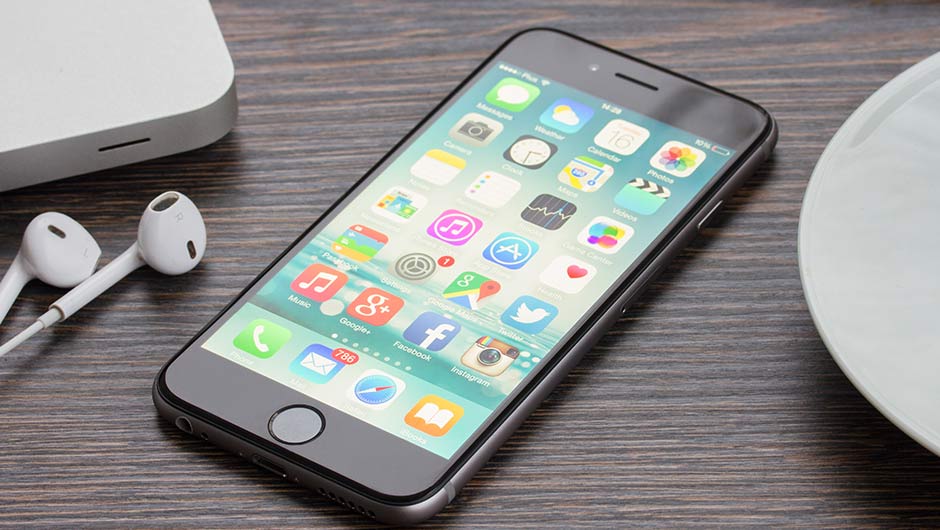
iphone

One of your first steps to addressing battery drainage is finding out which apps are running in the background, constantly taking up valuable battery power. To do this, go to Settings > General > Background App Refresh. There’s a good chance you’ll see video and photo editing apps like iPhoto on the list — these apps take up a lot of power in order to run.

iphone

When one iPhone user reported on an Apple online discussion thread that iPhoto was taking a huge chuck out of their phone’s battery power, but Apple Genius experts couldn’t diagnose the problem, other users came to the rescue with advice.


One user wrote: “What I found was that iCloud was stuck trying to upload photos from the phone. It kept trying over and over again seemingly forever. This can be seen in Settings->Photos & Camera -> iCloud Photo Library section.”

iphone

The battery-consuming problem in this case had nothing at all to do with the actual battery — instead, iCloud was attempting to upload photos in a process that was taxing both the phone and its battery.


Fortunately, a few easy steps yields a solution.

iphone

Go to Settings > Photos & Camera > iCloud Photo Library and make sure you don’t have iCloud Photo Library enabled. This step will prevent iCloud from automatically uploading all of your photos and videos in the background, and will save your phone major battery power.


Author:

Lisa Fogarty is a lifestyle writer and reporter based in New York who covers health, wellness, relationships, sex, beauty, and parenting.

Latest iPhone 17 model showcasing sleek design.
Woman working on laptop in a casual setting.
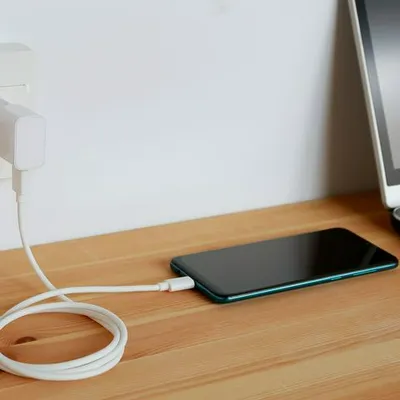
Smartphone plugged into charger for power.
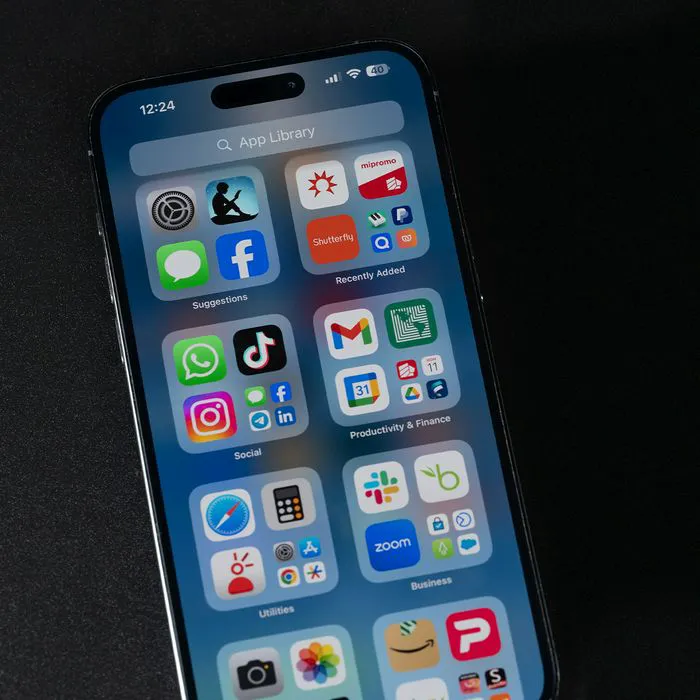
Display of various apps on iPhone screen.
Close-up of hands holding iPhone 17 Pro Max.
User interacting with iPhone in everyday use.
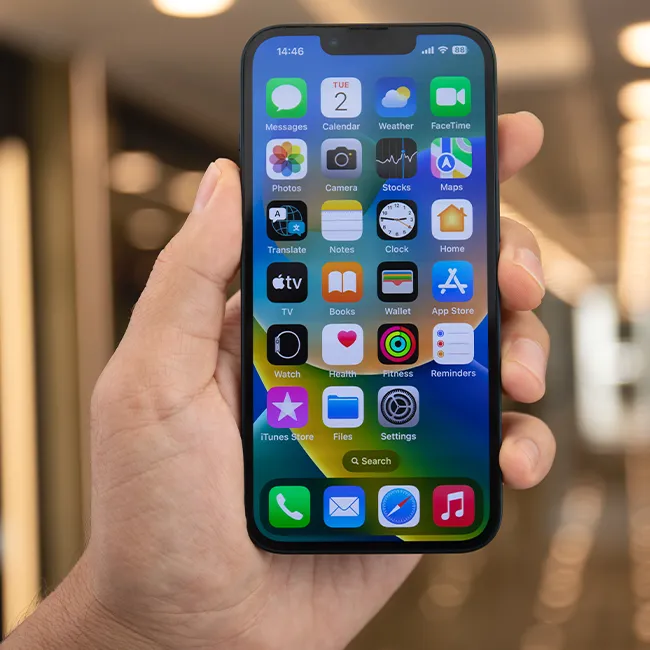
Person holding iPhone with multiple apps displayed.
Woman texting on smartphone with focused expression.
Android phone featuring a variety of applications.
Samsung Galaxy Z Flip 7 smartphone on display.
Woman enjoying fresh watermelon salad in casual outfit.
User holding Android phone displaying various apps.
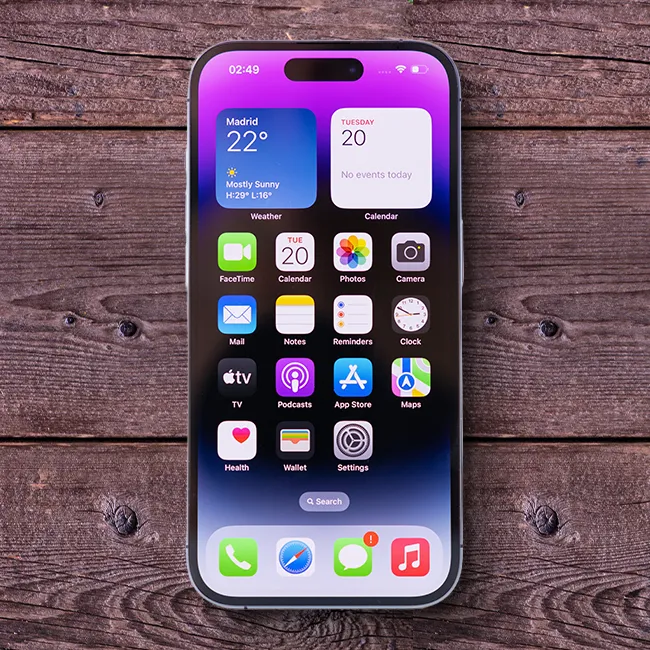
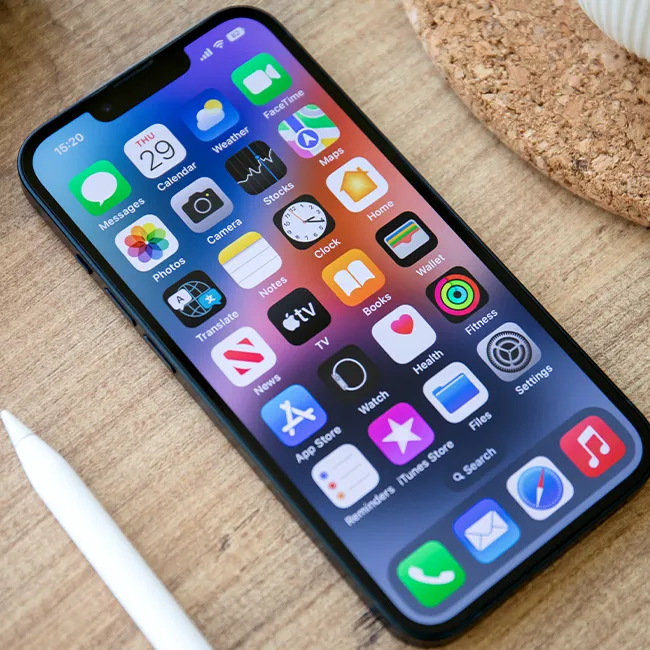
iPhone 14 showcasing multiple applications on screen.
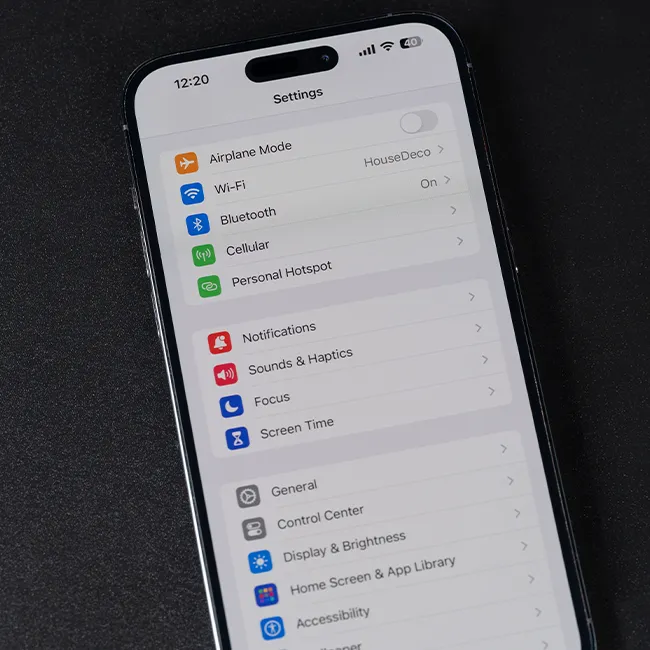
iPhone settings screen indicating low battery charge.
Sony headphones with iPad and laptop on Amazon.
Person using iPhone with apps visible on screen.
iPhone displaying a selection of apps available.
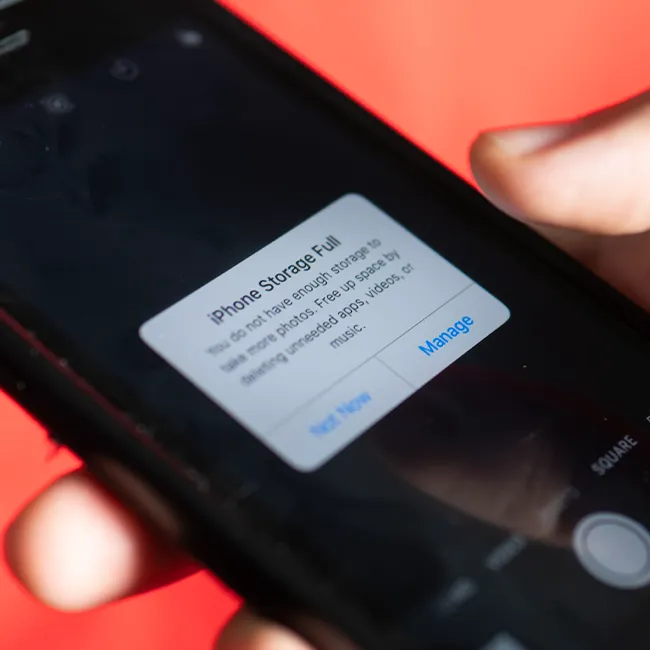
iPhone storage full notification on the screen.
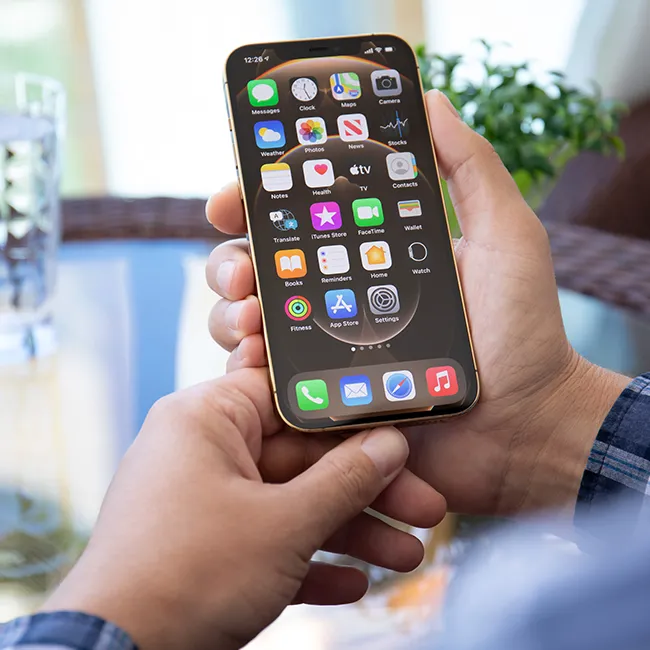
User holding an iPhone with visible apps.
iPhone screen filled with various application icons.
Latest iPhone 17 model showcasing sleek design.
Woman working on laptop in a casual setting.
Smartphone plugged into charger for power.
Display of various apps on iPhone screen.
Close-up of hands holding iPhone 17 Pro Max.
User interacting with iPhone in everyday use.
Person holding iPhone with multiple apps displayed.
Woman texting on smartphone with focused expression.
Android phone featuring a variety of applications.
Samsung Galaxy Z Flip 7 smartphone on display.
Woman enjoying fresh watermelon salad in casual outfit.
User holding Android phone displaying various apps.
iPhone 14 showcasing multiple applications on screen.
iPhone settings screen indicating low battery charge.
Sony headphones with iPad and laptop on Amazon.
Person using iPhone with apps visible on screen.
iPhone displaying a selection of apps available.
iPhone storage full notification on the screen.
User holding an iPhone with visible apps.
iPhone screen filled with various application icons.