



Pre-installed apps are the free gift that doesn’t always keep giving. In fact, several pre-installed apps are taking up storage space and, unless you use them on a regular basis, are not worth the space they take up.
It’s a good idea to browse all of the pre-installed apps on your device and decide: is this serving me? If not, consider deleting it to save space and battery power. Keep in mind that serious storage woes won’t be solved by deleting these types of apps. Your phone’s storage is being eaten alive more so by resource-intensive apps like social media than by the Stocks or Books apps. Still, every little move can help when it comes to storage space. Here are five storage-hogging pre-installed apps you should remove from your device.

Women Are Swapping Their Boring Water For This Ice Pop Electrolyte Mix!
1. Podcasts
The Podcasts app is great — if you use it. If you’re into listening to podcasts, downloading them, and keeping them organized in one place, the Podcasts app offers a convenient way to do this. But if you have another outlet for listening to podcasts, or you just aren’t into that medium, delete this pre-installed app because it’s taking up precious storage space.

2. Notes
Anyone who uses Notes to jot down their grocery lists, thoughts, poems, or — just any note at all — wouldn’t dream of doing away with this app. When used regularly, it’s one of the most convenient apps on your device. If you have other ways of keeping track of your thoughts and to-do lists and don’t love how Notes organizes its entries, delete it.
3. Apple Maps
Hear us out: we aren’t saying you should delete Apple Maps. Apple Maps is a vital navigation tool to help you get from Point A to Point B. But do you prefer Google Maps? Are you more of a Waze devotee? If you have one or more other navigation apps downloaded on your device, keeping Apple Maps may just be a storage hog with no real benefit.

4. Voice Memos
Similar to Notes, the Voice Memos app is one that you either get or you don’t. Those who love it use it often to quickly record their thoughts or important reminders. Those who prefer writing things down or don’t even know that Voice Memos exists as an option are allowing an app to take up space for no good reason. Feel free to delete Voice Memos and keep your ideas stored in another app.
5. GarageBand
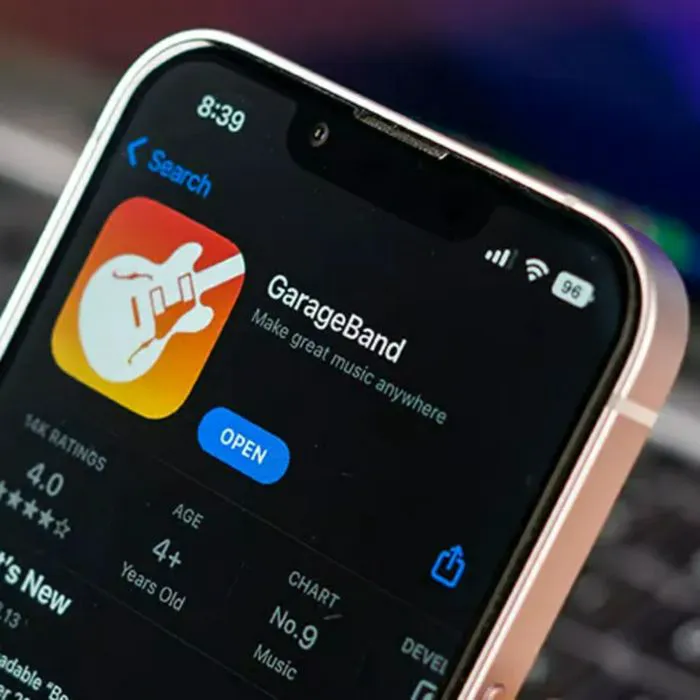
If you're constantly running out of storage on your iPhone, one unexpected culprit could be an app you barely use - GarageBand. While the Apple music-making app can be useful for creating and editing your own tracks, it can also take up a surprising amount of space, especially if you have downloaded sounds, projects, or other music files stored within it.
"Apps like iMovie or even GarageBand, they all accumulate a lot of data over time," explains tech expert and store owner Steven Athwal. "Unfortunately, a lot of these apps are ones that people don't wanna be without, which means you can have GBs and GBs and GBs of space being taken up by the apps you hold dearest. Having iCloud might help carry some of the burden, but it can get expensive fast."