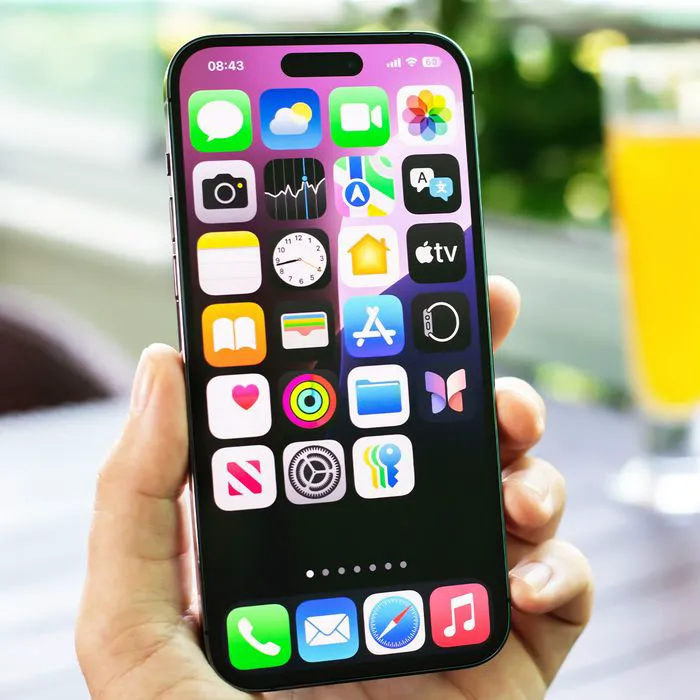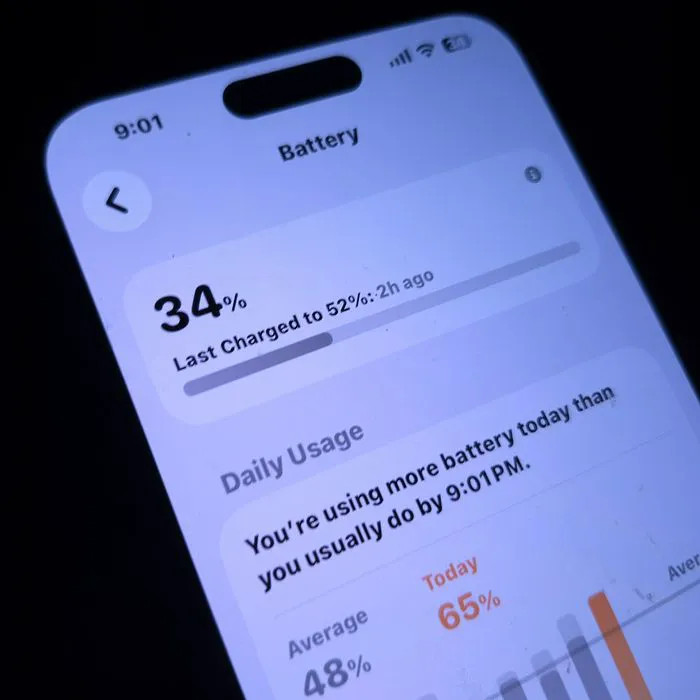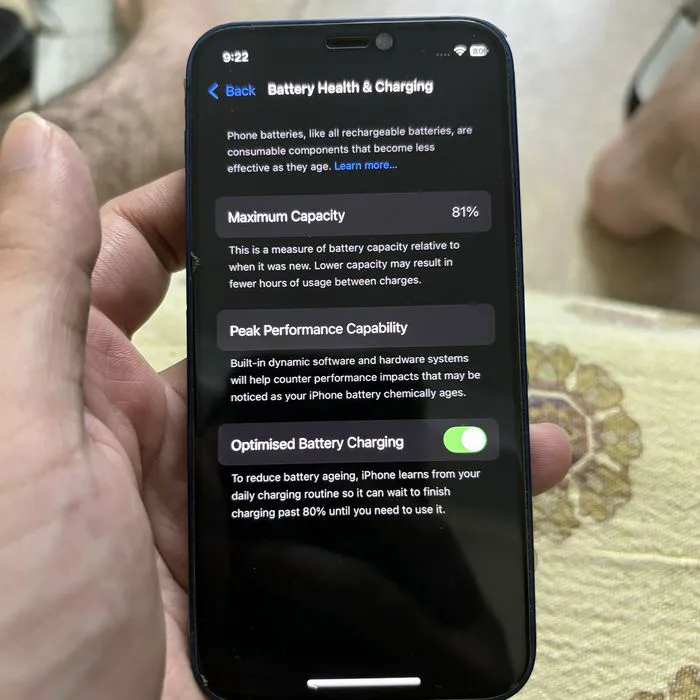



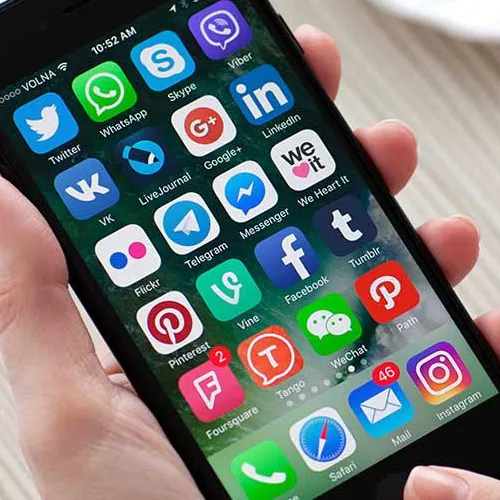
You probably think that Facebook is the big battery hog on your iPhone (and you wouldn’t be wrong) but it turns out that there are several other apps that are currently running on your device that are equally, if not more, to blame for that constant red battery light.
“Most iPhone users have no idea that the biggest drain on their battery life comes from two things: location services and bluetooth,” James Song, CEO of Shadow Foundry tells us. “Apple now recommends that you always keep apps open, which means when an app uses either location services or bluetooth, you have an “always open” battery vampire.”
Here are the apps that are sucking your blood battery, according to the experts:

Women Are Swapping Their Boring Water For This Ice Pop Electrolyte Mix!
Google Photos. "This app is terrific for storing pictures in the cloud so you don’t have to give up precious storage space on your iPhone, but it’s also a sneaky battery hog," Lisa McGreevy of FitSmallBusiness.com tells us. "Get around the issue by disabling the setting that allows the app to continually refresh in the background, or switch to iCloud and let Apple preserve your pics instead.”
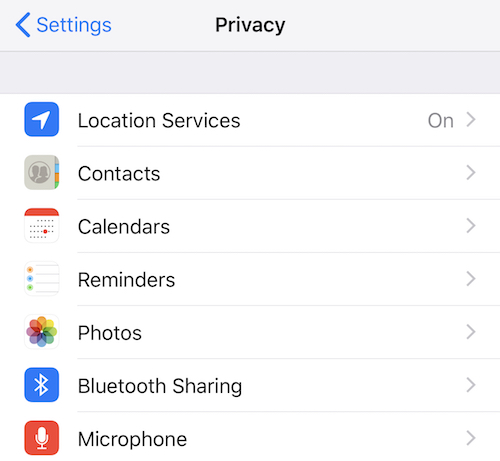
GPS and Location Services. "This is responsible for the little arrow at the top of your screen and means that something somewhere is tracking where you are. In most cases this is actually an app, but even if you denied access to those apps your iOS could still be tracking you to learn your whereabouts. Apple insists this is only to better serve GPS-based notifications to you, but in reality it could be responsible for geo-based advertising (Hey, you’re near Starbucks so why don’t you come in and get Frappuchino!). You can customize these settings by going to Settings > Privacy > Location Services. Anything with a purple arrow (outline or fully filled) means you’re being tracked," Matt Zieminski, Lead Tech Engineer at Puls says.

Google Maps. Related to location services, "Google Maps constantly searches for GPS information to keep your location updated. This takes an incredible amount of battery power to maintain," James tells us. "When you are not using the map, close the app by holding down the home screen and clicking on the "-" sign that closes the app completely. When you are using the app but need to take a break, using the right button to shut the screen off will put the app into an energy saving mode and help with battery life, but your iPhone battery life will still drain faster than normal."
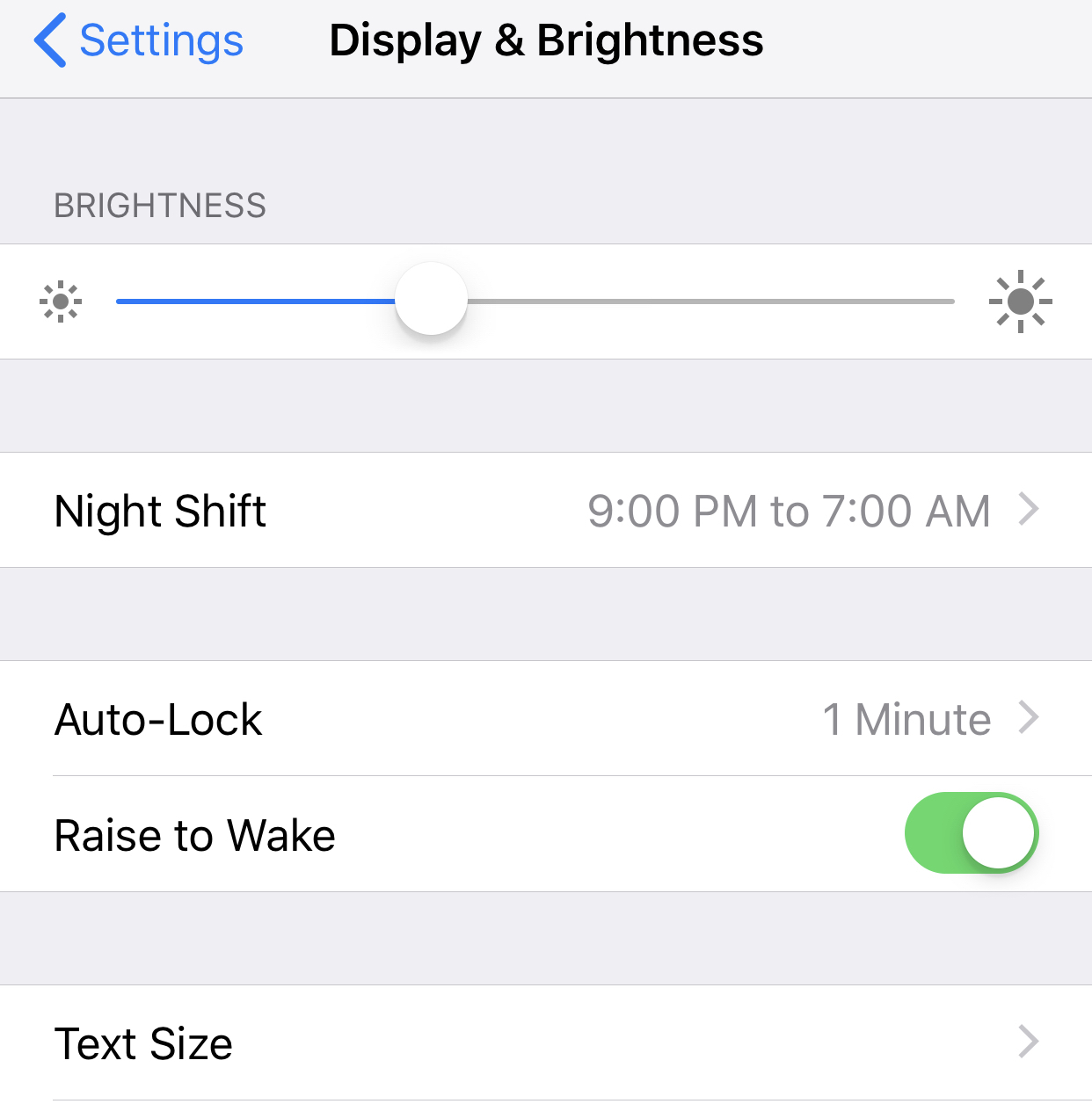
Auto Brightness. "This is what dictates how well you can see your screen in certain light scenarios. In the daytime, directly in the sun, you may notice your screen gets brighter than it does at night when you’re sitting at home. Sometimes the iOS won’t auto-adjust brightness if you’ve manually toggled it, or disabled auto-brightness. This makes your screen demand more power and as a result uses more battery," Matt explains. Good news: "You can reconfigure it to adjust automatically to Settings > Display & Brightness."
Audio Monitoring. "It’s not just you, advertisements actually target you, in part, based on that last conversation you had with your friend or family. In most cases these are accessibility permissions you’ve granted when you first downloaded the app, like Facebook, to use your microphone for advertising," Matt warns. "This means that the microphone is always running in the background and collecting information on you. It could also be the result of the “Hey Siri” functionality where the phone is always listening for the keyword to activate the voice assistant.
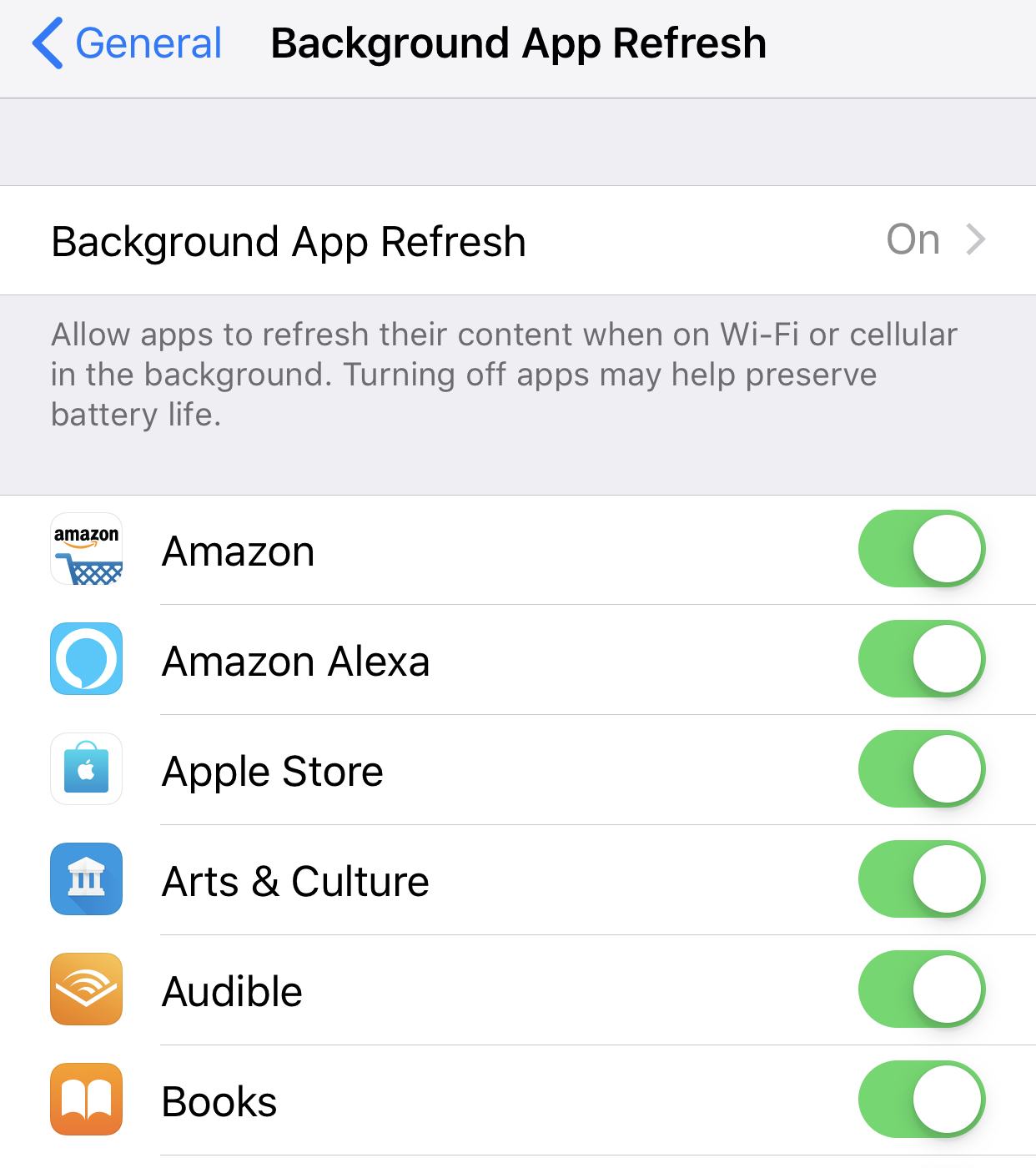
Background Activity. "These are functions that are constantly monitoring something (Your Mail, the Weather, etc) to provide you with the latest updates," Matt explains. "In most cases there’s not much you can do about this except for changing the frequency with which you want to receive your email, your text messaging habits, etc."
So, there you have it! The apps that are probably draining your battery as you read this. Quick, change your settings!