



The Smith family at the Bad Boys premiere event.
Kourtney Kardashian at the Grammy Awards red carpet.
Katy Perry and Orlando Bloom sharing a moment together.

Tech

The One App You Need To Close Before Turning Your Phone Off, According To Security Experts

March 7, 2020 by Lisa Cupido
shefinds | Tech
Featured image

It seems logical: if an app is open, it’s taking up data and battery power. The way to stop them from happening? Close that app and regain power and data.

But, when it comes to keeping your phone working efficiently, some things are not what they seem. This is the one app you need to close before turning your phone off, according to security experts.

house unit img
Women Are Swapping Their Boring Water For This Ice Pop Electrolyte Mix!
iphone

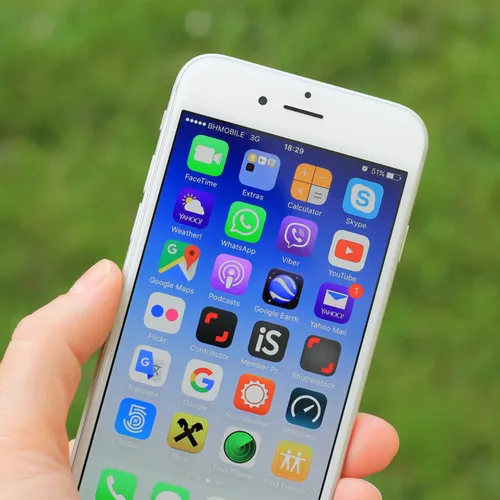
Here’s the deal when it comes to closing apps: you can do it. But you really don’t have to close a single app to make any kind of difference in how your phone runs.


Both Apple and Google have stated that closing your apps will not have an effect on your phone.
iphone

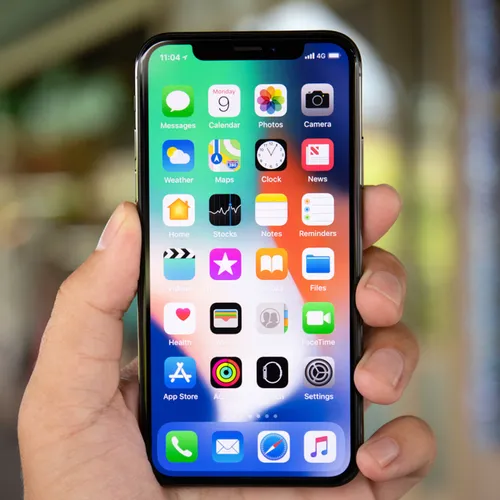
According to Wired: “On both Android and iOS, algorithms run memory management. They'll close apps that need to be closed, typically ones that have been dormant for a while or are using more power or memory than they should.”
iphone

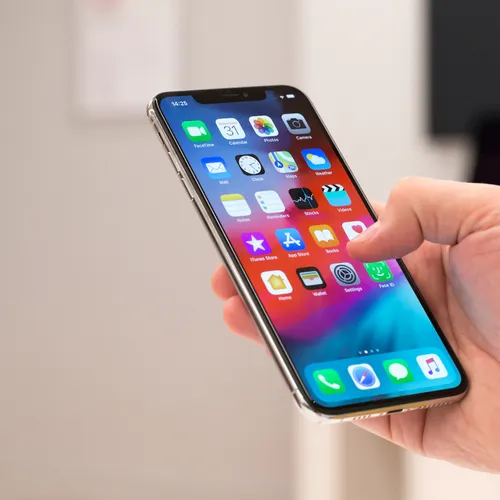
Not only is your smart phone pretty darn smart, but it can tell when your phone requires more data or a refresh. And opening and closing your apps can actually work against your phone.


“You're far, far better off letting the system work for you rather than forcing it to re-open and re-start everything every time,” reports Wired. “Battery questions aside, it makes your phone slower and less coherent.”
app store

If you’re wondering how often you should actually turn your phone off, the magic formula is once a week — just for a minute to let it rest. Turn it right back on (without closing apps beforehand) and it will be fresh and ready to go again.


 

Author:

Lisa Fogarty is a lifestyle writer and reporter based in New York who covers health, wellness, relationships, sex, beauty, and parenting.

Close-up of Android phone showcasing app interface.
New iPhone 17 showcasing sleek design and features.
Woman working on laptop in a modern workspace.
Smartphone charging with a power adapter connected.
Display of popular apps on an iPhone screen.
Close-up of hands holding an iPhone 17 Pro Max.
Individual using an iPhone for various tasks.
Person holding iPhone displaying multiple apps.
Woman texting on her smartphone with focus.
Android phone showcasing diverse applications.
Samsung Galaxy Z Flip 7 smartphone in use.
Woman enjoying a fresh summer salad outdoors.
Holding an Android phone with app interface visible.
iPhone 14 displaying a variety of installed apps.
iPhone indicating low battery and charging settings.
Sony headphones and iPad being used with laptop.
Individual engaging with an iPhone for communication.
iPhone screen filled with various app icons.
Alert showing iPhone storage is full.
Person holding an iPhone in a casual setting.
Close-up of Android phone showcasing app interface.
New iPhone 17 showcasing sleek design and features.
Woman working on laptop in a modern workspace.
Smartphone charging with a power adapter connected.
Display of popular apps on an iPhone screen.
Close-up of hands holding an iPhone 17 Pro Max.
Individual using an iPhone for various tasks.
Person holding iPhone displaying multiple apps.
Woman texting on her smartphone with focus.
Android phone showcasing diverse applications.
Samsung Galaxy Z Flip 7 smartphone in use.
Woman enjoying a fresh summer salad outdoors.
Holding an Android phone with app interface visible.
iPhone 14 displaying a variety of installed apps.
iPhone indicating low battery and charging settings.
Sony headphones and iPad being used with laptop.
Individual engaging with an iPhone for communication.
iPhone screen filled with various app icons.
Alert showing iPhone storage is full.
Person holding an iPhone in a casual setting.

















