



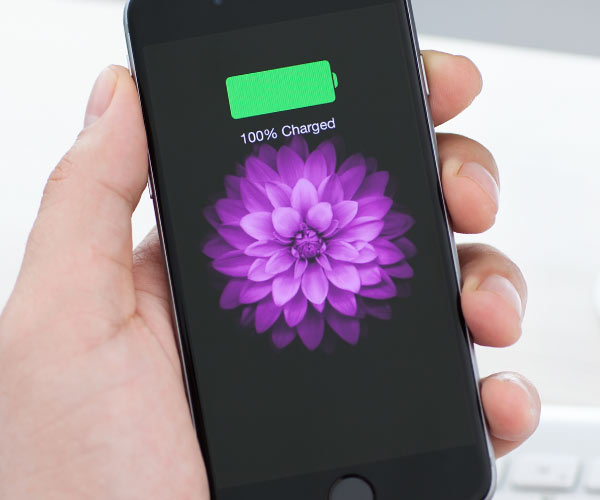
Tired woman showing effects of lack of sleep on her face.
Creamy banana nice cream in a bowl with toppings.
Jennifer Lopez at 2025 American Music Awards in stylish outfit.

Tech

The One App You Need To Refresh ASAP If You Keep Running Out Of Battery

March 12, 2020 by Lisa Cupido
shefinds | Tech
Featured image

If there’s one phone feature that has gotten a bad reputation it’s Background App Refresh.

This feature, which constantly updates apps so that they’re ready for you when you need them, is responsible for some battery power loss, that’s for sure. But there are certain apps that simply perform better (and make life easier) when they are refreshed and updated).

This is the one app you need to refresh ASAP if you keep running out of battery.

house unit img
Women Are Swapping Their Boring Water For This Ice Pop Electrolyte Mix!
iphone

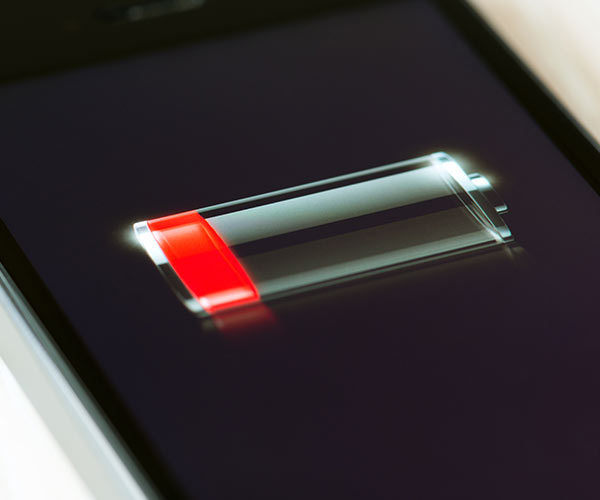
When it comes to using Background App Refresh thoughtfully, and in a way that won’t tax your battery, it’s all about carefully curating the apps that benefit most from this feature.


Map services, for example — like Google Maps — may be apps that you turn to when you’re stuck somewhere and are unsure of where to go next. When you’re feeling lost, you may not want to wait an extra second for your phone to update maps.
iphone

There is a way to turn off Background App Refresh on apps that don’t require it (like Facebook), while keeping the feature on for other apps.


If you have iOS 13, here’s how to check which apps are using Background App Refresh, according to Tech Republic:


Open the Settings app.

Navigate to General | Background App Refresh.
iphone

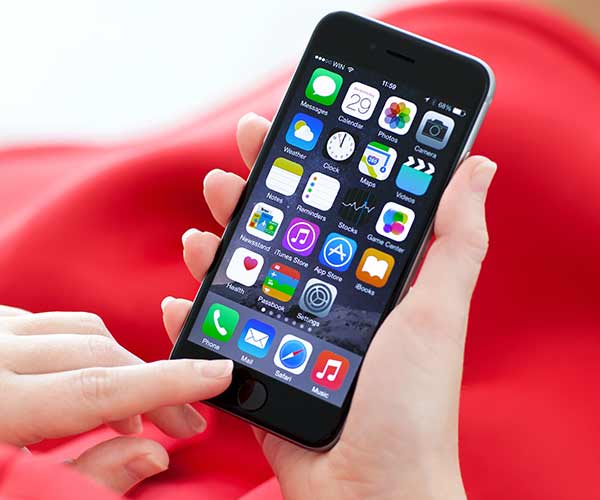
From here you can pick and choose the apps you want to benefit from an automatic refresh.


“When Background App Refresh is disabled and you quit an app that's in this list, it will no longer download data in the background to keep the app's content fresh; instead, you must open the app for it to download new content,” reports Tech Republic.
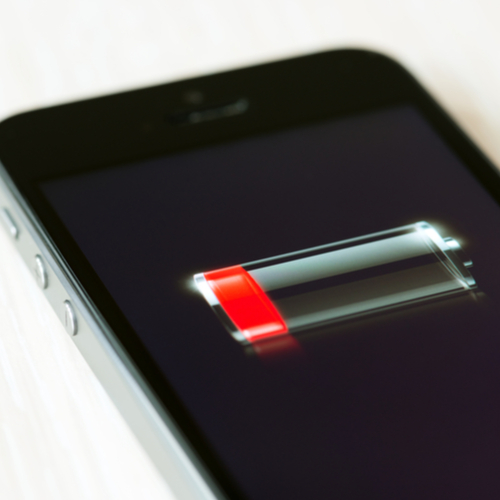
iphone

Lastly, there’s one more way that you can ensure Background App Refresh is not taking up too much battery power: enable Wi-Fi only refresh. Here’s how:


Open Settings
Navigate to General/Background App Refresh
Select Wi-Fi (it will be set by default to Wi-Fi & Cellular)


Author:

Lisa Fogarty is a lifestyle writer and reporter based in New York who covers health, wellness, relationships, sex, beauty, and parenting.

New iPhone 17 showcasing sleek design and features.
Woman working on laptop in a modern workspace.
Smartphone charging with a power adapter connected.
Display of popular apps on an iPhone screen.
Close-up of hands holding an iPhone 17 Pro Max.
Individual using an iPhone for various tasks.
Person holding iPhone displaying multiple apps.
Woman texting on her smartphone with focus.
Android phone showcasing diverse applications.
Samsung Galaxy Z Flip 7 smartphone in use.
Woman enjoying a fresh summer salad outdoors.
Holding an Android phone with app interface visible.
iPhone 14 displaying a variety of installed apps.
iPhone indicating low battery and charging settings.
Sony headphones and iPad being used with laptop.
Individual engaging with an iPhone for communication.
iPhone screen filled with various app icons.
Alert showing iPhone storage is full.
Person holding an iPhone in a casual setting.
iPhone screen featuring a grid of applications.
New iPhone 17 showcasing sleek design and features.
Woman working on laptop in a modern workspace.
Smartphone charging with a power adapter connected.
Display of popular apps on an iPhone screen.
Close-up of hands holding an iPhone 17 Pro Max.
Individual using an iPhone for various tasks.
Person holding iPhone displaying multiple apps.
Woman texting on her smartphone with focus.
Android phone showcasing diverse applications.
Samsung Galaxy Z Flip 7 smartphone in use.
Woman enjoying a fresh summer salad outdoors.
Holding an Android phone with app interface visible.
iPhone 14 displaying a variety of installed apps.
iPhone indicating low battery and charging settings.
Sony headphones and iPad being used with laptop.
Individual engaging with an iPhone for communication.
iPhone screen filled with various app icons.
Alert showing iPhone storage is full.
Person holding an iPhone in a casual setting.
iPhone screen featuring a grid of applications.

















