



Katy Perry and Orlando Bloom sharing a moment together.
Prince William and Prince Harry at a public event.
Woman struggling with hair loss, looking concerned.

Tech

The One App That Is Ruining Your iPhone's Battery Health

April 11, 2020 by Lisa Cupido
shefinds | Tech
Featured image

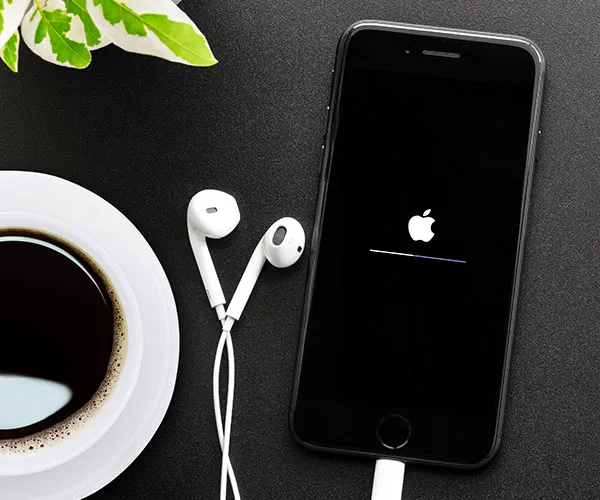
There are a number of reasons why your iPhone battery isn’t holding a charge — everything from a too-bright screen to apps that are constantly updating in the background are to blame. Most of these things are within your control and you can simply change a setting here and there to boost your smartphone’s battery health. But there are times when you may need to take more drastic steps that include deleting the one app that is ruining your iPhone’s battery health. Take this step and you’ll get a better working phone instantly.

house unit img
Women Are Swapping Their Boring Water For This Ice Pop Electrolyte Mix!
iphone

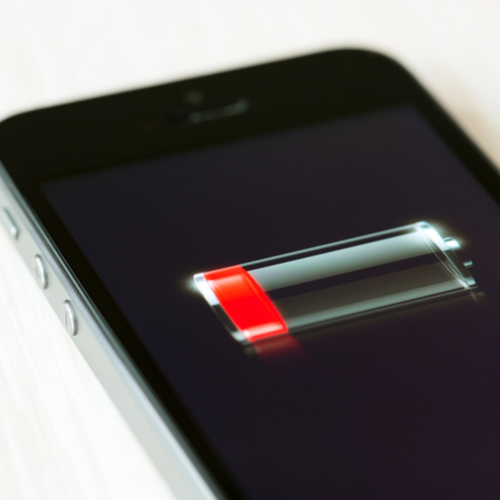
Deleting the Facebook app will usually boost your iPhone battery instantly — but in this case, the app to delete isn’t Facebook.


The truth is, no matter how draining it is, at the very least Facebook provides a service. There are other apps that are likely lurking on your phone and aren’t doing anything good for you — or your phone’s battery.

iphone

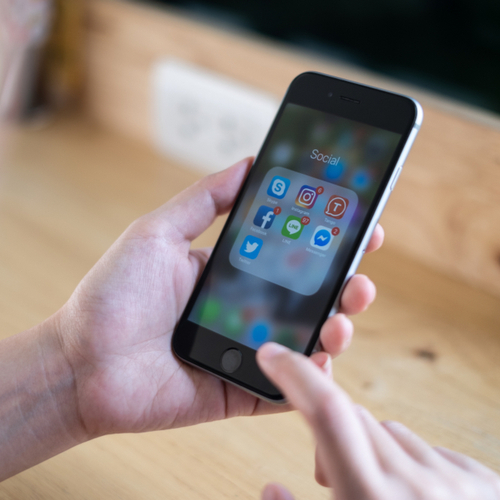
The app you should address isn’t one specific app, but rather a number of apps that fall under the category of “rogue apps.” According to a tech expert at ZDNet: “Sometimes a poorly coded app can tear through your battery. I've even seen very popular apps such as Facebook or the YouTube app have bugs that cause them to rip through a fully-charged battery in a few hours, even when they are not in use!”
iphone

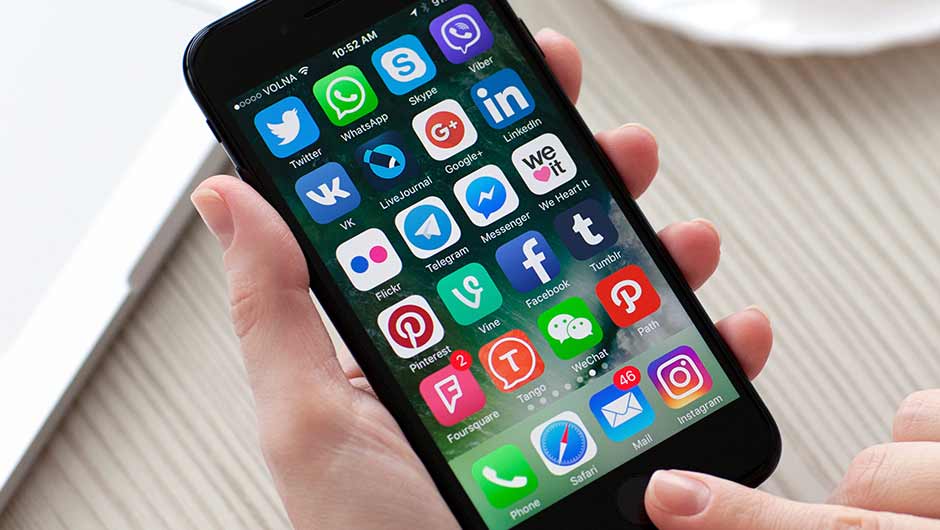
To find out which of your apps have gone “rogue,” go to Settings > Battery and click on Last 24 Hours and Last 7 Days to find out exactly which apps are draining your battery the most. From here you can decide if you would rather delete the app.
iphone

If you’d rather not delete your app, another option is to make sure your apps are always updated. A bug that previously caused battery drainage and other problems could be fully fixed in the latest version of that app. Go to the App store, tap on Today, scroll to Available Updates, and tap on Update All to cover your bases.


Author:

Lisa Fogarty is a lifestyle writer and reporter based in New York who covers health, wellness, relationships, sex, beauty, and parenting.

Close-up of Android phone showcasing app interface.
New iPhone 17 showcasing sleek design and features.
Woman working on laptop in a modern workspace.
Smartphone charging with a power adapter connected.
Display of popular apps on an iPhone screen.
Close-up of hands holding an iPhone 17 Pro Max.
Individual using an iPhone for various tasks.
Person holding iPhone displaying multiple apps.
Woman texting on her smartphone with focus.
Android phone showcasing diverse applications.
Samsung Galaxy Z Flip 7 smartphone in use.
Woman enjoying a fresh summer salad outdoors.
Holding an Android phone with app interface visible.
iPhone 14 displaying a variety of installed apps.
iPhone indicating low battery and charging settings.
Sony headphones and iPad being used with laptop.
Individual engaging with an iPhone for communication.
iPhone screen filled with various app icons.
Alert showing iPhone storage is full.
Person holding an iPhone in a casual setting.
Close-up of Android phone showcasing app interface.
New iPhone 17 showcasing sleek design and features.
Woman working on laptop in a modern workspace.
Smartphone charging with a power adapter connected.
Display of popular apps on an iPhone screen.
Close-up of hands holding an iPhone 17 Pro Max.
Individual using an iPhone for various tasks.
Person holding iPhone displaying multiple apps.
Woman texting on her smartphone with focus.
Android phone showcasing diverse applications.
Samsung Galaxy Z Flip 7 smartphone in use.
Woman enjoying a fresh summer salad outdoors.
Holding an Android phone with app interface visible.
iPhone 14 displaying a variety of installed apps.
iPhone indicating low battery and charging settings.
Sony headphones and iPad being used with laptop.
Individual engaging with an iPhone for communication.
iPhone screen filled with various app icons.
Alert showing iPhone storage is full.
Person holding an iPhone in a casual setting.

















