




Woman enjoying a donut at night, cozy setting.
Bianca Censori showcasing fall/winter fashion collection.
Modern workspace with a person typing on a laptop.

Tech

5 Apps You Should Delete From Your iPhone RIGHT NOW, According To Tech Experts

May 15, 2019 by Lisa Cupido
shefinds | Tech
Featured image

If you have an iPhone that is acting up — working slowly or experiencing battery drainage hours before it should — freeing your phone of a few specific apps can help.

Some apps are notoriously bad for your phone — or are simply not going to do your storage data or battery any favors.

Here are five apps you should delete from your iPhone right now, according to tech experts.

house unit img
Women Are Swapping Their Boring Water For This Ice Pop Electrolyte Mix!
iphone

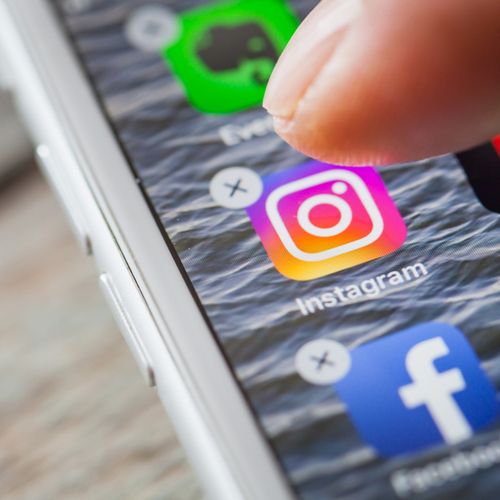
Facebook


You’ll be hard-pressed to find a tech expert who doesn’t agree: the Facebook app drains your battery fast with features like videos that automatically load. It’s also a storage data stealer — one that tracks everything you look up on your browser.


Delete the app and use Facebook via your browser if you miss the social media contact.
iphone

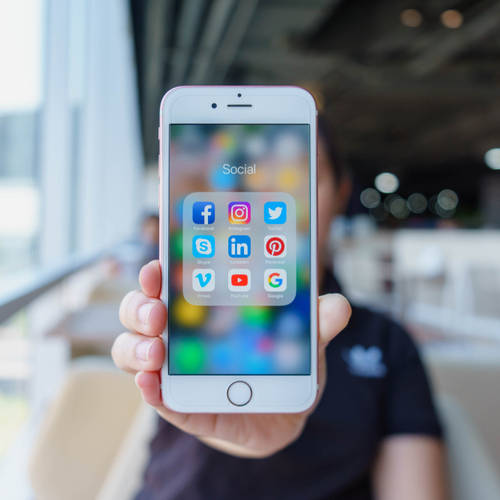
Skype


We love to keep in touch with loved ones and see their smiling faces — but Skype is a totally battery hog. Switching to FaceTime is a much better idea, as this app is a bit easier on your battery.
iphone

Facebook Messenger


Like Facebook, the Facebook Messenger app consumes a lot of resources. Sure, deleting the app means you’ll need to access Facebook via your computer browser to see messages, but it may be worth it when you gain back a faster phone that doesn’t die after a few hours.

iphone

Games With Intense Graphics


Game apps provide a fun way to pass time, but it may be a wise move to stick to those that are light on graphics. The more sophisticated and intense the graphics of your game, the more likely it is to take up data and battery power.
iphone

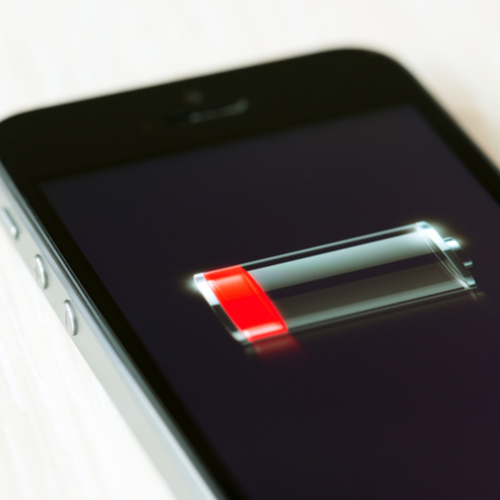
Navigation Apps


How many navigation apps do you really need? If you have Google Maps and Apple Maps and Waze, it’s probably time to delete at least one or two — Waze is particularly consuming on battery power — and stick with one that isn’t so taxing (like Google Maps).
iphone

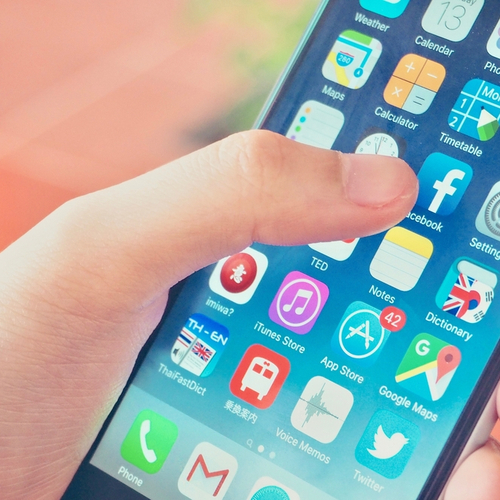
Deleting apps isn’t the only step that will restore your phone’s battery and help it run better, but it’s a good start. Other apps to seriously consider getting rid of include any and all that you haven’t used in months. If it’s not useful, it’s simply hogging up space and battery power.


Author:

Lisa Fogarty is a lifestyle writer and reporter based in New York who covers health, wellness, relationships, sex, beauty, and parenting.

Close-up of Android phone showcasing app interface.
New iPhone 17 showcasing sleek design and features.
Woman working on laptop in a modern workspace.
Smartphone charging with a power adapter connected.
Display of popular apps on an iPhone screen.
Close-up of hands holding an iPhone 17 Pro Max.
Individual using an iPhone for various tasks.
Person holding iPhone displaying multiple apps.
Woman texting on her smartphone with focus.
Android phone showcasing diverse applications.
Samsung Galaxy Z Flip 7 smartphone in use.
Woman enjoying a fresh summer salad outdoors.
Holding an Android phone with app interface visible.
iPhone 14 displaying a variety of installed apps.
iPhone indicating low battery and charging settings.
Sony headphones and iPad being used with laptop.
Individual engaging with an iPhone for communication.
iPhone screen filled with various app icons.
Alert showing iPhone storage is full.
Person holding an iPhone in a casual setting.
Close-up of Android phone showcasing app interface.
New iPhone 17 showcasing sleek design and features.
Woman working on laptop in a modern workspace.
Smartphone charging with a power adapter connected.
Display of popular apps on an iPhone screen.
Close-up of hands holding an iPhone 17 Pro Max.
Individual using an iPhone for various tasks.
Person holding iPhone displaying multiple apps.
Woman texting on her smartphone with focus.
Android phone showcasing diverse applications.
Samsung Galaxy Z Flip 7 smartphone in use.
Woman enjoying a fresh summer salad outdoors.
Holding an Android phone with app interface visible.
iPhone 14 displaying a variety of installed apps.
iPhone indicating low battery and charging settings.
Sony headphones and iPad being used with laptop.
Individual engaging with an iPhone for communication.
iPhone screen filled with various app icons.
Alert showing iPhone storage is full.
Person holding an iPhone in a casual setting.

















