

Everyday habits that may damage collagen production and skin health.
Prince Harry and Meghan Markle at World Mental Health Day Gala
President Trump discusses maternal healthcare at a public event.

Tech

We Asked An Expert: Should You Delete Text Messages On Your iPhone?

July 4, 2019 by Lisa Cupido
shefinds | Tech
Featured image
house unit img
Women Are Swapping Their Boring Water For This Ice Pop Electrolyte Mix!
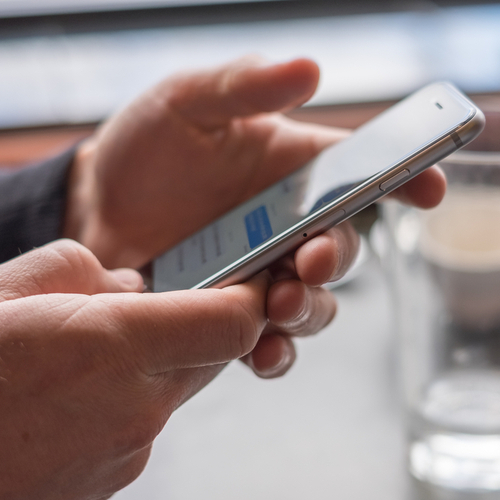
iphone

As you probably already know, certain apps on your iPhone are more likely to drain your phone’s battery and hog up its data than others.


If you use social media apps like Facebook or Snapchat and then experiment with deleting them, you’ll likely find an impressive increase in data and battery power, pretty much immediately.
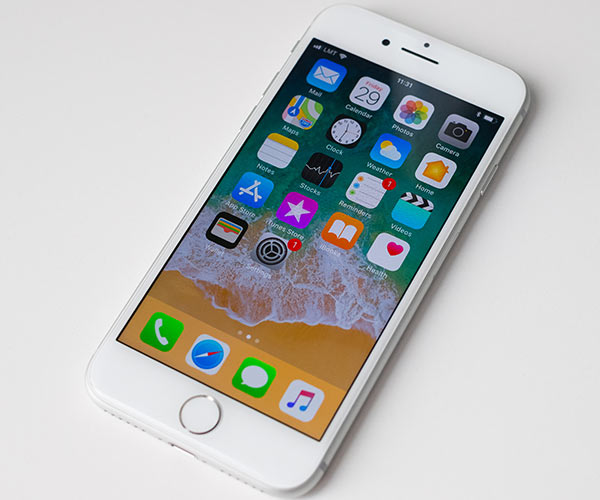
iphone

Text messages are different, though.


Unless you are sending a constant stream of videos to your friends and family, it texts are not taking up the bulk of your memory by any stretch.


But that doesn’t mean text messages, over time, can’t affect your phone’s performance.
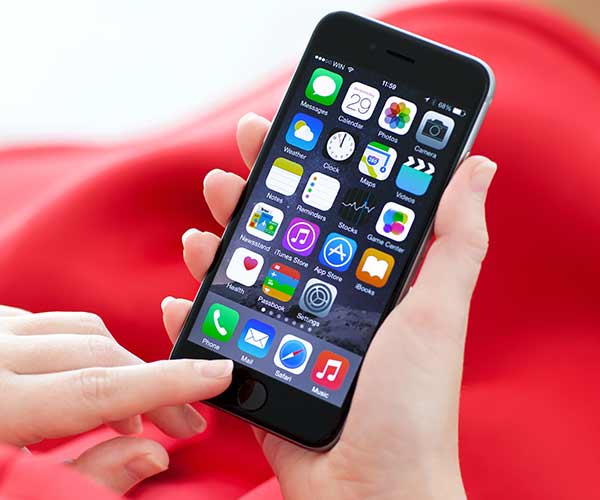
iphone

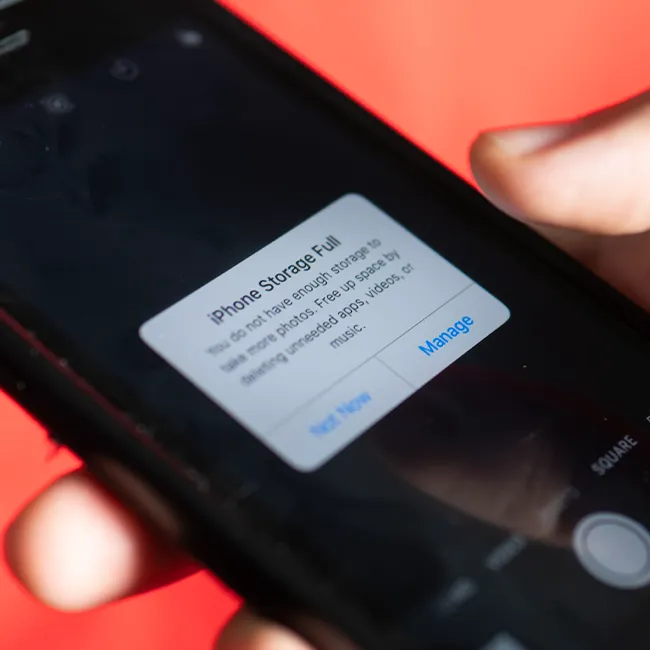
According to Mac World, iPhones run out of storage space fairly quickly. Deleting all or most of your messages is a surefire way to boost storage space at least a bit.


But it’s not always just a matter of deleting messages after you’ve read them. Some phones could still be carrying messages around if it has been set to “Keep messages forever.”
iphone

Mac World outlines the five steps you can take to delete iPhone messages and free up space:


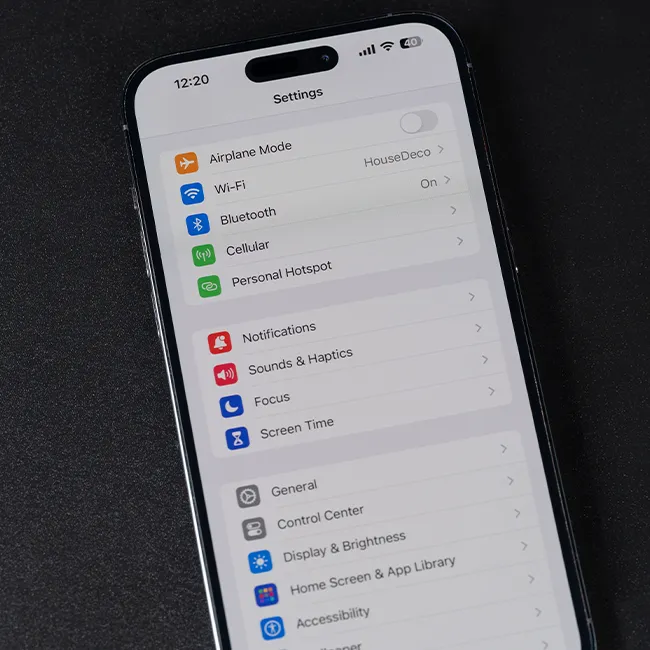
1.Open the Settings app.
2. Scroll down to Messages and tap it.
3. Under Message History, tap where it says Keep Messages.
4. There are three options: 30 Days, 1 Year, and Forever: choose the first or second option.
5. Confirm that you want to delete the old messages and attachments by tapping the Delete button.


That’s it — that’s all it takes to increase storage and, hopefully, get your phone working faster than before.
 

Tags:

iphone

Author:

Lisa Fogarty is a lifestyle writer and reporter based in New York who covers health, wellness, relationships, sex, beauty, and parenting.

Image from SHEfinds
Image from SHEfinds
Image from SHEfinds
Woman enjoying a fresh summer watermelon salad.
Image from SHEfinds
Image from SHEfinds
Image from SHEfinds
Image from SHEfinds
Image from SHEfinds
Image from SHEfinds
Image from SHEfinds
Image from SHEfinds
Image from SHEfinds
Image from SHEfinds
Image from SHEfinds
Image from SHEfinds
Image from SHEfinds
Image from SHEfinds
Image from SHEfinds
Image from SHEfinds
Image from SHEfinds
Android phone displaying various beauty apps on screen.
Samsung Galaxy Z Flip 7 showcasing stylish design and apps.
Woman enjoying a fresh summer watermelon salad.
Person holding Android phone with beauty apps visible.
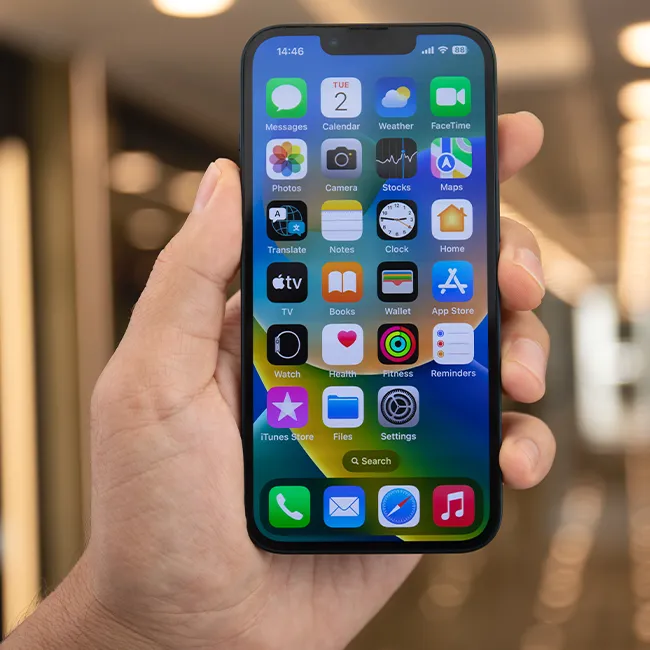
iPhone 14 featuring beauty apps and vibrant display.
iPhone charging settings screen with low battery warning.
Sony headphones and iPad while using laptop for beauty tips.
User actively engaging with an iPhone for beauty content.
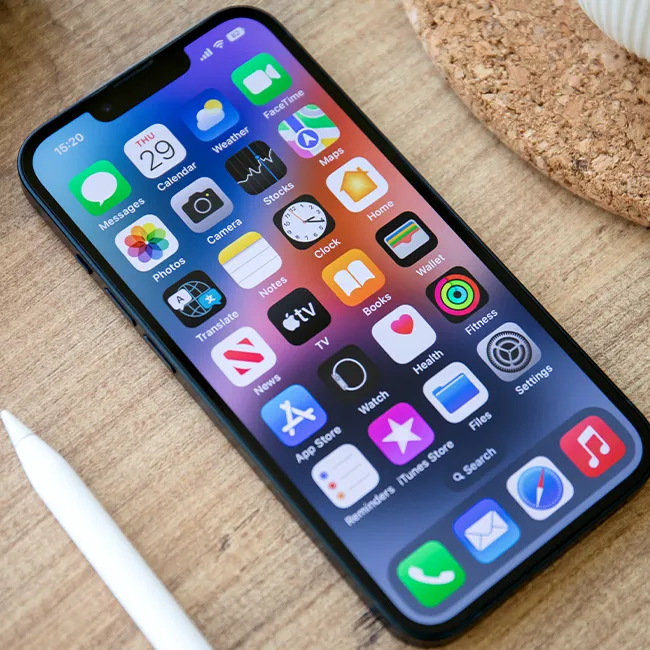
iPhone screen filled with popular beauty apps.
iPhone storage full message, indicating too many beauty apps.
Person holding an iPhone with beauty app open.
iPhone screen showcasing various beauty apps and features.
Android phone charging, emphasizing mobile beauty app usage.
iPhone displaying a selection of beauty-related applications.
User holding an iPhone, browsing beauty apps.
Woman holding an iPhone, focused on beauty content.
iPhone 16 charging, ready for beauty app exploration.
John Travolta at the Academy Museum Gala, celebrity beauty spotlight.
Android phone charging, featuring beauty app interface.