



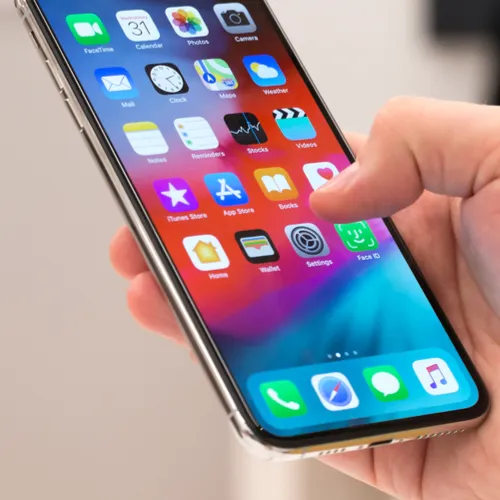
Jennifer Aniston, Brad Pitt, and Jim Curtis at a film premiere.
Donald Trump meeting Irish Taoiseach Micheál Martin in Oval Office.
Bill Gates arriving at the 12th Annual Breakthrough Prize Ceremony.

Tech

4 iPhone Apps That Are Always Using Your Data — Even When You're Not Using Them

June 25, 2019 by Lisa Cupido
shefinds | Tech
Featured image

There are apps that aren’t at all subtle about draining your iPhone battery and sapping up data when you’re using them and then there are secretive apps — the ones that work overtime even when you’re not using your phone.

Some apps are simply notorious at stealing data – like these four iPhone apps that are always using your data — even when you’re not using them.

house unit img
Women Are Swapping Their Boring Water For This Ice Pop Electrolyte Mix!
facebook

Facebook


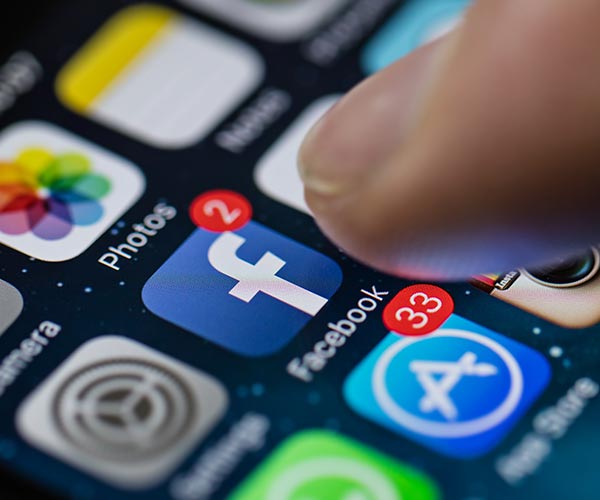
Let’s start with the most obvious offender of this type of data-snatching behavior: Facebook. The Facebook app is designed to work pretty much all of the time. For one thing, the app is constantly updating content and automatically loading heavy duty files like videos. But, even more creepily, Facebook is keeping a running tab of the sites you visit from its app, which helps it better target the ads that might appeal to you.


If you’ve ever wondered why you’re being shown an ad for a pair of shoes you feel like you’ve been dreaming about, you can blame Facebook’s continuous tracking for that.
iphone

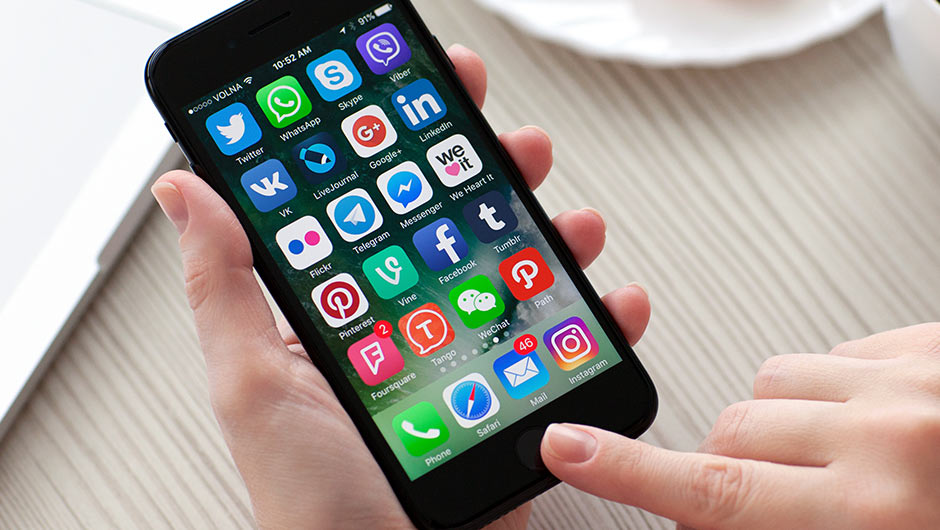
Apps That Notify You Of Messages


There’s only one way that app is able to send you alerts when you have a new message — it’s working at all times to retrieve messages. And that means it is sapping storage data and battery when it’s not being used.

iphone

Free Apps


Don’t assume just because an app is free that it’s working less hard on your phone. Many of these apps rely on advertisers to stay afloat, and those ads that are being prepped to pop up when you access the app are also a battery drainer and storage hog.

iphone

Snapchat


Like Facebook, Snapchat auto loads videos, which hogs up data.


You can rectify the problem by taking the following steps, according. to Cnet.com:


Open the Twitter app, tap the Me button in the lower-right corner.
Tap the gear icon at the top of your profile page and select Settings.
Tap Data usage.
Tap Video autoplay or just High-quality video and then choose either Wi-Fi only or Never.

Author:

Lisa Fogarty is a lifestyle writer and reporter based in New York who covers health, wellness, relationships, sex, beauty, and parenting.

Close-up of Android phone showcasing app interface.
New iPhone 17 showcasing sleek design and features.
Woman working on laptop in a modern workspace.
Smartphone charging with a power adapter connected.
Display of popular apps on an iPhone screen.
Close-up of hands holding an iPhone 17 Pro Max.
Individual using an iPhone for various tasks.
Person holding iPhone displaying multiple apps.
Woman texting on her smartphone with focus.
Android phone showcasing diverse applications.
Samsung Galaxy Z Flip 7 smartphone in use.
Woman enjoying a fresh summer salad outdoors.
Holding an Android phone with app interface visible.
iPhone 14 displaying a variety of installed apps.
iPhone indicating low battery and charging settings.
Sony headphones and iPad being used with laptop.
Individual engaging with an iPhone for communication.
iPhone screen filled with various app icons.
Alert showing iPhone storage is full.
Person holding an iPhone in a casual setting.
Close-up of Android phone showcasing app interface.
New iPhone 17 showcasing sleek design and features.
Woman working on laptop in a modern workspace.
Smartphone charging with a power adapter connected.
Display of popular apps on an iPhone screen.
Close-up of hands holding an iPhone 17 Pro Max.
Individual using an iPhone for various tasks.
Person holding iPhone displaying multiple apps.
Woman texting on her smartphone with focus.
Android phone showcasing diverse applications.
Samsung Galaxy Z Flip 7 smartphone in use.
Woman enjoying a fresh summer salad outdoors.
Holding an Android phone with app interface visible.
iPhone 14 displaying a variety of installed apps.
iPhone indicating low battery and charging settings.
Sony headphones and iPad being used with laptop.
Individual engaging with an iPhone for communication.
iPhone screen filled with various app icons.
Alert showing iPhone storage is full.
Person holding an iPhone in a casual setting.


















