



"Kim Kardashian at Kering's 3rd Annual Caring for Women Dinner in a stylish outfit"
"Madonna wearing a blue mini dress and metallic boots at the Met Gala"
"Taylor Swift's private jet in 2024, under scrutiny for fuel consumption"

Tech

The Hidden Setting Every Apple Employee LOVES Because It Saves Them SO Much Battery

January 23, 2020 by Lisa Cupido
shefinds | Tech
Featured image

If you haven’t downloaded iOS 13.1 for your iPhone yet, stop everything you’re doing and get this new software installed ASAP. Not only is it important to keep your software as up to date as possible, but there are certain features (include hidden ones) that can improve your battery power.

Ready to make the most of iOS 13.1? This is the hidden setting every Apple employee loves because it saves them SO much battery.

house unit img
Women Are Swapping Their Boring Water For This Ice Pop Electrolyte Mix!
iphone

Optimized Battery Charging


If you’re like many smartphone users, you take advantage of the nighttime hours by keeping your phone on its charger so that you can wake up to a 100 percent fully charged device.


Unfortunately, that’s a bad move for your iPhone battery.
iphone

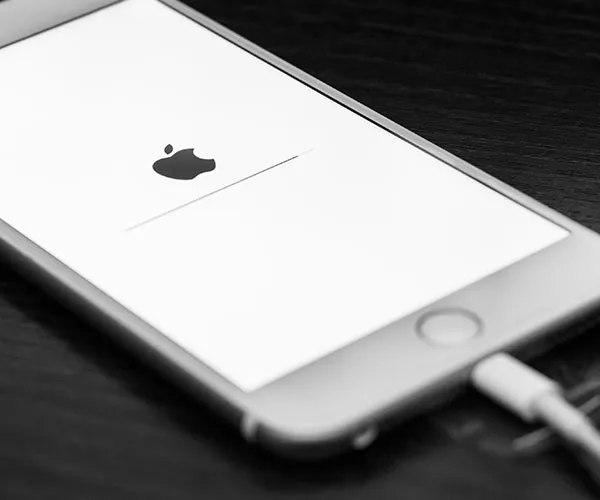
Your iPhone charges a lot faster than you might think. And once it has reached 80 percent, the additional 20 percent is just a trickle charge that, over time, can weaken your smartphone battery.


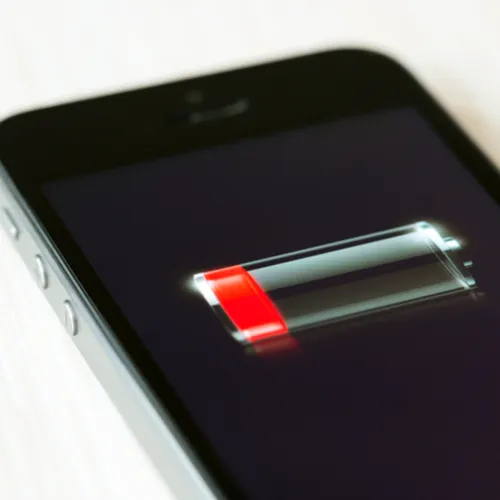
If you can’t provide your phone with occasional charges throughout the day and must charge it during the night, a new feature called Optimized Battery Charging will help.
iphone

Optimized Battery Charging is a smart feature that works by slowing down the amount of charge it delivers throughout the night so that you don’t end up providing an unnecessary trickle charge.
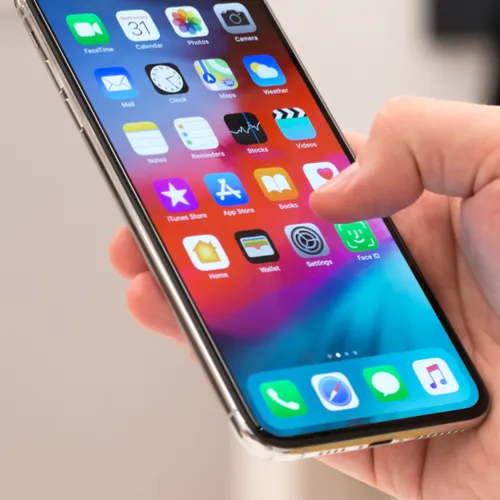
iphone

According to PC Mag: “Apple's solution: go to Settings > Battery > Battery Health and turn on Optimized Battery Charging. It learns how you charge and will set up a routine of charging your phone only to 80 percent until the time right before it knows you'll wake, at which point it'll up it to 100.”


Your phone will be ready for you the minute you open your eyes — but you can feel good about protecting your battery in the process.


Author:

Lisa Fogarty is a lifestyle writer and reporter based in New York who covers health, wellness, relationships, sex, beauty, and parenting.

"Latest iPhone model showcasing its features"
"Woman using a laptop in a modern workspace"
"Smartphone plugged in for charging"
"Close-up of various smartphone apps displayed"
"Close-up of male hands holding an Apple iPhone 17 Pro Max"
"Person using an iPhone in a casual setting"
"Holding an iPhone displaying various apps"
"Woman texting on a smartphone"
"Android phone displaying apps on the screen"
"Samsung Galaxy Z Flip 7 smartphone showcasing its features"
"Woman in jeans enjoying a fresh summer watermelon salad"
"Holding an Android phone showing various apps"
"iPhone 14 with various apps displayed"
"iPhone settings screen showing charging options"
"Using a laptop and iPad together"
"Using an iPhone in a casual environment"
"Various apps displayed on an iPhone"
"iPhone storage full notification on screen"
"Person holding an iPhone in hand"
"iPhone screen showing various apps"
"Latest iPhone model showcasing its features"
"Woman working on a laptop"
"Smartphone plugged in for charging"
"Close-up of various smartphone apps displayed"
"Close-up of male hands holding an Apple iPhone 17 Pro Max"
"Person using an iPhone in a casual setting"
"Holding an iPhone displaying various apps"
"Woman texting on a smartphone"
"Android phone displaying apps on the screen"
"Samsung Galaxy Z Flip 7 smartphone showcasing its features"
"Woman in jeans enjoying a fresh summer watermelon salad"
"Holding an Android phone showing various apps"
"iPhone 14 with various apps displayed"
"iPhone settings screen showing charging options"
"Using a laptop and iPad together"
"Using an iPhone in a casual environment"
"Various apps displayed on an iPhone"
"iPhone storage full notification on screen"
"Person holding an iPhone in hand"
"iPhone screen showing various apps"

















