


It seems like everything is connected via Bluetooth these days. Originally designed for portable equipment like headphones, Bluetooth allows you to connect to many devices and allows you to wirelessly stream data from one source to another.
Bluetooth is extremely convenient. But there is also one downside to it: Bluetooth may not always be as secure as you think.
This is the scary mistake you keep making when connecting your iPhone to Bluetooth devices.

Women Are Swapping Their Boring Water For This Ice Pop Electrolyte Mix!
Bluetooth connections have resulted in a growing number of cyberattacks in the past few years, according to the experts at Make Tech Easier:
“While it’s meant to be utilised for productive means, hackers can use it for the following:
Bluejacking, where people can send unwanted messages to others,
Bluesnarfing, which can access people’s private information,
Bluebugging, which is usually done on a phone with an outdated Bluetooth interface that allows the pairing of devices without the user’s consent. This can then be exploited to control the phone’s features.”
In order to hack your device, hackers have to be able to see that it is in the process of requesting a Bluetooth connection. But there is actually a way to connect to Bluetooth without making your presence known — or becoming what experts refer to as “discoverable.”
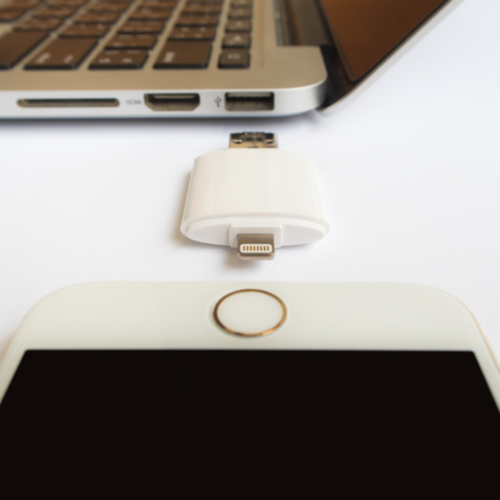
To remain undiscoverable while connecting to Bluetooth, one iPhone user suggests the following:
“Turn off 'Bluetooth Sharing' in the 'Sharing' Preferences pane.
Once sharing is off the Mac is no longer discoverable, unless you have the 'Bluetooth Preference pane' window open. To check 'Discoverability' make sure that the Bluetooth Preference pane is not open, then hold down 'option' and click on the Bluetooth menu. You will see that 'Discoverable' is 'off’.”
And don’t forget to always turn off Bluetooth when you’re finished using it, which prevents hackers from being able to access the data on your device.