






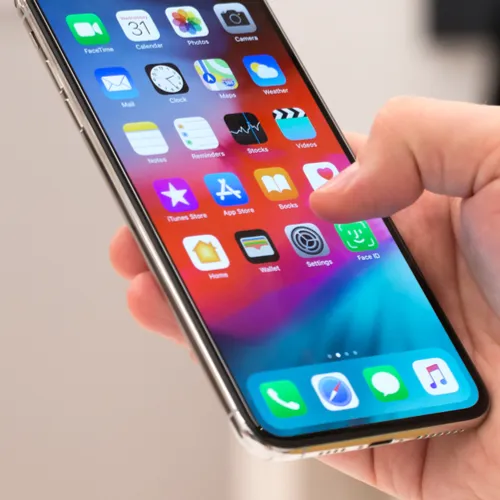
Is it any surprise that social media apps are an excessive drain on your phone battery? The mere fact that we spend so much time on these apps is one big reason why they are taxing on our devices, but that’s not the only culprit.
Depending on an app’s features, some are always going to work our phone more than others. If you’re looking to make changes this year and to free up space and add power to your smartphone battery, this is the one social media app you should delete right now because it drains your battery.

Women Are Swapping Their Boring Water For This Ice Pop Electrolyte Mix!
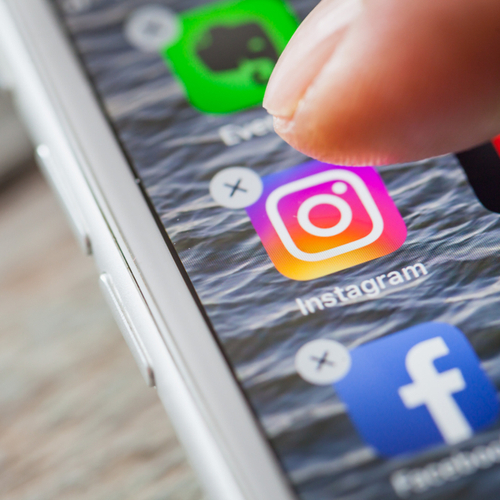
When it comes to social media apps that are a burden on your iPhone battery, two always rise to the top of every tech expert’s list: Facebook and Facebook Messenger.
Whether it is auto playing videos, providing updated posts, or following your browser activity to target ads to you (creepy), Facebook is constantly at work. This accounts for the reason why it’s one of the worst apps for your battery.
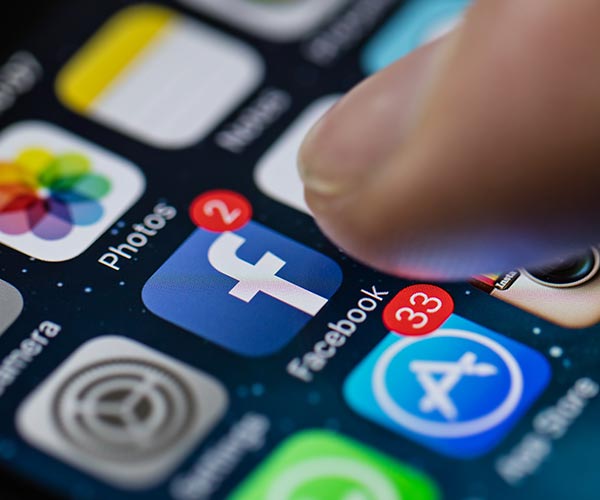
But many people are not fully on board with the idea of deleting the Facebook app — the convenience of clicking one app and immediately scrolling to see updates statuses is enticing.
That’s why the number one pick for a social media app you should delete to improve your iPhone battery’s health is Facebook Messenger.
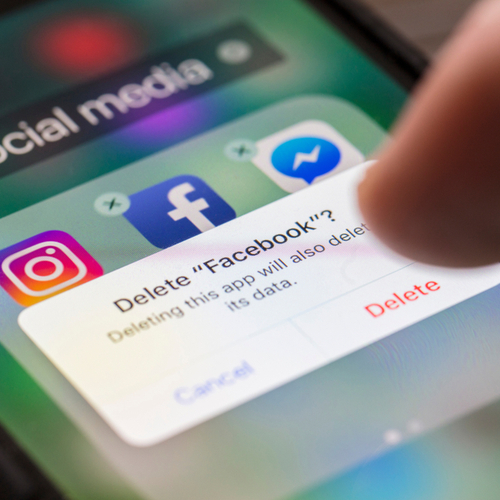
According to AVG Ranks, Facebook Messenger and Facebook are among the two worst when it comes to draining your battery and affecting the way your smartphone performs. Unfortunately, Messenger can not be accessed via your phone’s browser like Facebook, which makes some users reluctant to delete the app. If this sounds like your situation, make sure the Facebook Messenger app (and all apps) are constantly updated, which can help a bit when it comes to your battery.
Still, even if you are keeping apps upgraded, there’s really only one way to completely prevent the worst offenders from draining your battery, according to Lifewire:
“A much better option, performance-wise, is to squarely uninstall both the Facebook and Messenger apps and use your browser to access your Facebook account. It will work just like on your computer. Sure it will not have the finesse that the app provided, which it was made for, but at least, you are sure to save at least a fifth of your battery life.”



















